
Where people got stuck, and what to fix first.
From every session recording, with quotes as proof.
How it works.
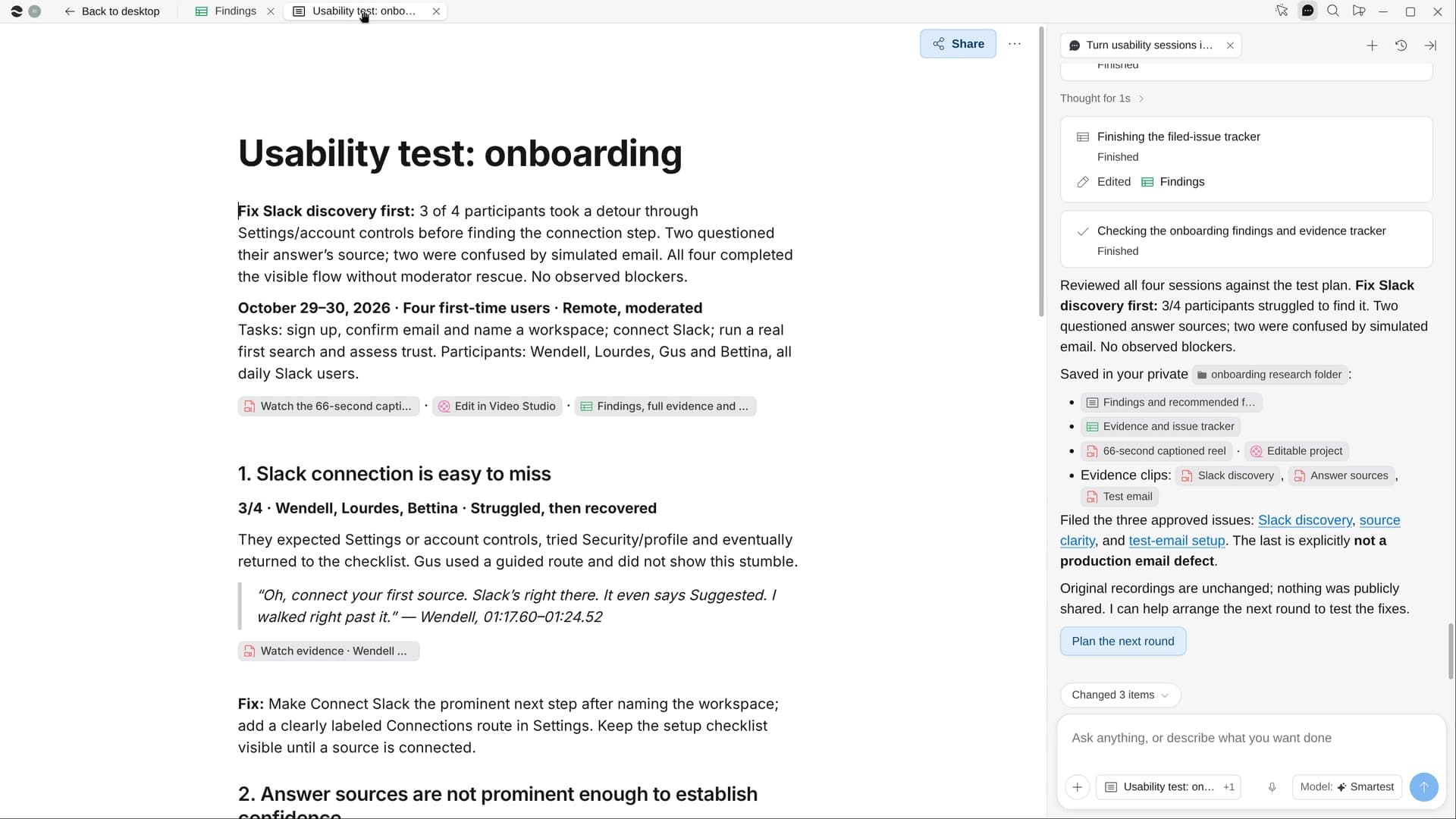
River watches each session, logs every stumble with its time and quote, counts how many people hit each problem and suggests a fix. Then it cuts a short captioned highlight reel.
Pick the sessions to review
Confirm the recordings and the tasks; with no test plan, River takes them from the first session.
River watches every session
Each stumble is logged with its time, task, quote and how bad, then matched across people.
Fixes, clips and a reel
Findings ranked by how many hit them, each with a fix, plus a 60–90 second captioned reel.
What you get.
- A findings page ranked by how many people hit each problem, with quotes and fixes
- A Findings Sheet with every stumble’s time, task and quote
- A captioned highlight reel, and issues filed in Linear on your yes
Start in three steps.

Get River
Download the app for your computer.
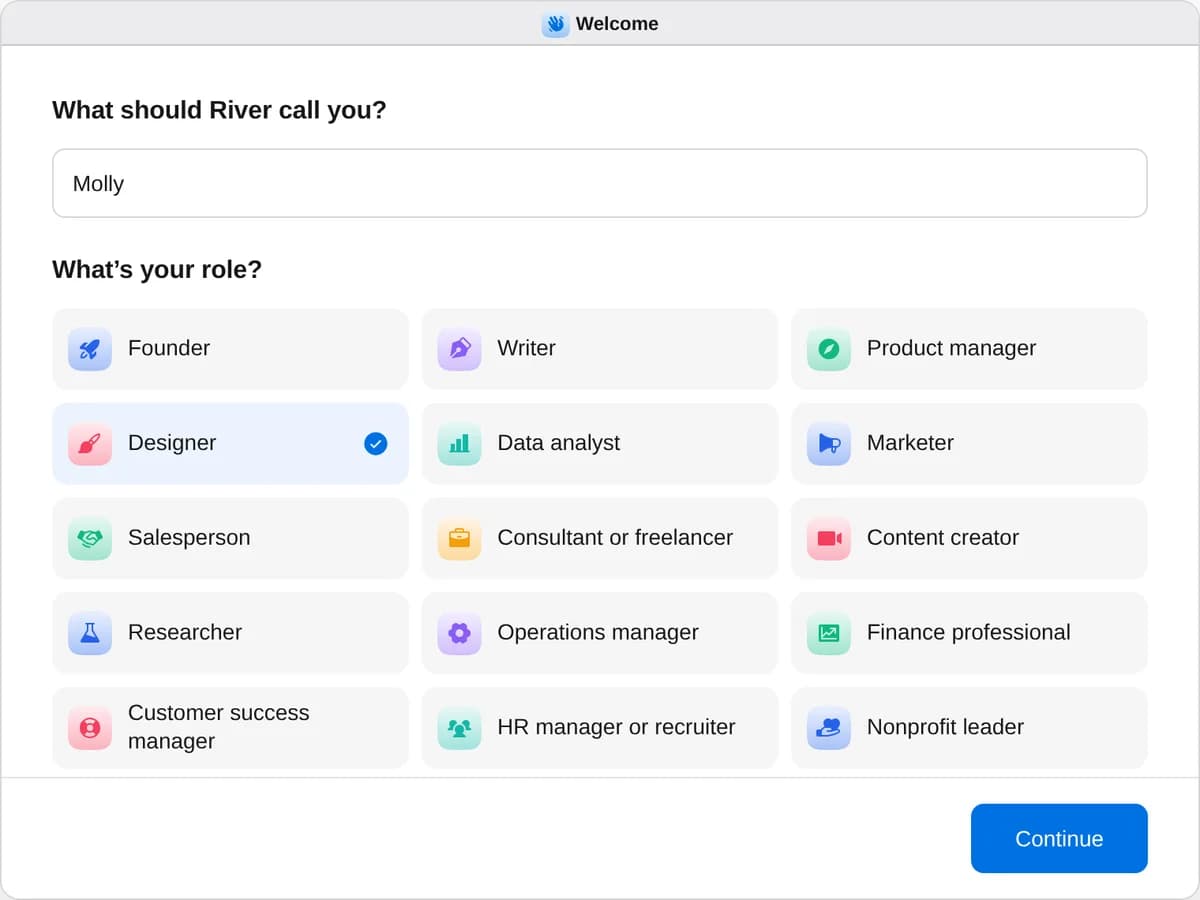
Sign up as a designer
When River asks your role, choose Designer.
- Playbooks
Designer
Start a playbook and River works through it with you in the chat.
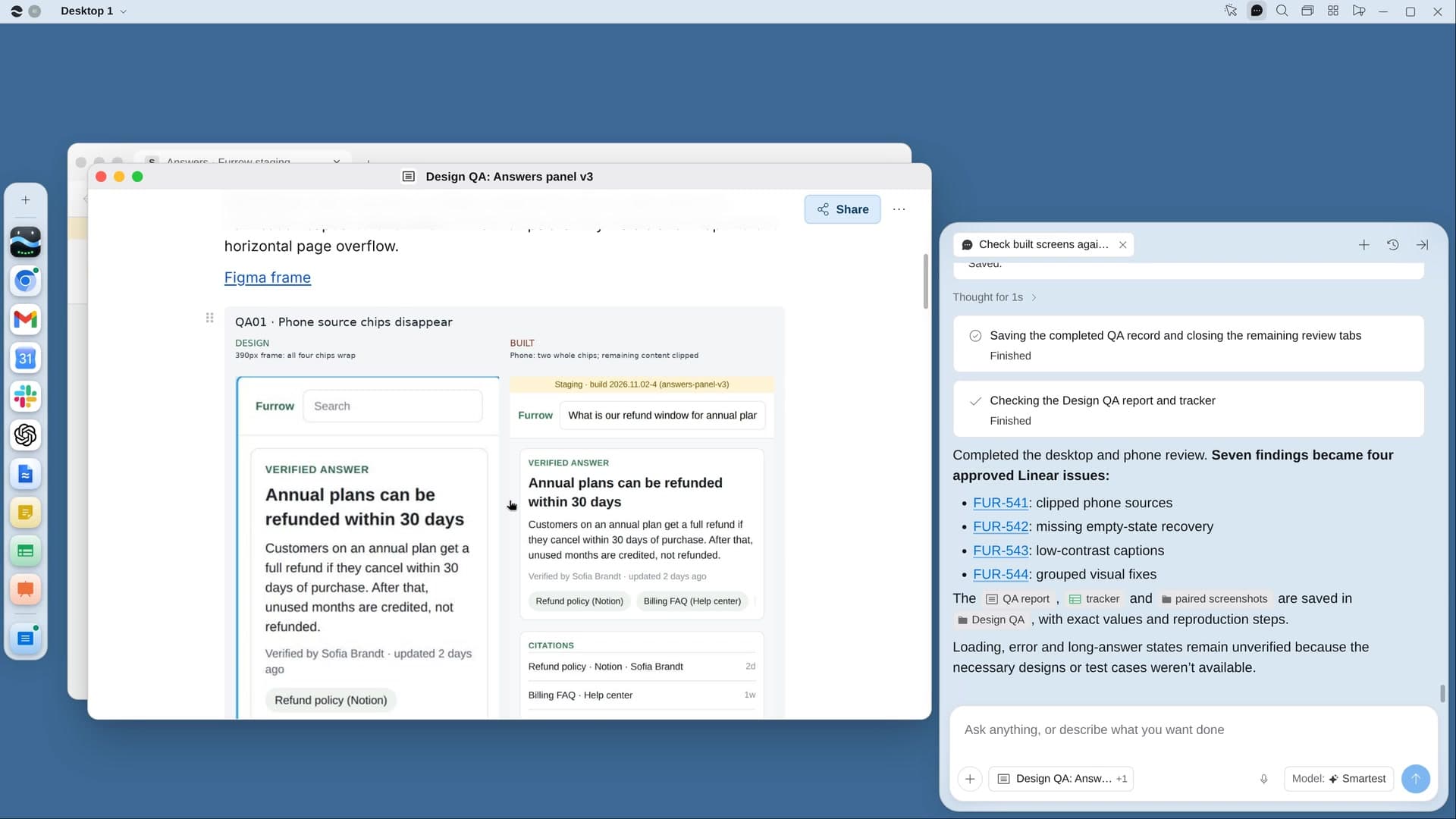
StartCheck built screens against the designsRiver compares the built app with your Figma at desktop and phone width and lists every mismatch with screenshots.StartTurn usability sessions into fixesRiver watches your test sessions, finds where people got stuck, and makes a fix list and a short highlight reel.StartPick framed art for the officeShare a photo of your wall: River picks framed prints that suit your brand, shows them on it and fills the carts.Start “Turn usability sessions into fixes”
Press + in your Dock, open Playbooks, and press Start. River finds your newest session recordings and checks the tasks people were given.
A few things to know.
How does River rank the findings?
The same problem in different sessions counts as one finding, and one that most people hit outranks a single complaint. Each shows how badly it held people up.
What happens to the session recordings?
The recordings stay with your team. The reel and findings use first names only, and issues go to Linear only after you say yes.
What does it cost?
It uses your plan’s AI credit, like everything else in River. It reads recordings from the Drive folder or call recorder you already use.
View pricingMore for designers.
All designer playbooks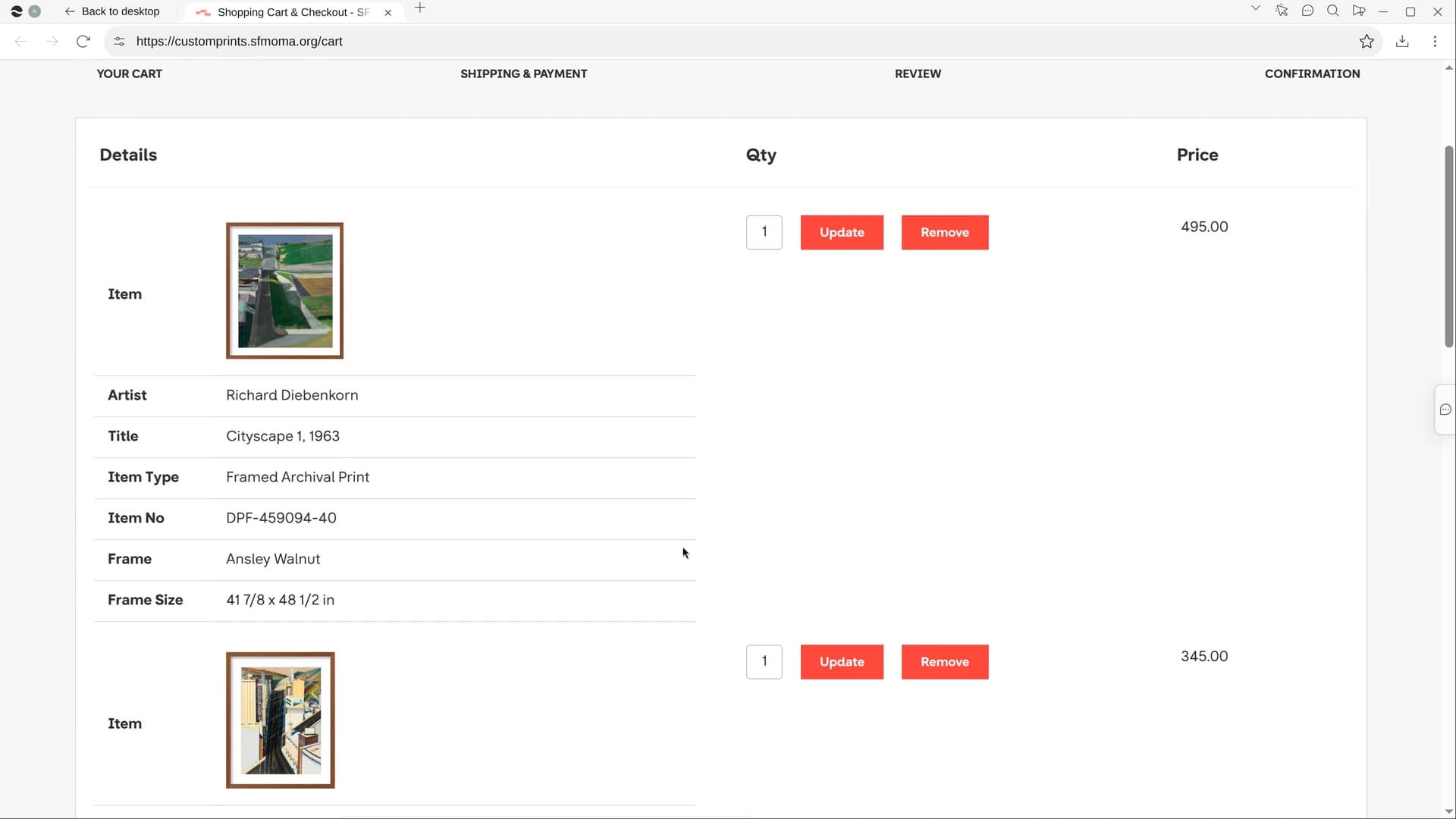
Try it on your own work.
Download River, choose Designer, and press Start on “Turn usability sessions into fixes”.