
Every gap between design and build, side by side.
At desktop and phone width, with exact values.
How it works.
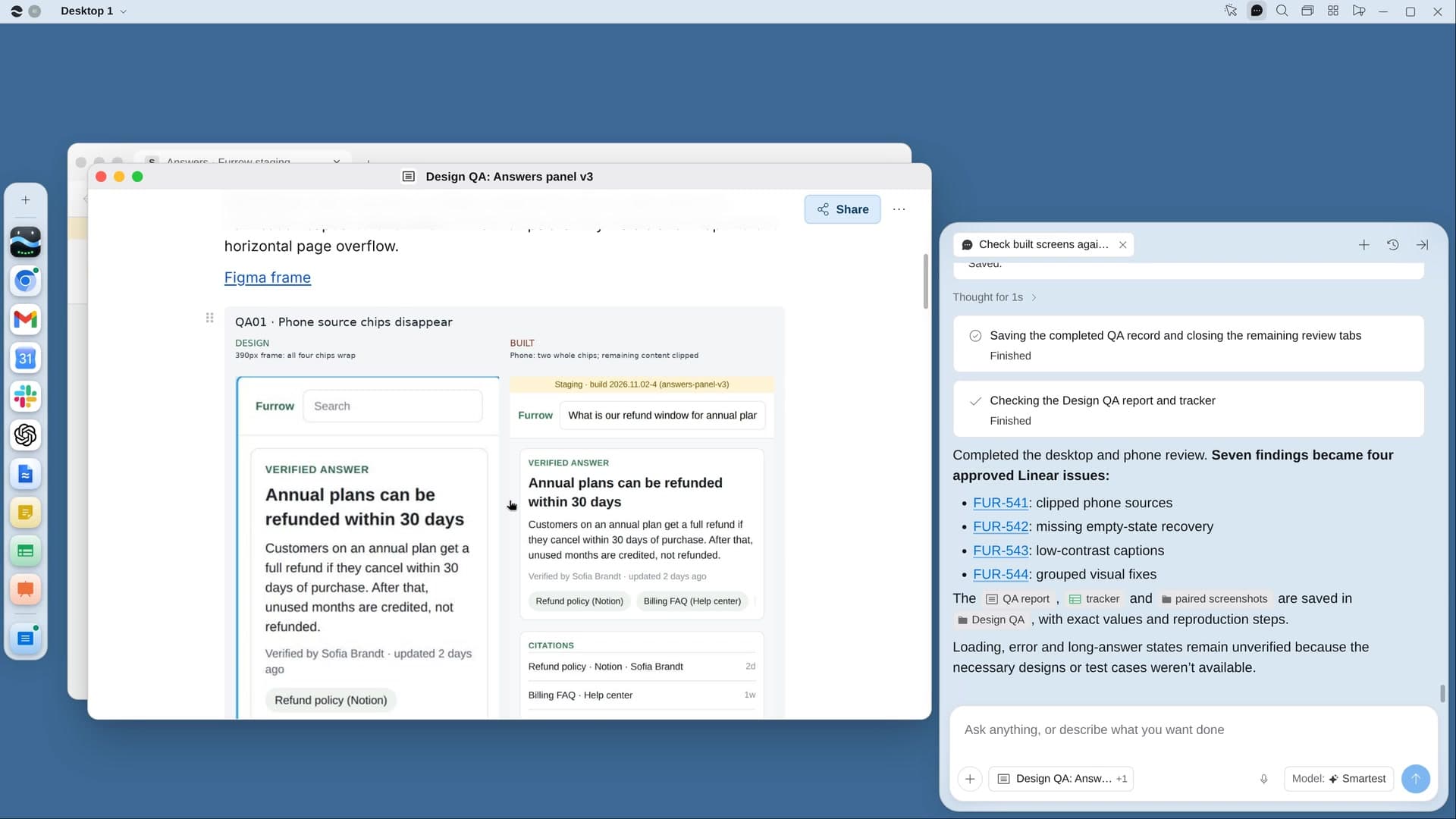
River opens your Figma file and the built app, walks the flow at desktop and phone width, and lists every difference with paired screenshots, ready to file in Linear.
Point River at the flow
You confirm the Figma page and the staging or live address River suggests.
River compares every screen
Spacing, color, type, copy, missing states and contrast, read from Figma’s inspect panel.
Findings, ranked and paired
Broken, clearly off or polish, each with the design and the build cropped next to each other.
What you get.
- A Design QA page of paired screenshots with expected and actual values
- A Sheet of every finding by screen, width and severity
- Issues filed in Linear with both screenshots, small polish grouped into one
Start in three steps.

Get River
Download the app for your computer.
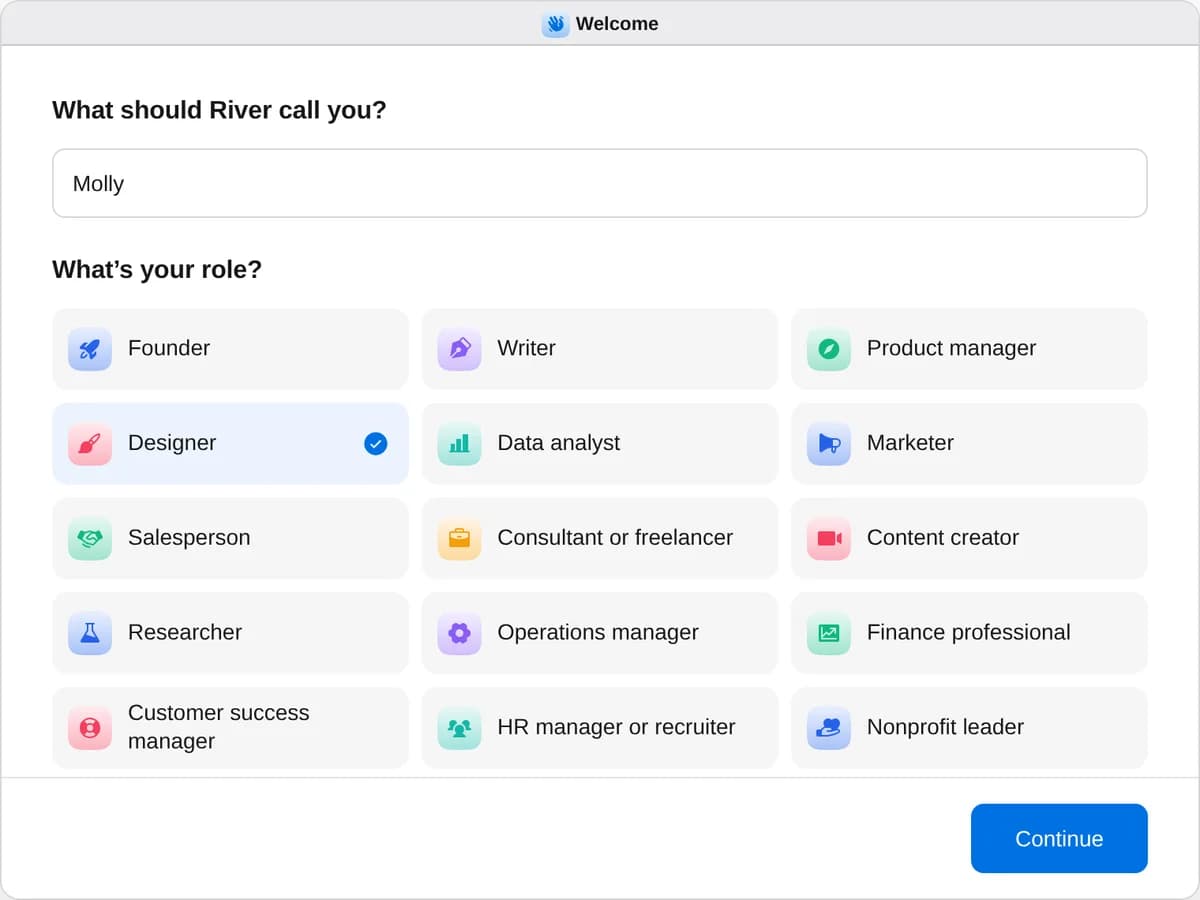
Sign up as a designer
When River asks your role, choose Designer.
- Playbooks
Designer
Start a playbook and River works through it with you in the chat.
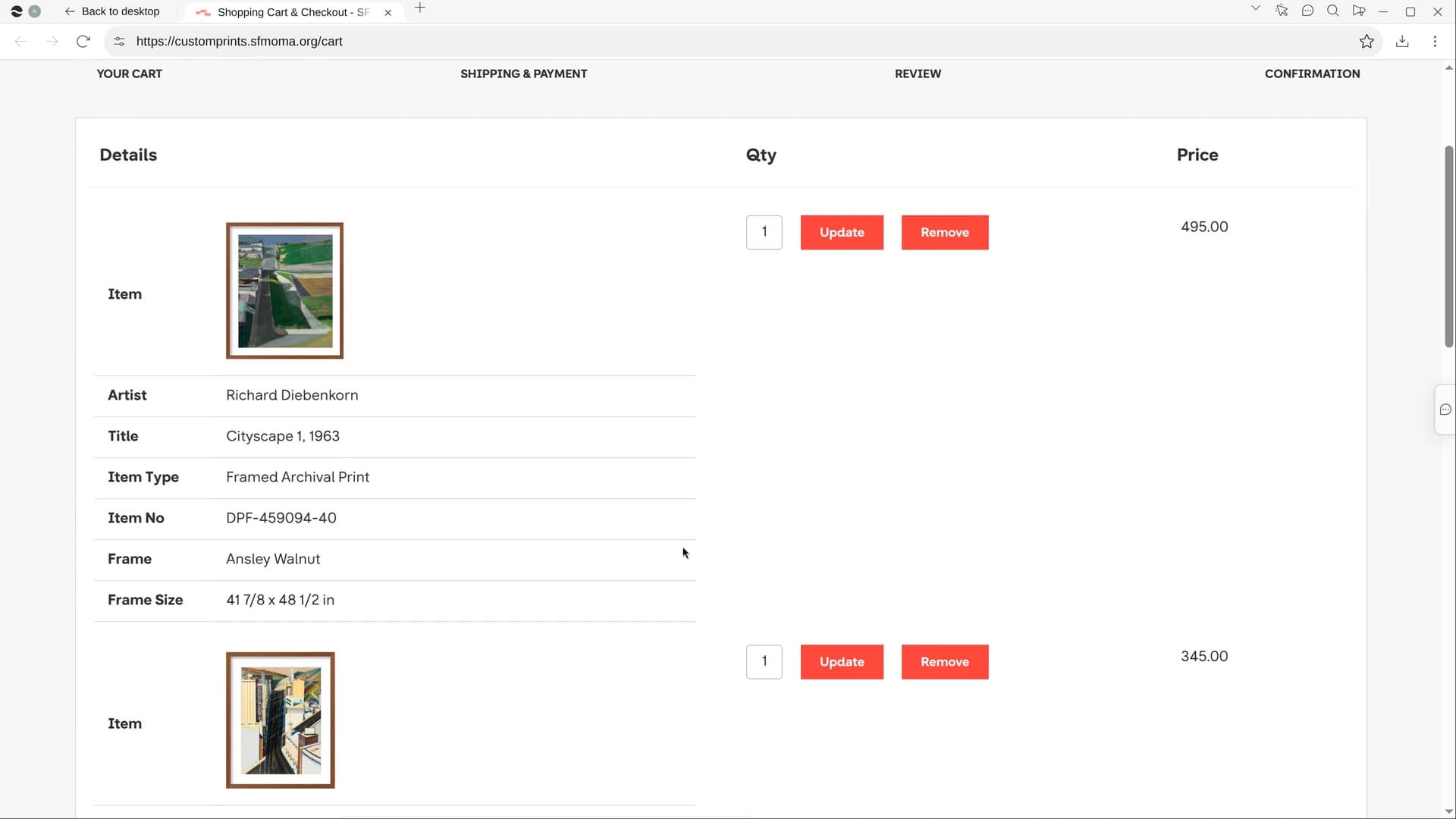
StartCheck built screens against the designsRiver compares the built app with your Figma at desktop and phone width and lists every mismatch with screenshots.StartTurn usability sessions into fixesRiver watches your test sessions, finds where people got stuck, and makes a fix list and a short highlight reel.StartPick framed art for the officeShare a photo of your wall: River picks framed prints that suit your brand, shows them on it and fills the carts.Start “Check built screens against the designs”
Press + in your Dock, open Playbooks, and press Start. River proposes a flow from recent issues and asks where it’s built.
A few things to know.
Does River judge the screens by eye?
It reads exact color, spacing, size and font from Figma’s inspect panel and from the built page, and skips tiny font-rendering differences nobody notices.
Does it check the phone layout too?
River narrows its browser to phone width and walks the whole flow again, catching anything cut off or overflowing, and checks body text contrast against 4.5:1.
What does it cost?
It uses your plan’s AI credit, like everything else in River. It works with the Figma file, staging site and issue tracker you already have.
View pricingMore for designers.
All designer playbooks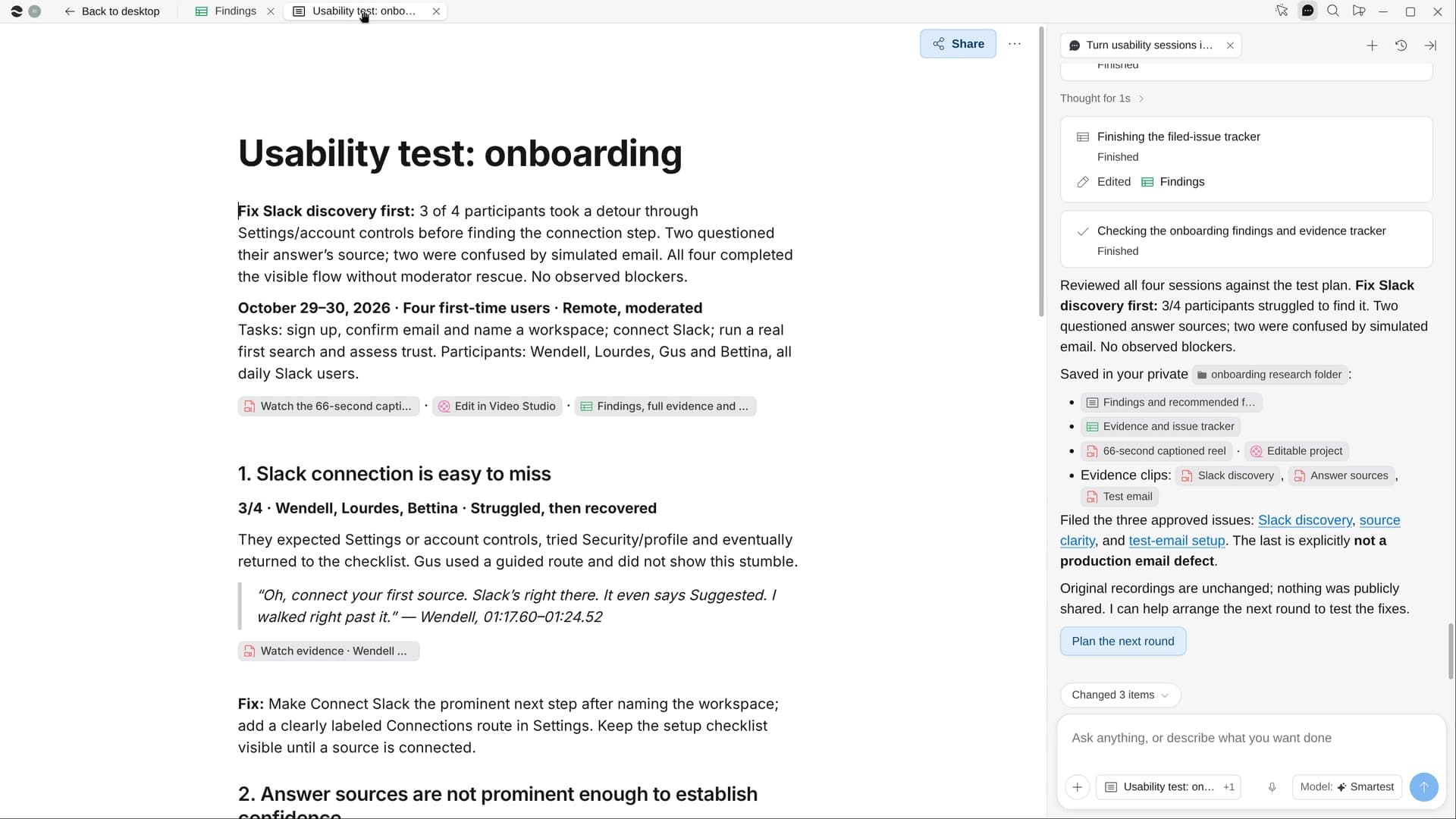
Try it on your own work.
Download River, choose Designer, and press Start on “Check built screens against the designs”.