
Framed art for your office, seen on your own wall.
Real prints from real shops, at true scale.
How it works.
Share a photo of the wall. River picks licensed framed prints that suit your team and brand, shows them on that wall at true scale and fills the shops’ carts.
Share the wall and the feel
A photo and its width, and a feel: calm, bold, local to your city or design classics.
River finds and places the art
Prints from Framebridge, Minted, Etsy artists or museum stores, sized to the furniture below.
See it on the wall first
A mockup on your actual wall, with each shop’s total beside it.
What you get.
- A mockup of the chosen prints on a photo of your own wall
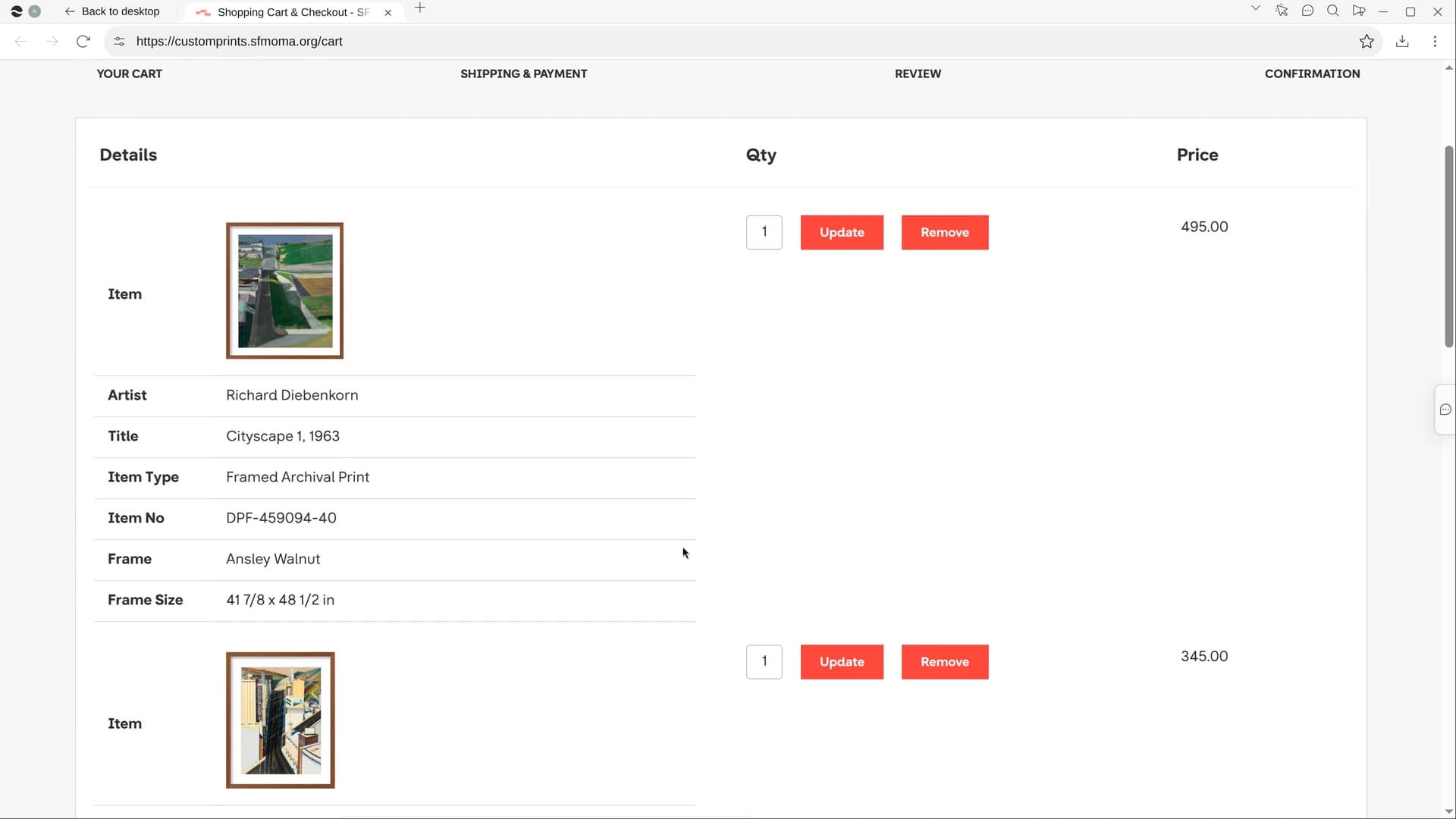
- An Office walls page with every piece’s artist, size, frame, price and link
- Each shop’s cart filled to match, with only paying left
Start in three steps.

Get River
Download the app for your computer.
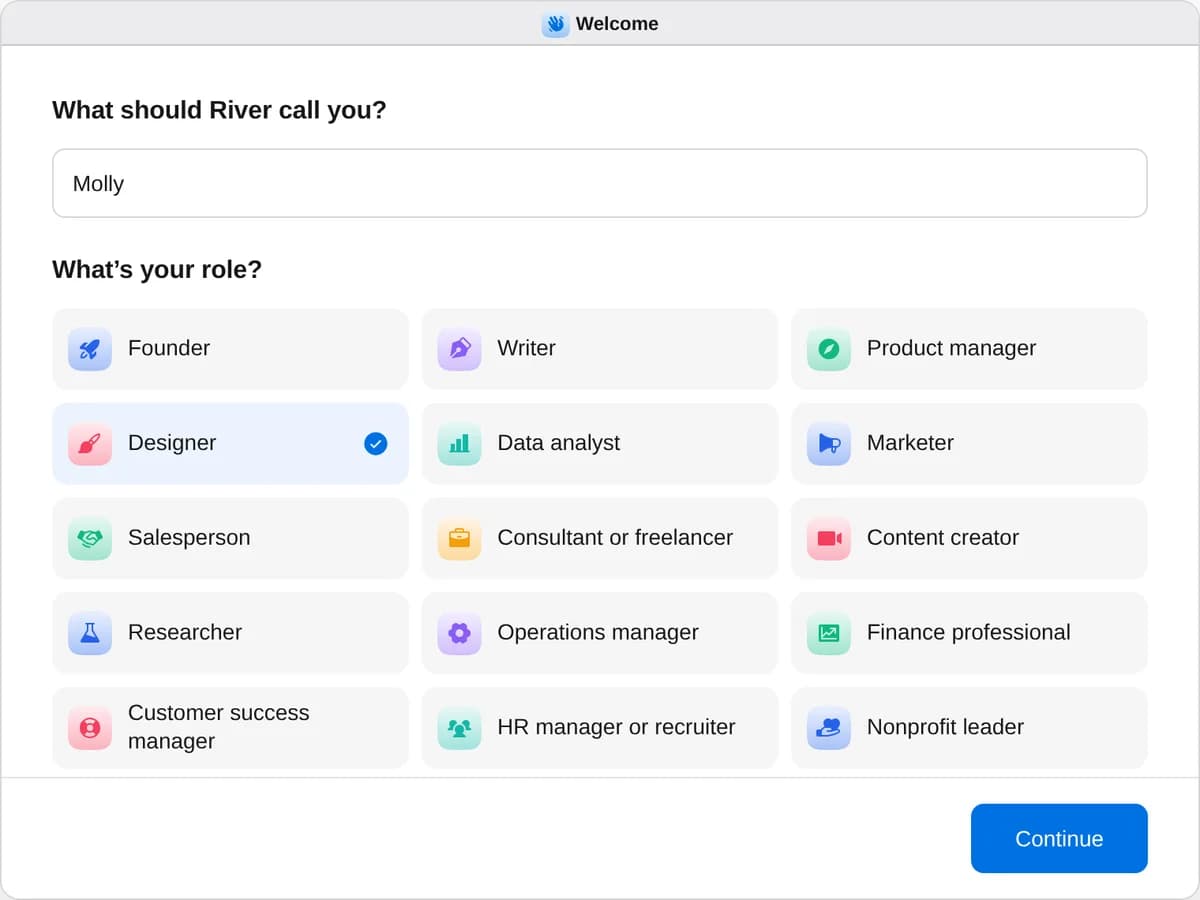
Sign up as a designer
When River asks your role, choose Designer.
- Playbooks
Designer
Start a playbook and River works through it with you in the chat.
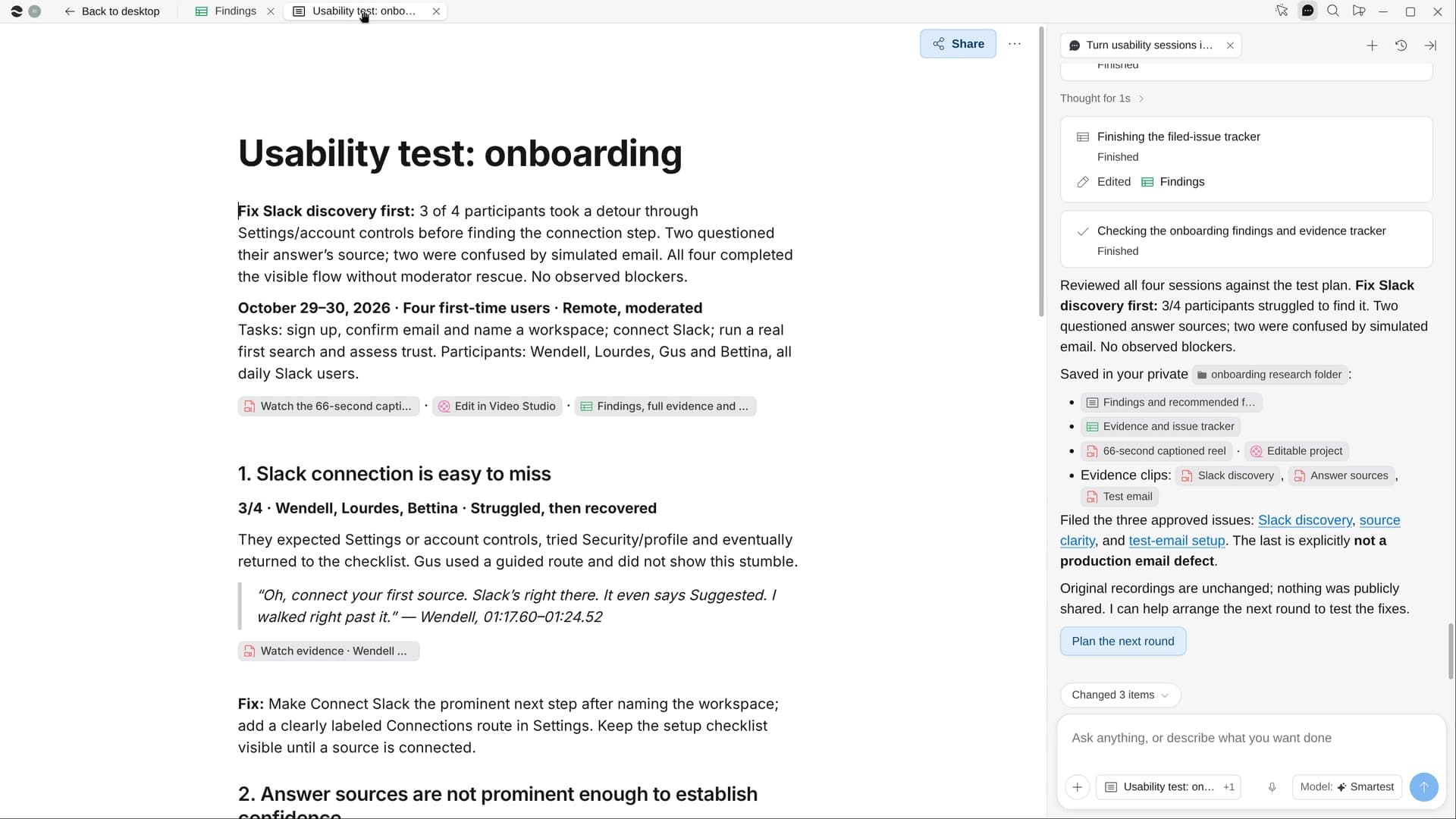
StartCheck built screens against the designsRiver compares the built app with your Figma at desktop and phone width and lists every mismatch with screenshots.StartTurn usability sessions into fixesRiver watches your test sessions, finds where people got stuck, and makes a fix list and a short highlight reel.StartPick framed art for the officeShare a photo of your wall: River picks framed prints that suit your brand, shows them on it and fills the carts.Start “Pick framed art for the office”
Press + in your Dock, open Playbooks, and press Start. River looks in your chat and Drive for a photo of the wall, then asks its width.
A few things to know.
Are these real prints or AI art?
Every piece is a licensed print from a real shop, like Framebridge, Juniper Print Shop, Minted, an Etsy artist or a museum store, never AI-made art.
How does River know what will fit the wall?
It reads the photo for wall color, light and furniture, and sizes one layout to about two-thirds the width of what sits below it.
What does it cost?
It uses your plan’s AI credit, like everything else in River. The prints are paid to the shops themselves, two or three at most.
View pricingMore for designers.
All designer playbooks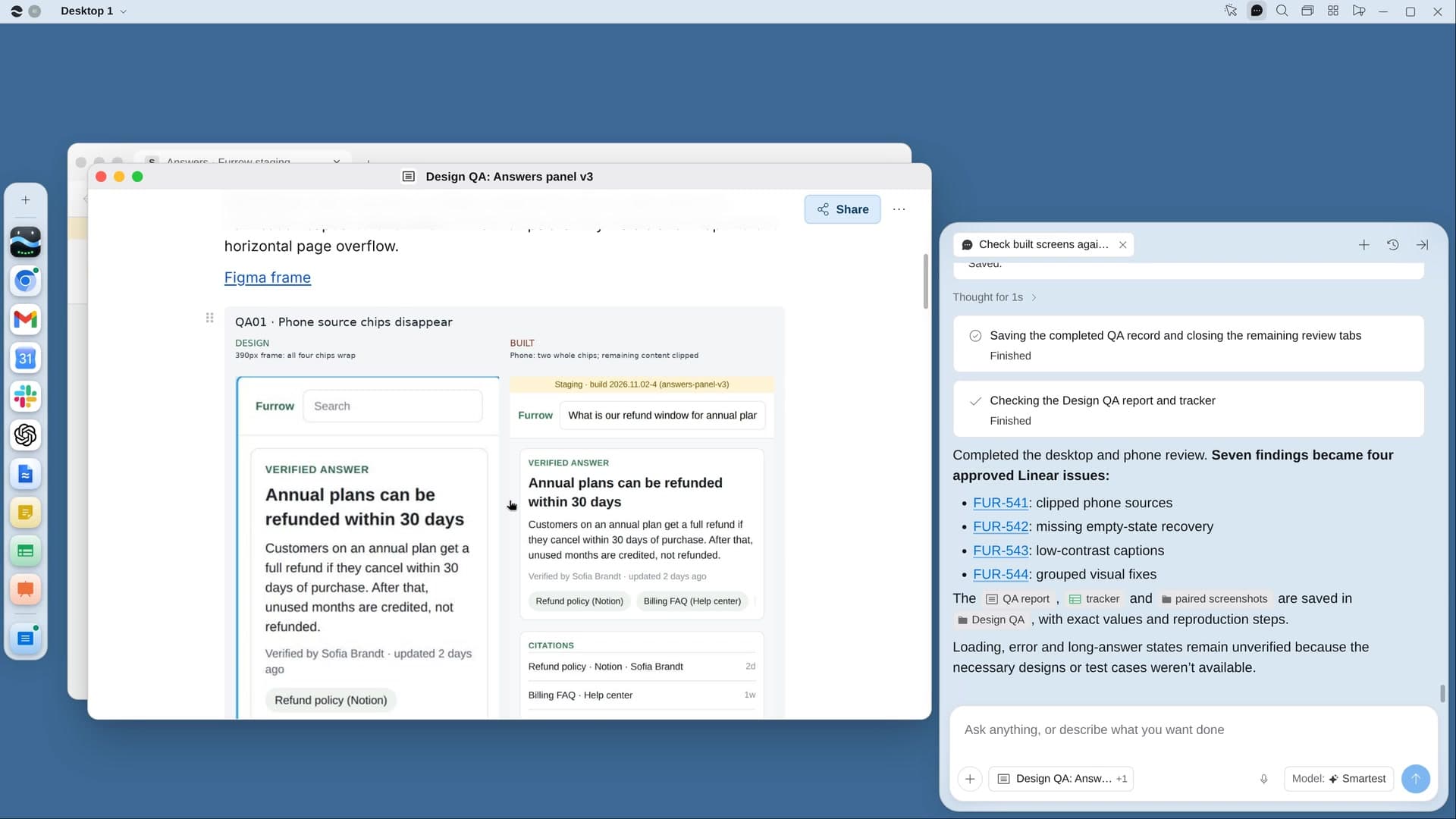
Try it on your own work.
Download River, choose Designer, and press Start on “Pick framed art for the office”.