
Your next unit, planned and ready to teach.
On real school days, with every deck and quiz.
How it works.
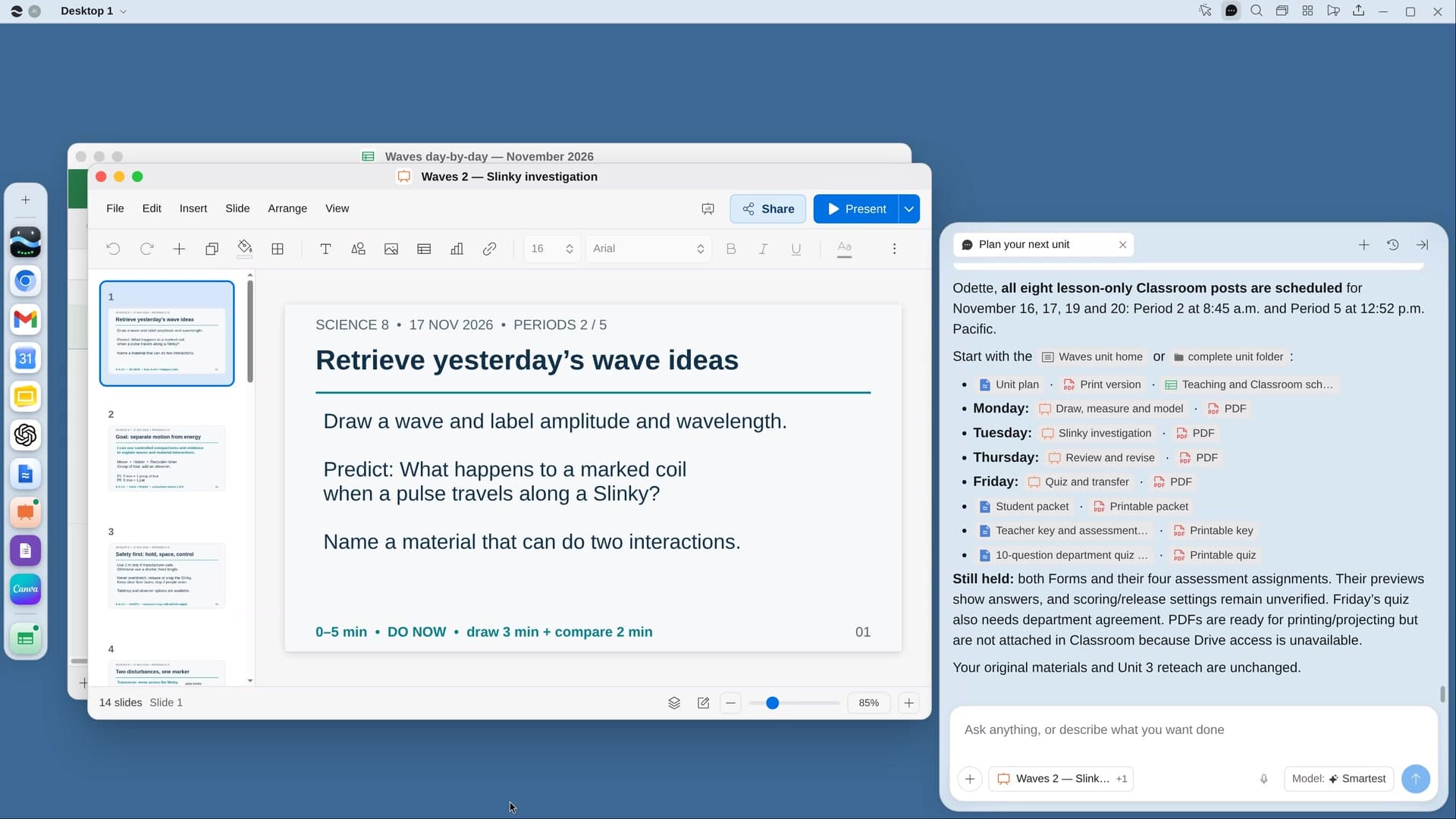
River plans the unit backward from your standards, builds a deck for every lesson and a self-grading quiz, and sets it all up as drafts in Google Classroom.
Name the unit
River suggests the next one from your pacing guide and last year’s files.
River builds every lesson
A day-by-day plan on your school calendar, then a deck for each lesson.
It’s waiting in Classroom
Decks and quizzes in a unit topic, as drafts, for you to check.
What you get.
- A unit plan Doc tied to the exact standards
- A Slides deck for every lesson and self-grading quizzes
- Everything in Google Classroom as drafts, on real school days
Start in three steps.

Get River
Download the app for your computer.
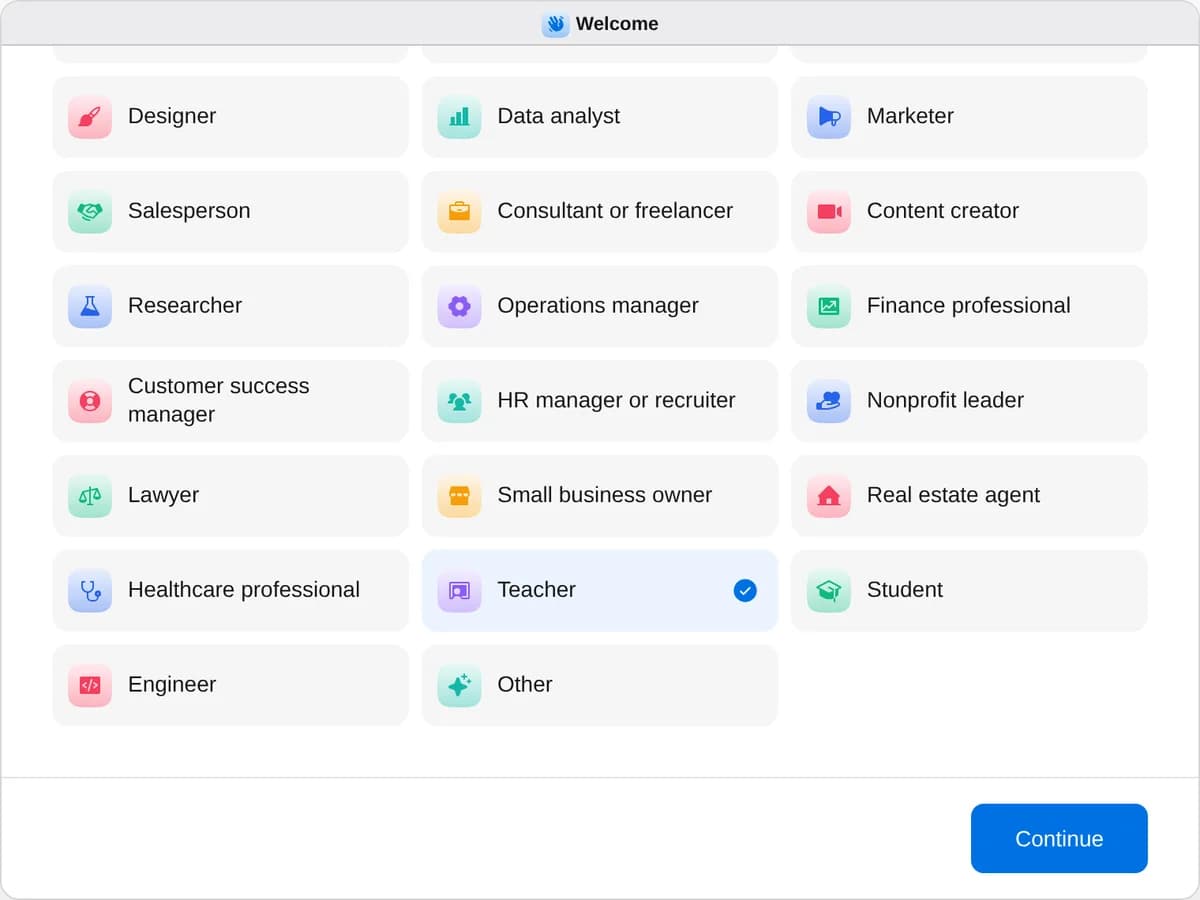
Sign up as a teacher
When River asks your role, choose Teacher.
- Playbooks
Teacher
Start a playbook and River works through it with you in the chat.
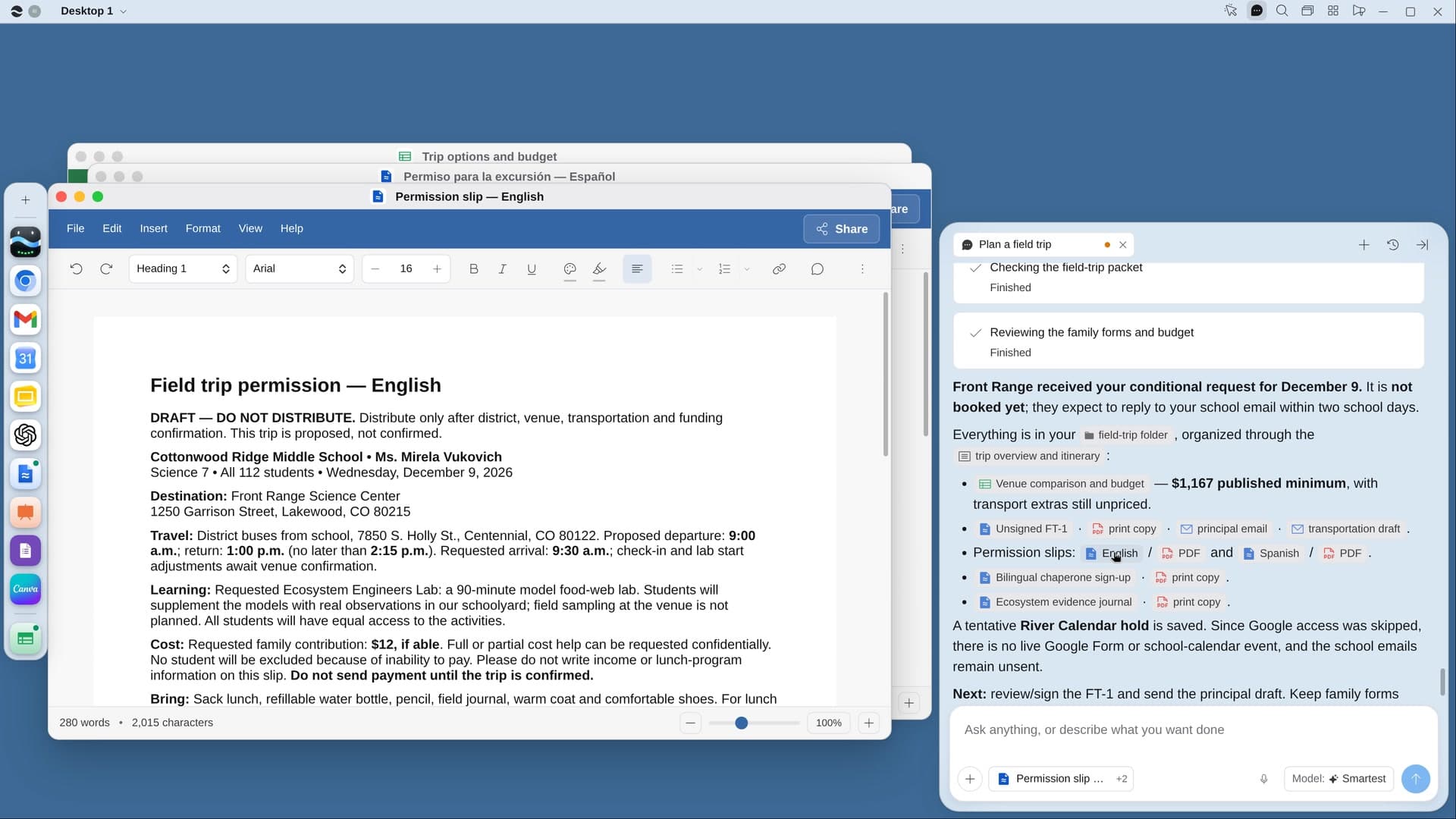
StartPlan your next unitRiver plans your unit on real school days, with slides and quizzes for every lesson, ready in Google Classroom.StartGive feedback on a stack of essaysRiver drafts rubric scores and specific feedback for every essay, for you to check before anything goes back.StartPlan a field tripRiver finds places that fit your unit and budget, requests the visit and makes the permission slips.Start “Plan your next unit”
Press + in your Dock, open Playbooks, and press Start. River suggests your next unit and asks what to reuse.
A few things to know.
Does it use my standards?
Yes. River plans backward from the exact wording of your state standards, NGSS or Common Core, starting with the end-of-unit quiz.
Will students see anything before I do?
No. Everything goes into Classroom as drafts in a unit topic. Nothing is scheduled for students until you say so.
What does it cost?
It uses your plan’s AI credit, like everything else in River. It works with the Google Classroom and Drive you already use.
View pricing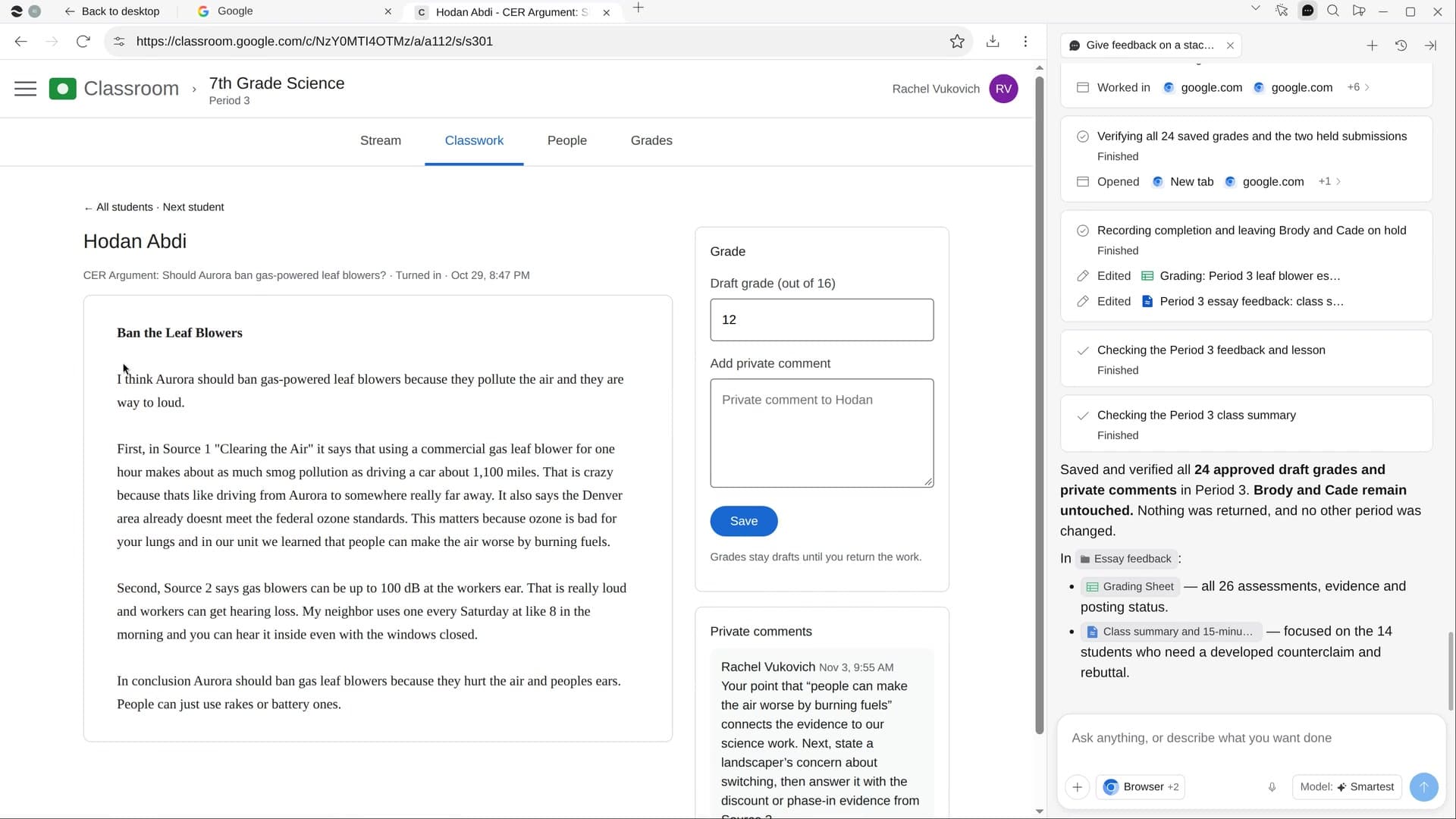
Try it on your own work.
Download River, choose Teacher, and press Start on “Plan your next unit”.