
A field trip that fits your unit and budget.
Real group rates, the bus included, slips ready to print.
How it works.
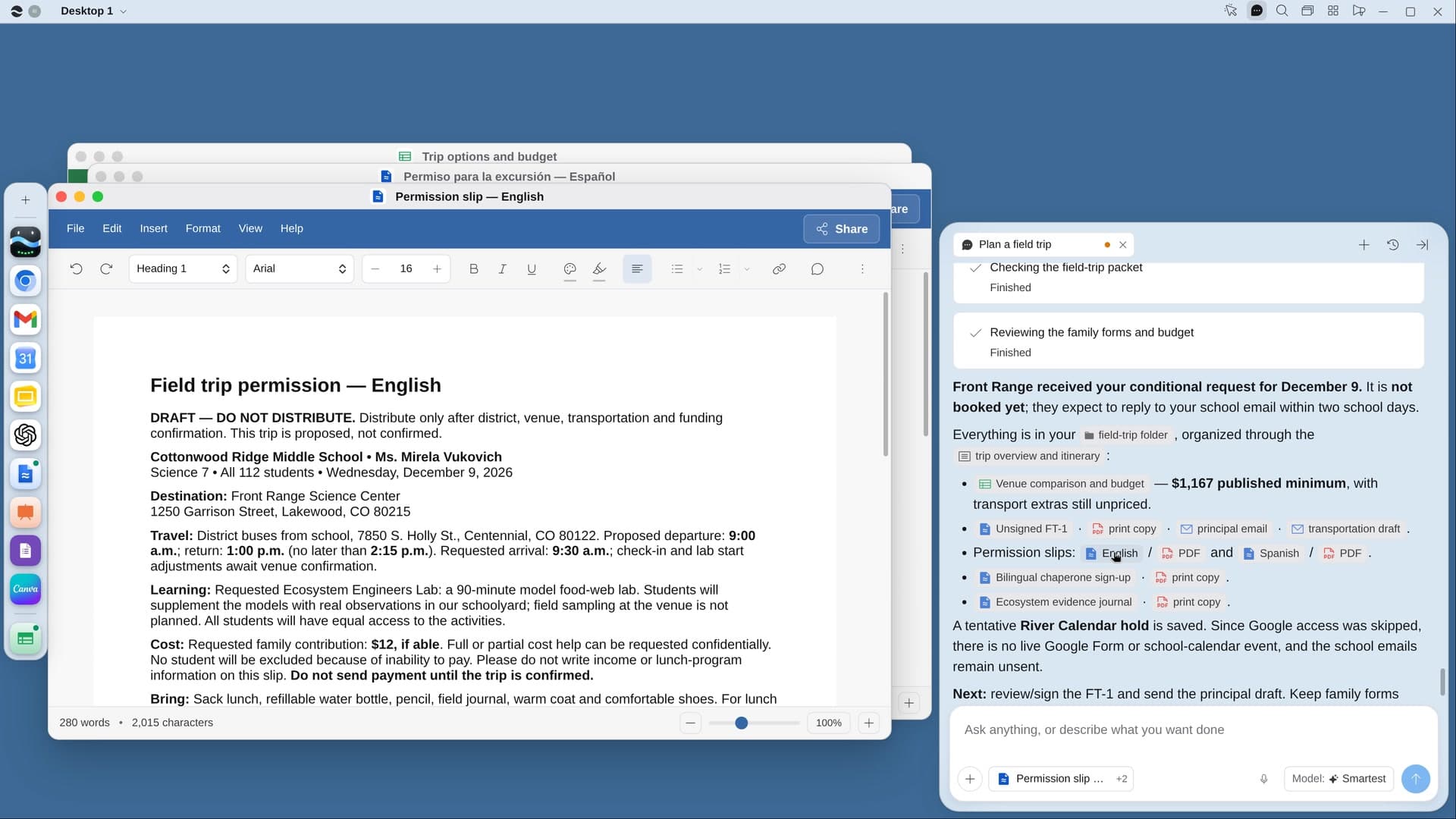
River compares places that fit your unit on real group rates and open dates, fills the venue’s request and your district’s trip form, and makes permission slips in your families’ languages.
Share the unit and dates
How many students, never their names, plus roughly when and how much. River checks your unit plans first.
River compares the venues
Three to five places with program fit, cost per student with the bus, drive time and lunch space.
Requests out on your yes
The venue and district requests go out together, with a chaperone sign-up ready to share.
What you get.
- A Trip options Sheet comparing places on real prices, dates and drive time
- Permission slips in English and your families’ other language
- The trip day on your calendar with bus times, groups, lunch and head counts
Start in three steps.

Get River
Download the app for your computer.
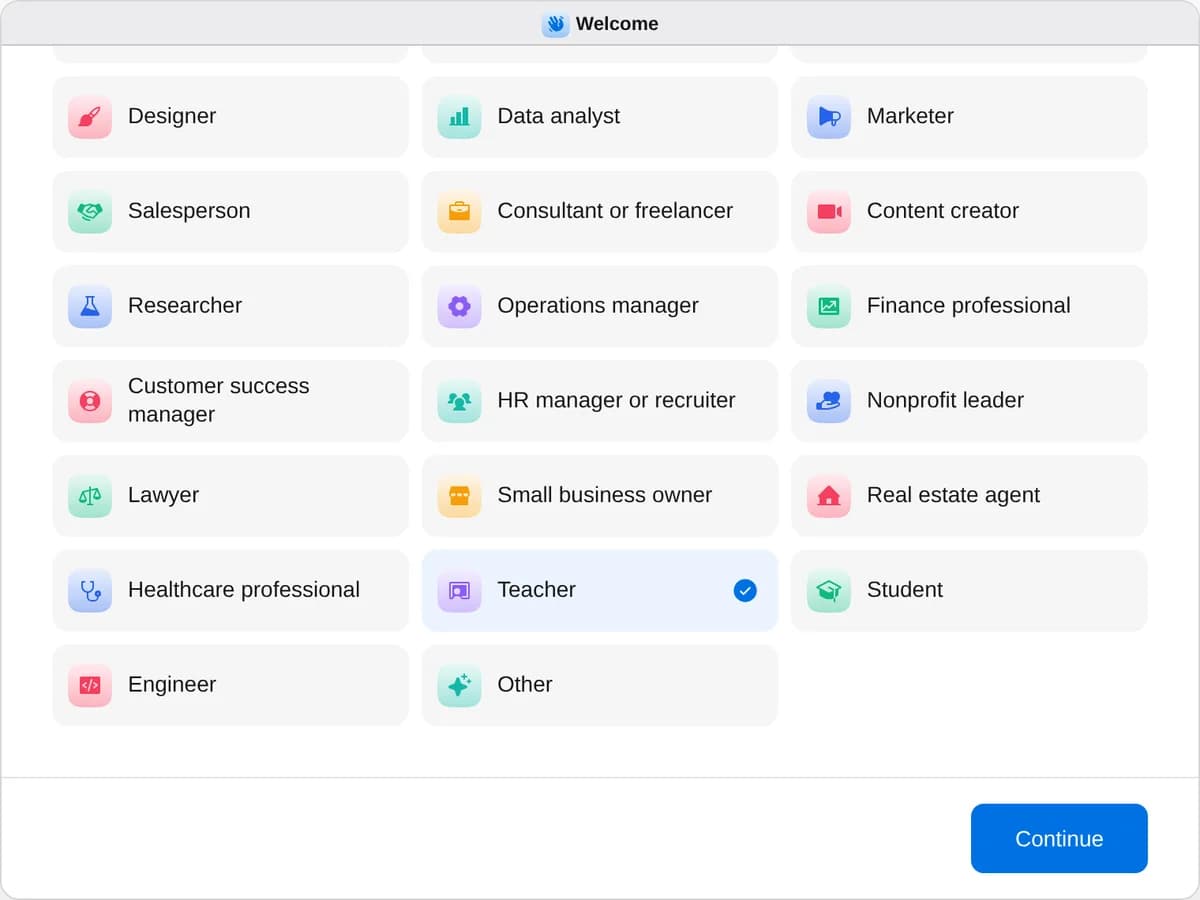
Sign up as a teacher
When River asks your role, choose Teacher.
- Playbooks
Teacher
Start a playbook and River works through it with you in the chat.
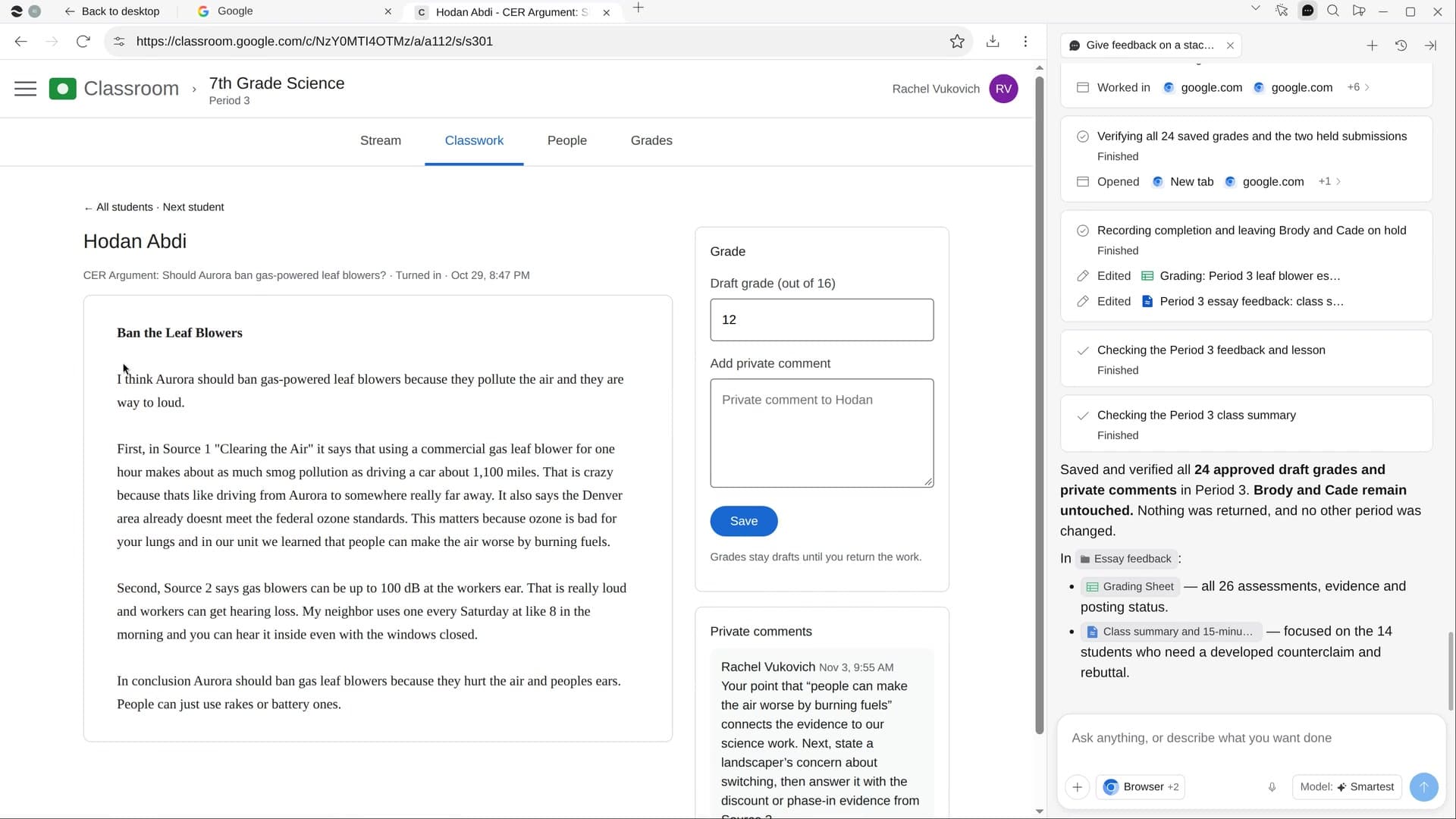
StartPlan your next unitRiver plans your unit on real school days, with slides and quizzes for every lesson, ready in Google Classroom.StartGive feedback on a stack of essaysRiver drafts rubric scores and specific feedback for every essay, for you to check before anything goes back.StartPlan a field tripRiver finds places that fit your unit and budget, requests the visit and makes the permission slips.Start “Plan a field trip”
Press + in your Dock, open Playbooks, and press Start. River asks the unit, your head count, a date window and a budget per student.
A few things to know.
How far will it look?
Within an hour by bus unless you say otherwise, and only places with real school-group programs, rates and open dates.
Will it book the trip without me?
No. It fills the venue’s request form up to Submit, and your district request too. Both go out only when you say yes.
What does it cost?
It uses your plan’s AI credit, like everything else in River. Admission and the bus are paid by your school, never by River.
View pricingMore for teachers.
All teacher playbooks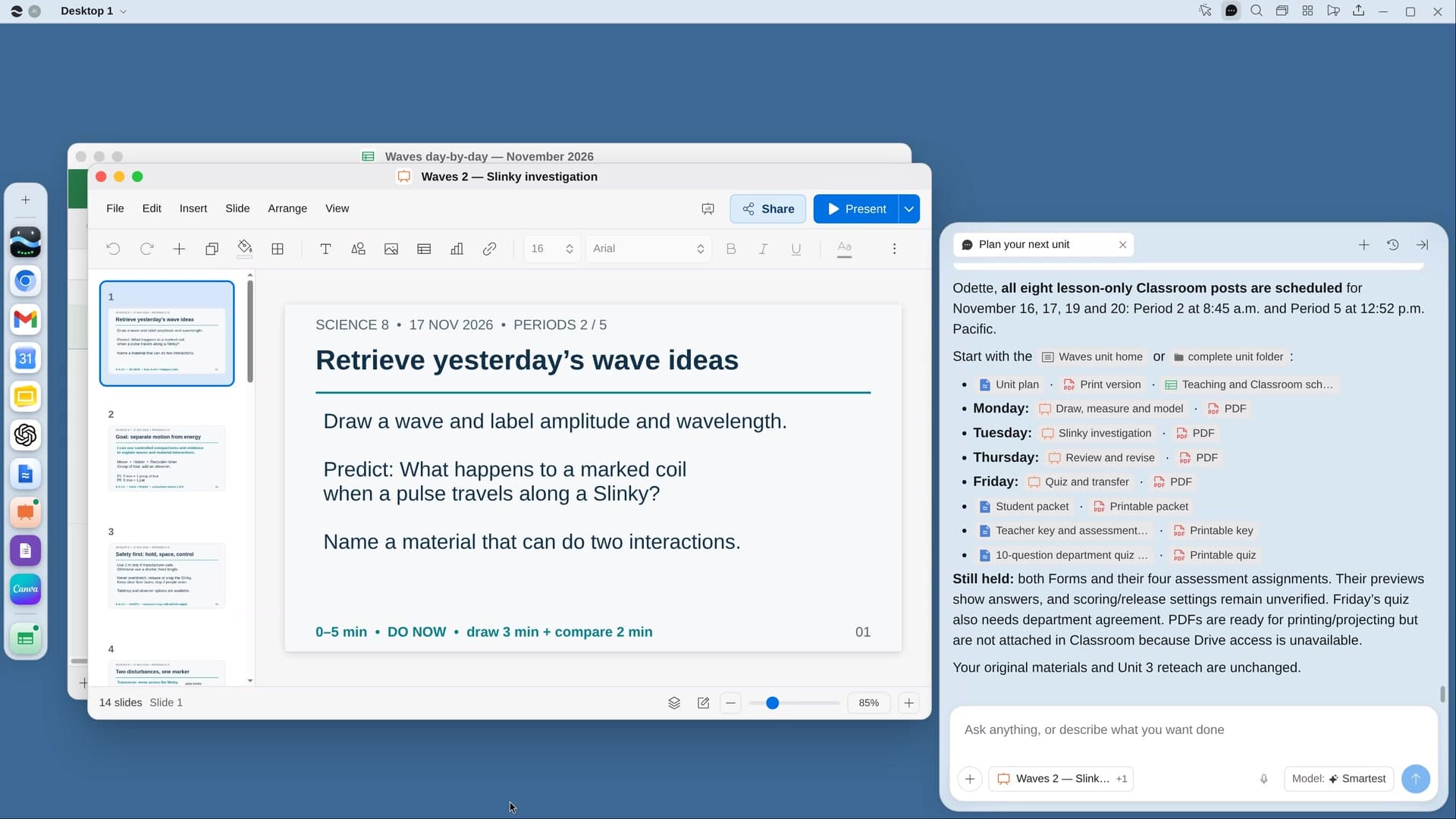
Try it on your own work.
Download River, choose Teacher, and press Start on “Plan a field trip”.