
Every essay scored, with feedback you’d sign.
Drafted in your voice. Checked by you.
How it works.
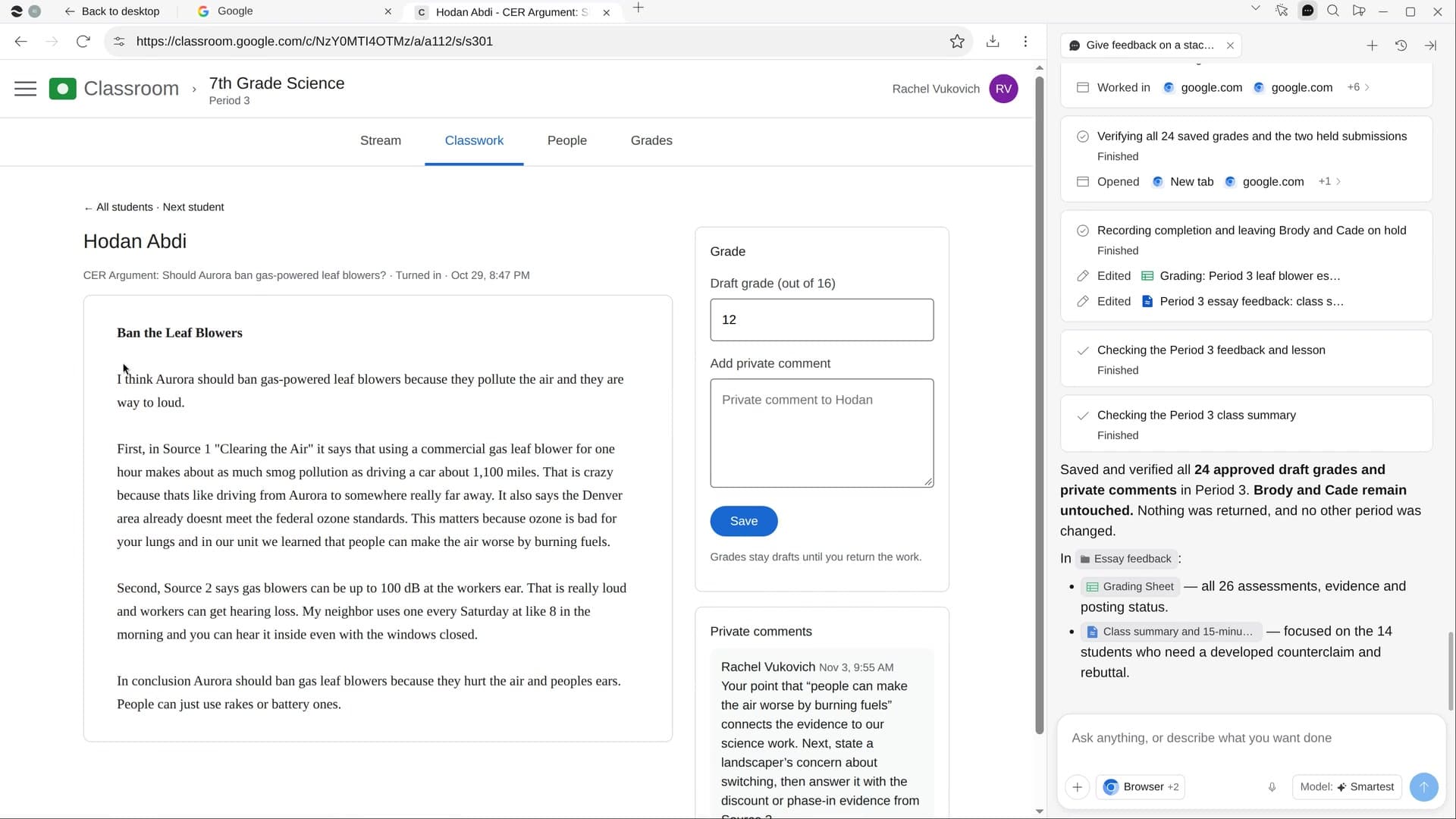
River reads every essay in full against your rubric, drafts scores and comments that quote the student, flags anything worrying for you, and suggests a mini-lesson for the gaps the class shares.
Pick the assignment
The newest one with work turned in comes up first. Use your rubric, or OK the one River drafts.
River reads every essay
It scores three first to set the bar, then the rest: a quote, one strength and two next steps each.
You check, then it posts
Mark rows OK in the Sheet, then River puts private comments and draft grades into Classroom.
What you get.
- A Grading Sheet with scores per criterion, a comment and a Teacher OK box per student
- A class summary of the most common gaps, with a 15-minute mini-lesson
- Private comments and draft grades in Classroom, with returning work left to you
Start in three steps.

Get River
Download the app for your computer.
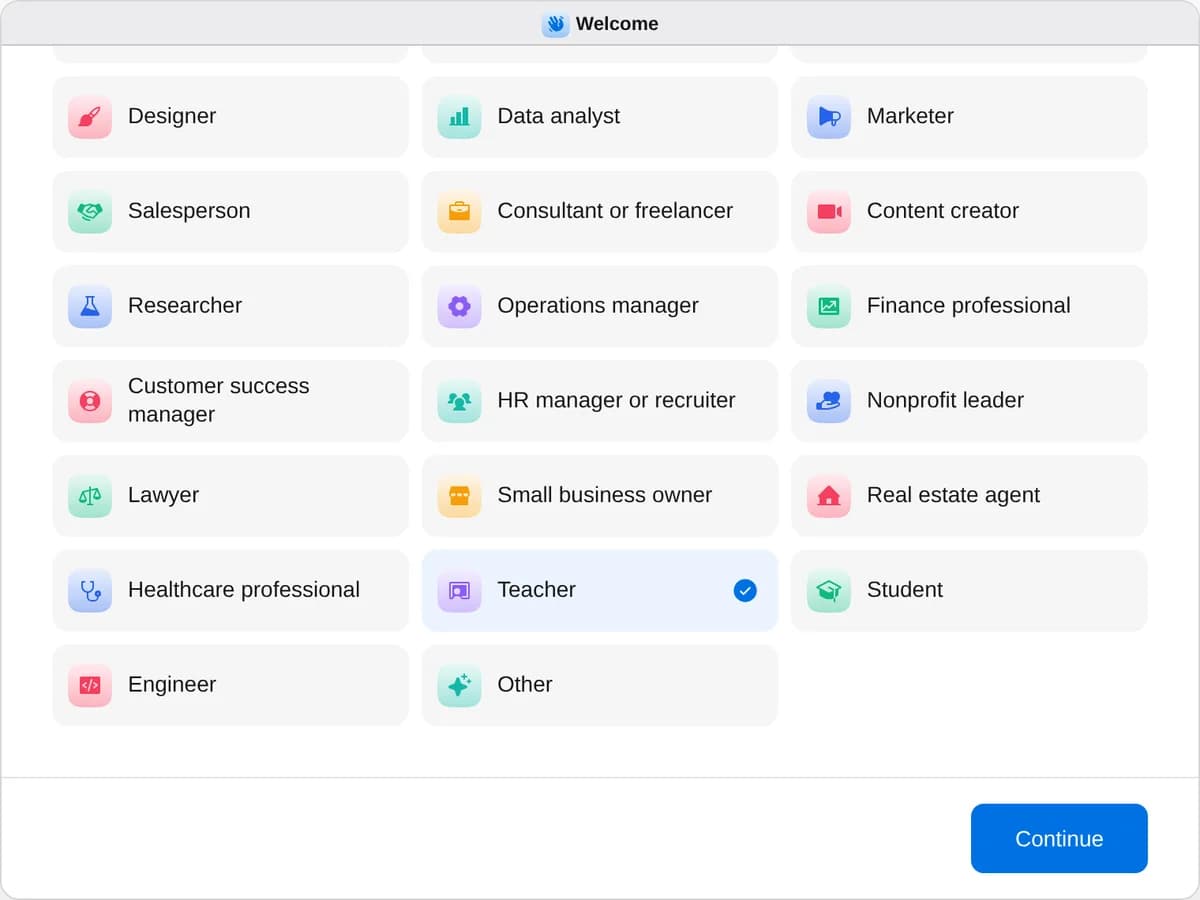
Sign up as a teacher
When River asks your role, choose Teacher.
- Playbooks
Teacher
Start a playbook and River works through it with you in the chat.
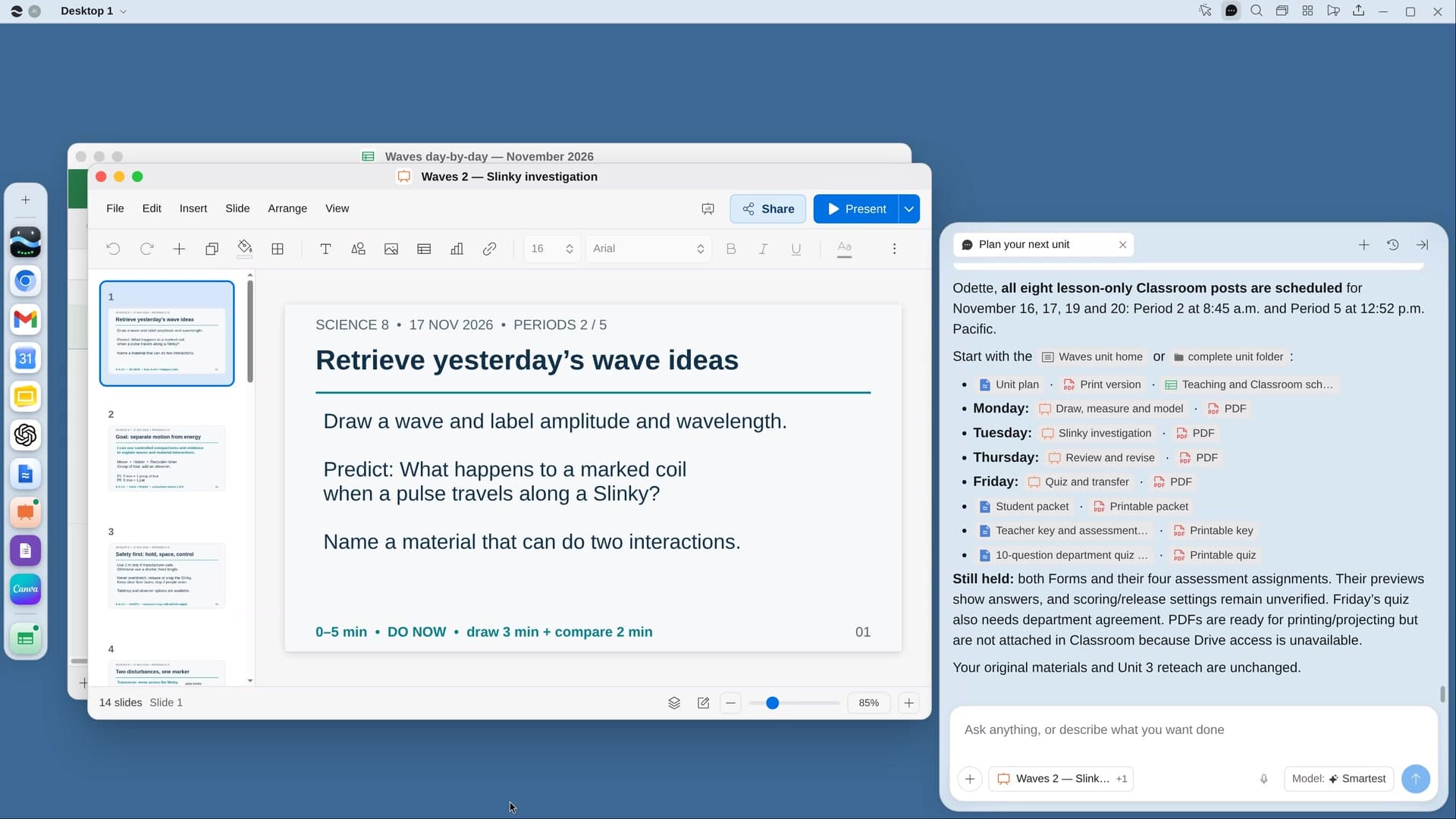
StartPlan your next unitRiver plans your unit on real school days, with slides and quizzes for every lesson, ready in Google Classroom.StartGive feedback on a stack of essaysRiver drafts rubric scores and specific feedback for every essay, for you to check before anything goes back.StartPlan a field tripRiver finds places that fit your unit and budget, requests the visit and makes the permission slips.Start “Give feedback on a stack of essays”
Press + in your Dock, open Playbooks, and press Start. River picks your newest ungraded assignment and asks which rubric to use.
A few things to know.
What if an essay looks copied?
River flags it for you with a note and leaves it out of the comment. Off-topic, unfinished or worrying work gets the same quiet flag, never an accusation.
Will the scores be consistent?
River scores three essays of different quality first, then holds every other essay to those three, so scoring stays even across the stack.
What does it cost?
It uses your plan’s AI credit, like everything else in River. Student work stays in your school’s own Classroom account the whole time.
View pricing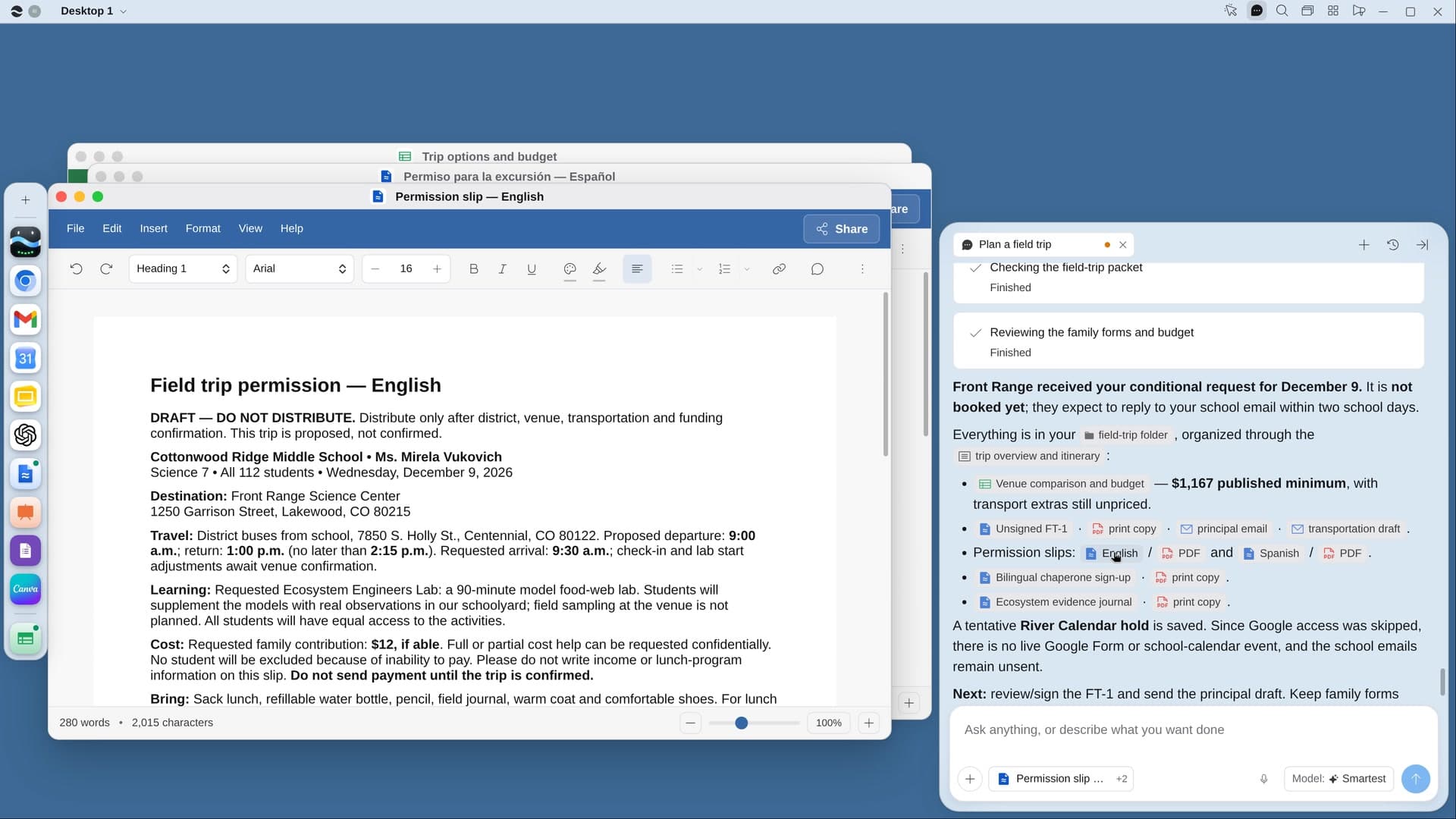
Try it on your own work.
Download River, choose Teacher, and press Start on “Give feedback on a stack of essays”.