
Every exam on your calendar, with a guide for each.
Study time that works around your classes and shifts.
How it works.
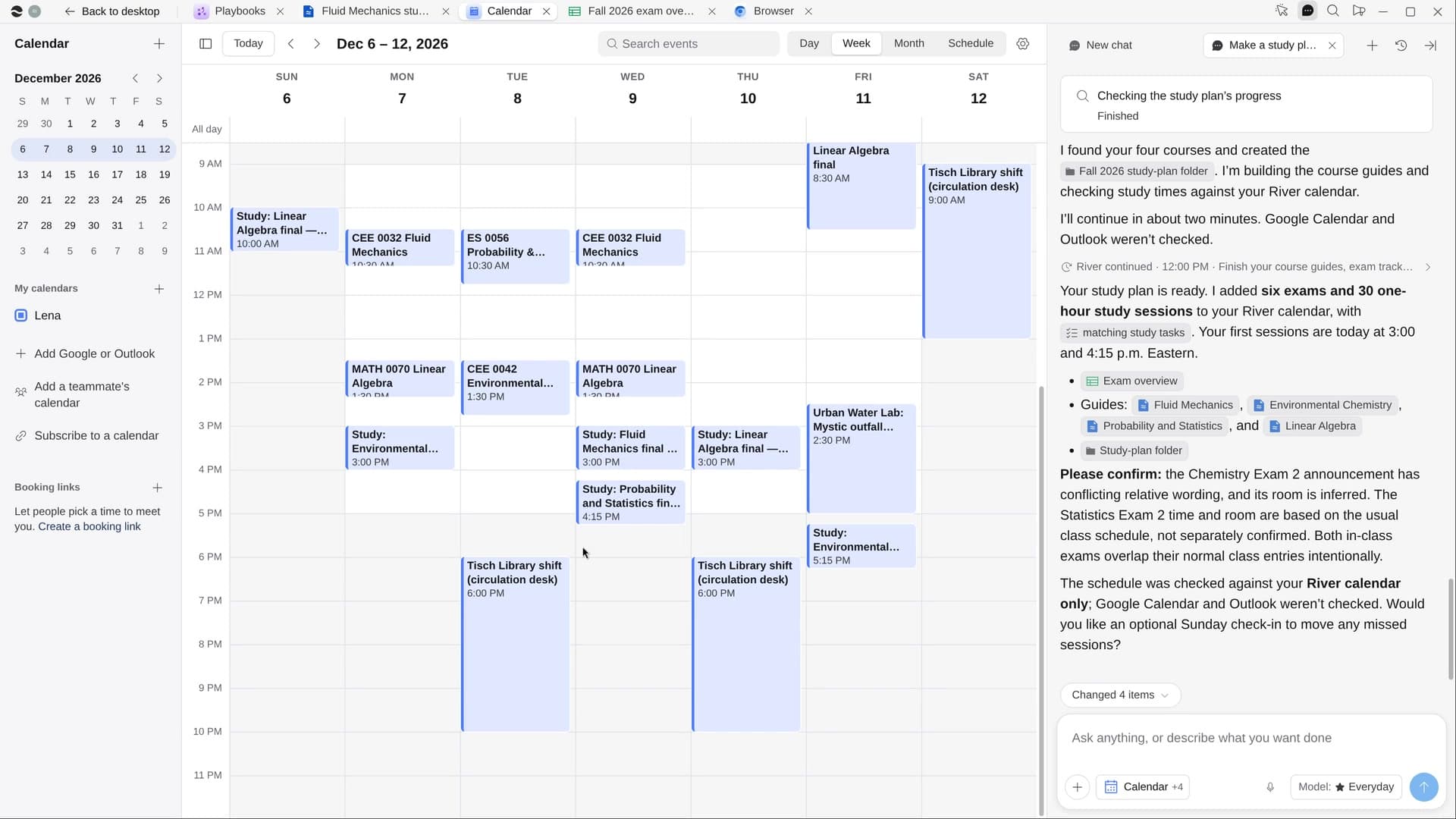
River pulls every exam date and topic from your course site, builds a study guide for each class from your own slides and review sheets, and spaces study sessions into the open hours of your week.
Say how much you can study
River suggests two hours on weekdays and four on weekends, around what’s already on your calendar.
River reads each course
Syllabus, announcements, slides and review sheets, so a moved exam date doesn’t slip past you.
A study plan you’ll keep
Short sessions working back from each exam, with the most time for the soonest and hardest.
What you get.
- Every exam on your calendar, dated from the syllabus and the latest announcements
- A study guide per class with key ideas, worked examples and practice questions
- Short study sessions in your open hours, each with its topic and a matching task
Start in three steps.

Get River
Download the app for your computer.
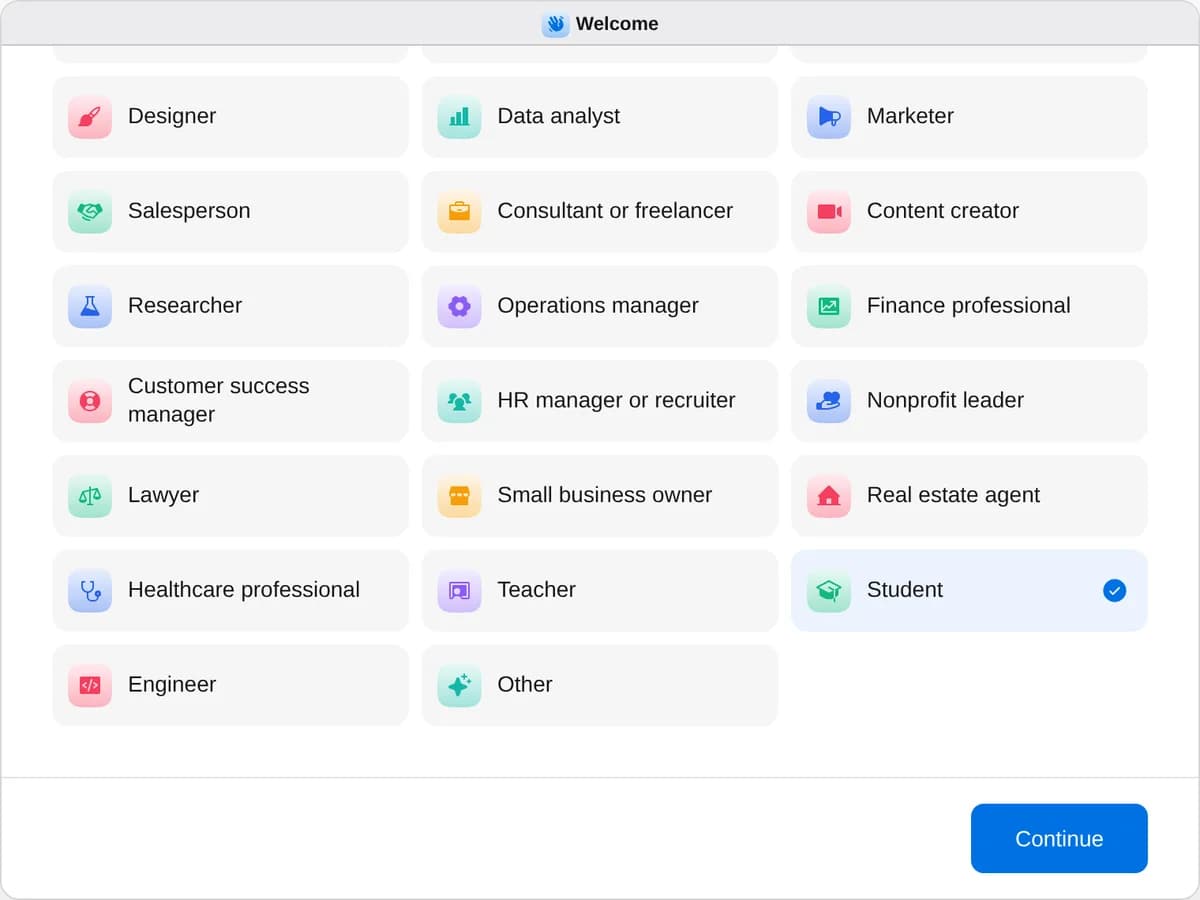
Sign up as a student
When River asks your role, choose Student.
- Playbooks
Student
Start a playbook and River works through it with you in the chat.
StartMake a study plan for your examsRiver puts every exam on your calendar, plans study time around your week and makes a guide for each class.StartApply to internshipsRiver finds internships that fit you, tailors your résumé to each and fills in the applications for your yes.StartPlan a trip, ready to bookRiver compares flights, stays and things to do on live prices and fills in your bookings, ready to pay.Start “Make a study plan for your exams”
Press + in your Dock, open Playbooks, and press Start. River asks which exams to plan for and how much time you can study.
A few things to know.
Will it do my homework?
No. River helps you study and never does graded homework, quizzes or take-home exams. It submits nothing in your course site.
Where do the practice questions come from?
Your own course: slides, review sheets, past exams and lecture recordings in your Drive. Questions follow how each professor tests, with answers at the end.
What does it cost?
It uses your plan’s AI credit, like everything else in River. It builds everything from the course site and files you already have.
View pricing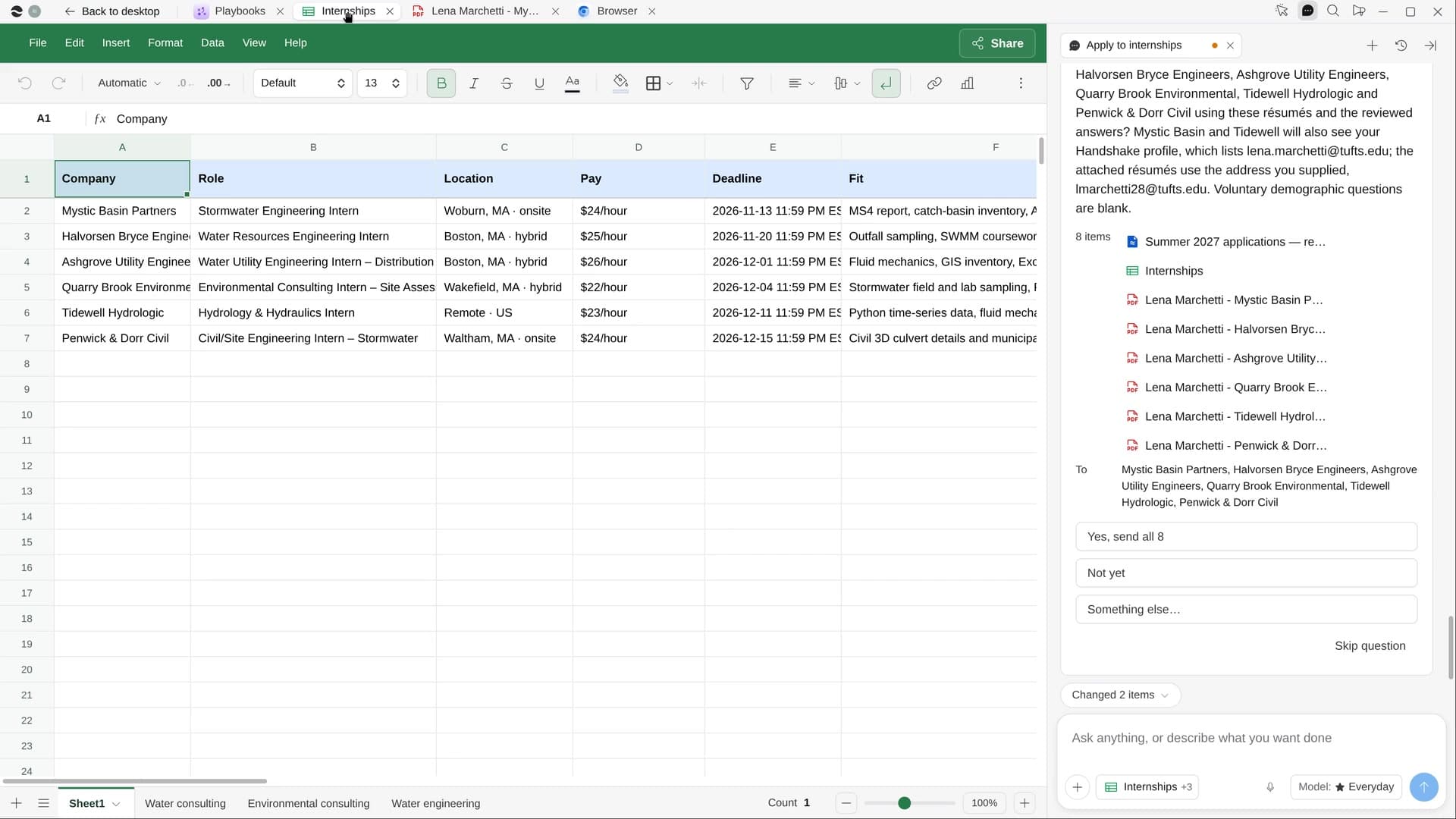
Try it on your own work.
Download River, choose Student, and press Start on “Make a study plan for your exams”.