
The whole trip, waiting at the payment page.
Live prices, a day-by-day plan and a split per person.
How it works.
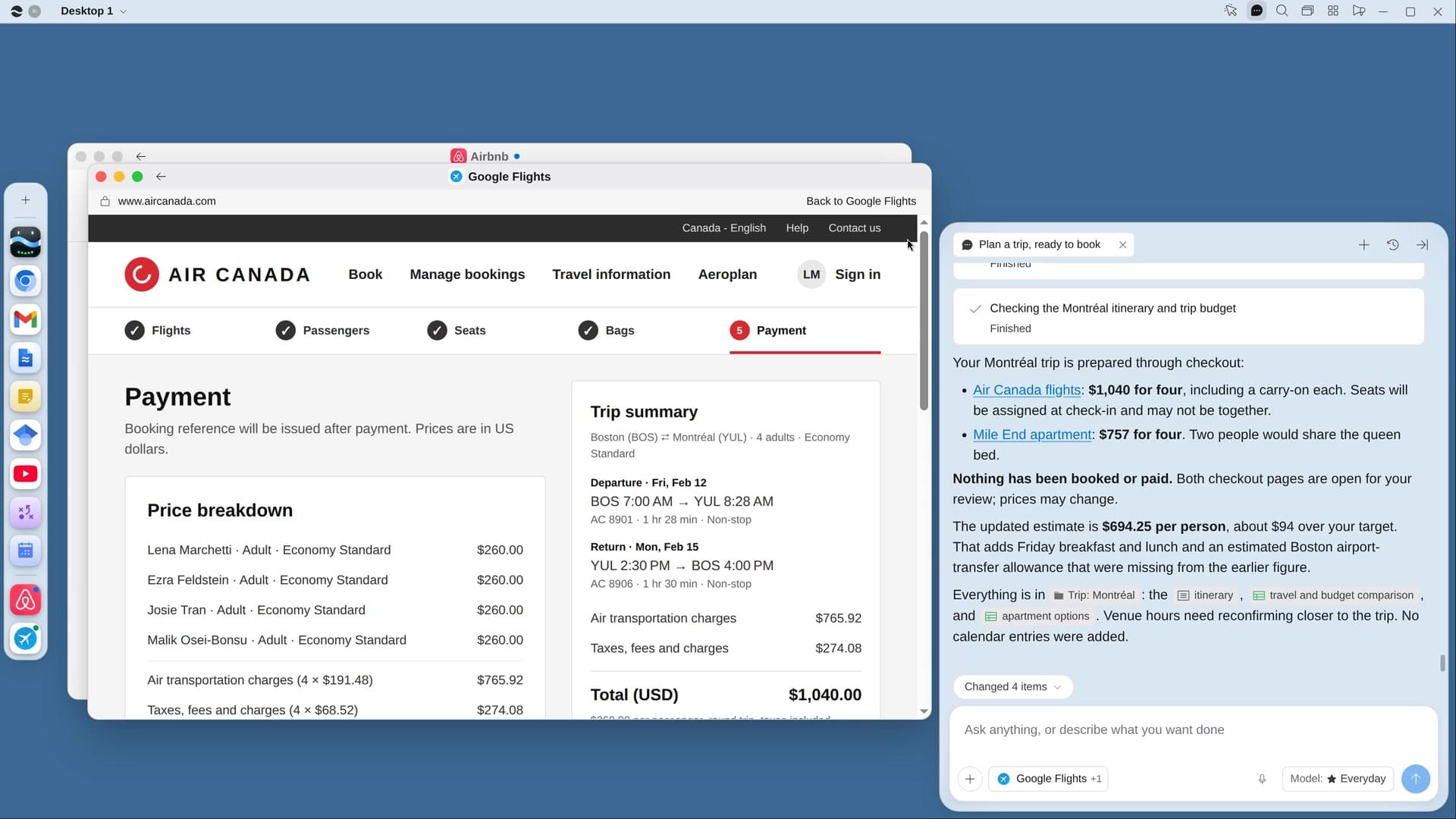
River compares flights, trains and places to stay on live prices with every fee, plans each day near where you’ll stay, and fills your picks in up to the payment page.
Say where, when and who
Plus a budget per person. Mention a group thread or a calendar hold and River reads it first.
River prices it live
Google Flights, the airline’s own site, Airbnb and hotels, compared with bags, fees and cancellation terms.
Filled in, ready to pay
Your flight and stay wait at the last step, with an itinerary page to send the group.
What you get.
- A Trip Sheet with the best three of each option and the total per person
- A day-by-day itinerary page with hours checked, a map and links
- Flight and stay filled in up to payment, ready for you to book
Start in three steps.

Get River
Download the app for your computer.
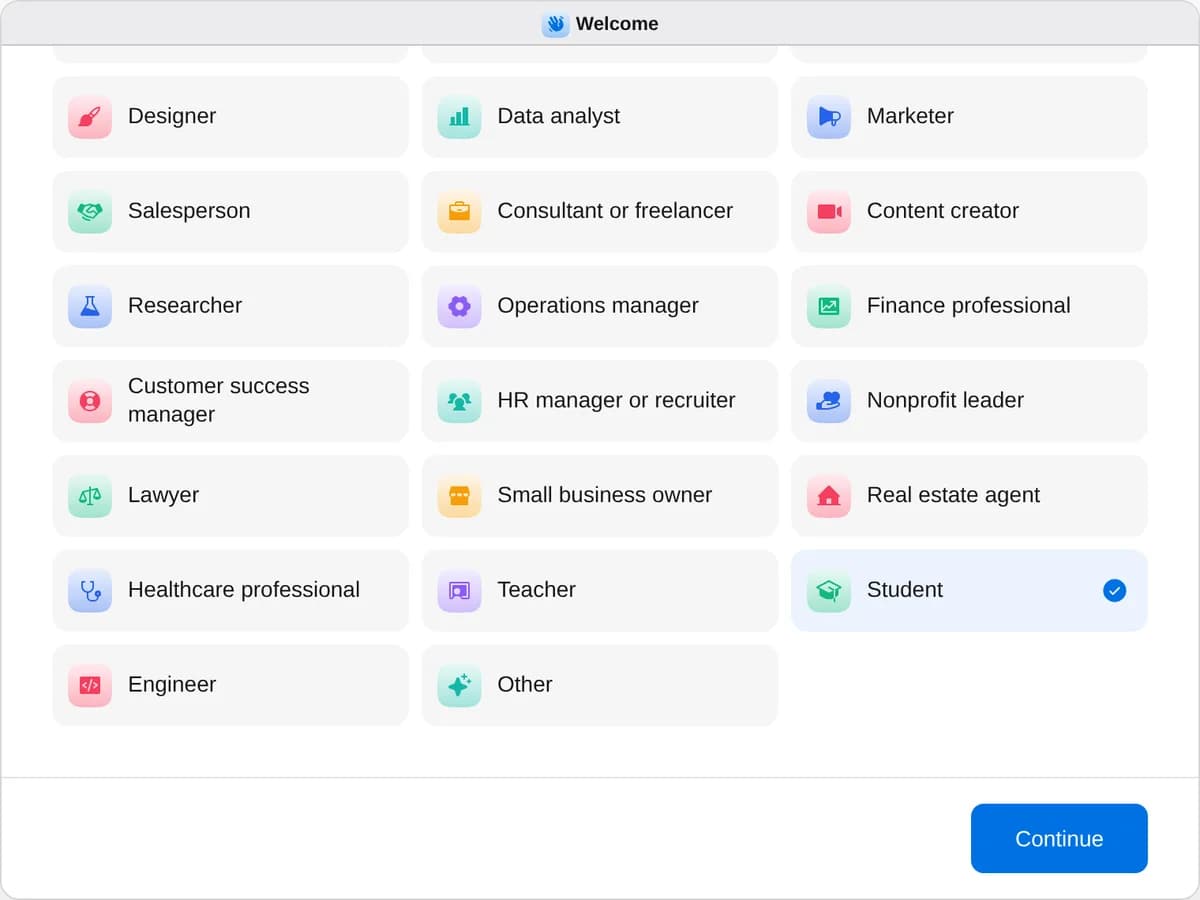
Sign up as a student
When River asks your role, choose Student.
- Playbooks
Student
Start a playbook and River works through it with you in the chat.
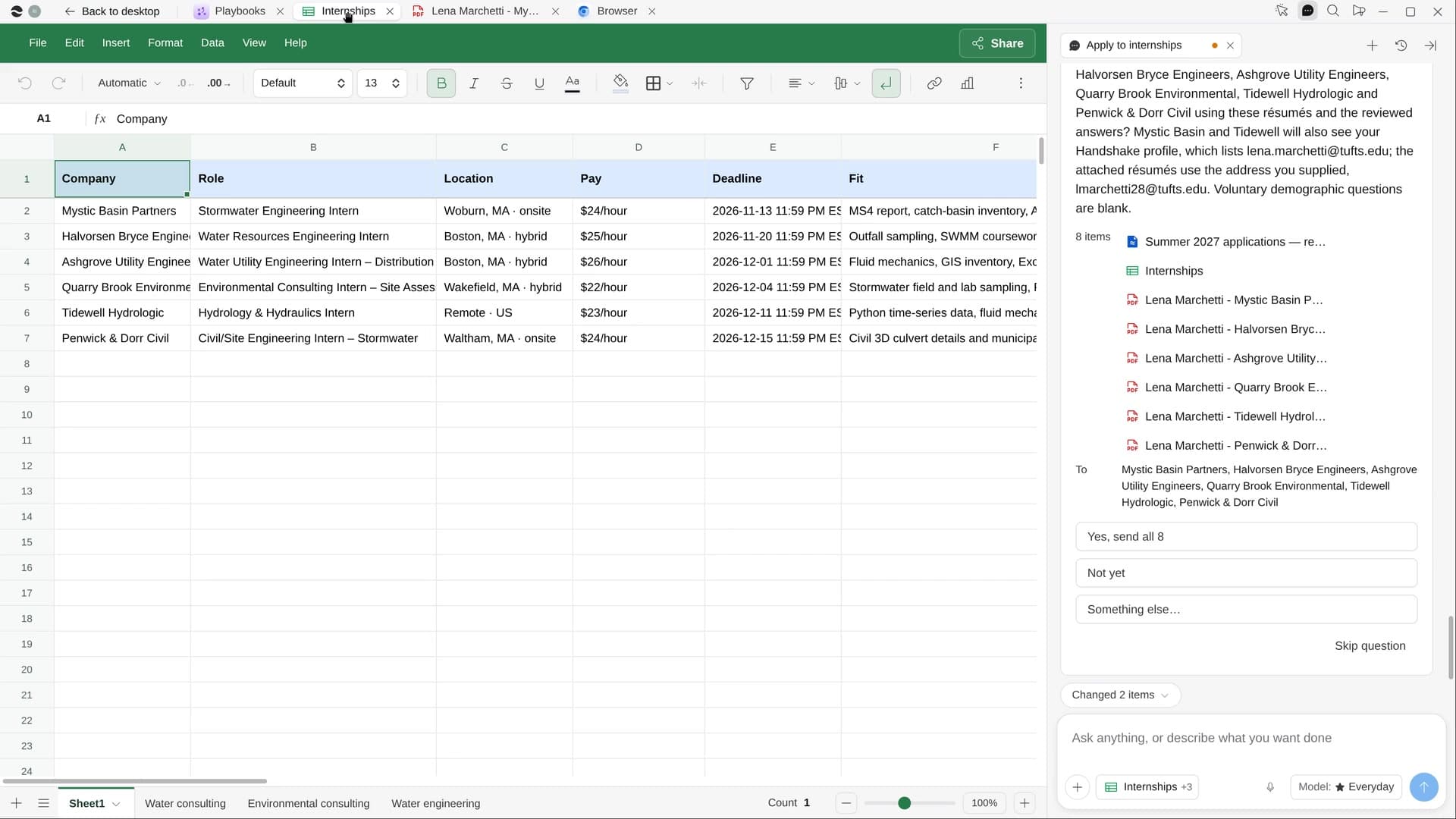
StartMake a study plan for your examsRiver puts every exam on your calendar, plans study time around your week and makes a guide for each class.StartApply to internshipsRiver finds internships that fit you, tailors your résumé to each and fills in the applications for your yes.StartPlan a trip, ready to bookRiver compares flights, stays and things to do on live prices and fills in your bookings, ready to pay.Start “Plan a trip, ready to book”
Press + in your Dock, open Playbooks, and press Start. River asks where you’re going, when, who’s coming and your budget per person.
A few things to know.
Will it pay for the flight or stay?
No. It fills your flight, stay and any restaurant table up to the last step and waits. River never pays or types card details or passwords.
Can it plan a group trip?
Yes. Tell River who’s coming and it finds a place that fits everyone, splits the total per person and makes an itinerary page to share.
What does it cost?
It uses your plan’s AI credit, like everything else in River. For students it starts with the cheapest sensible options.
View pricingMore for students.
All student playbooks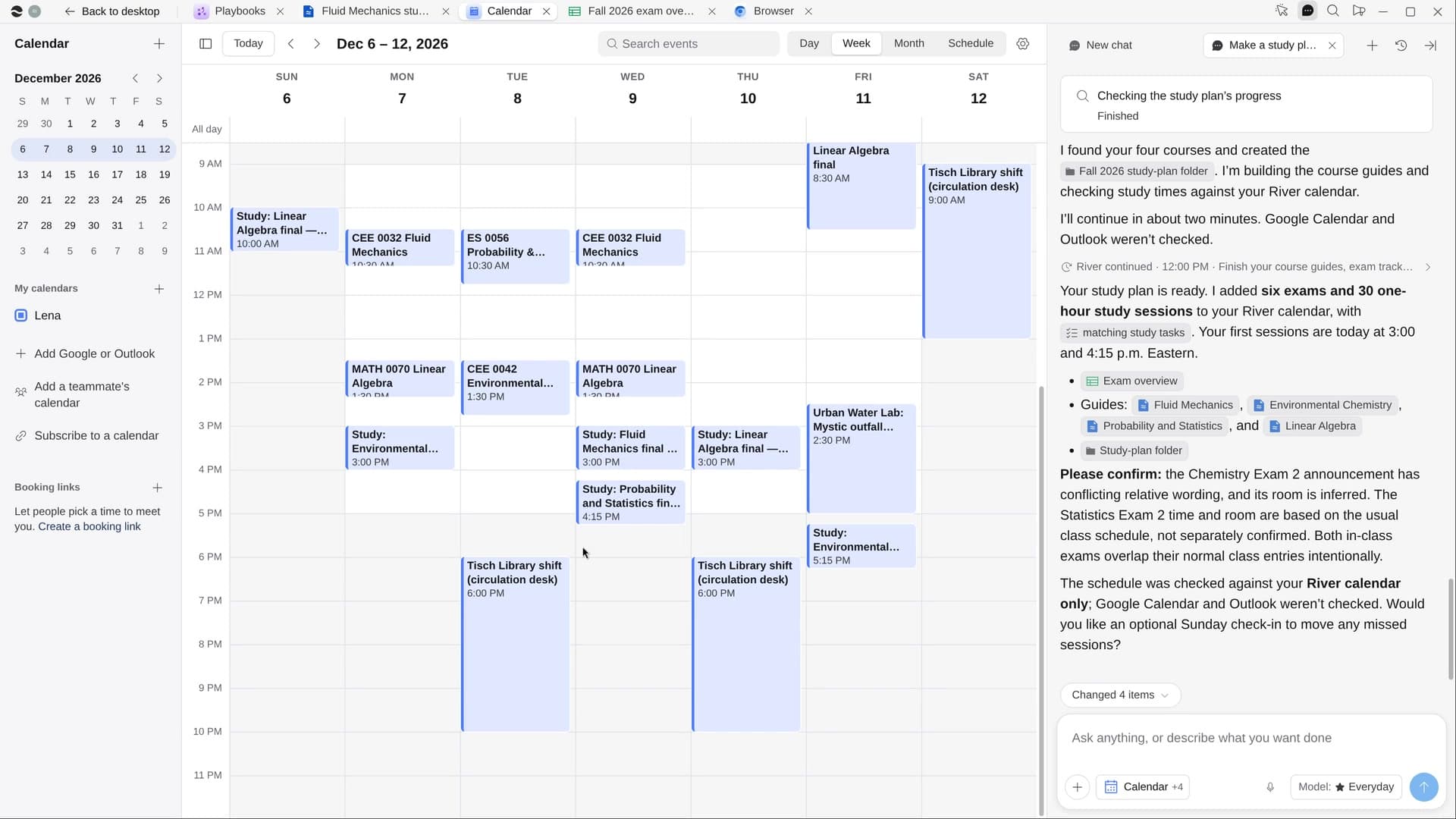
Try it on your own work.
Download River, choose Student, and press Start on “Plan a trip, ready to book”.