
Applications filled, each with a résumé that fits.
Tailored from your real experience, never made up.
How it works.
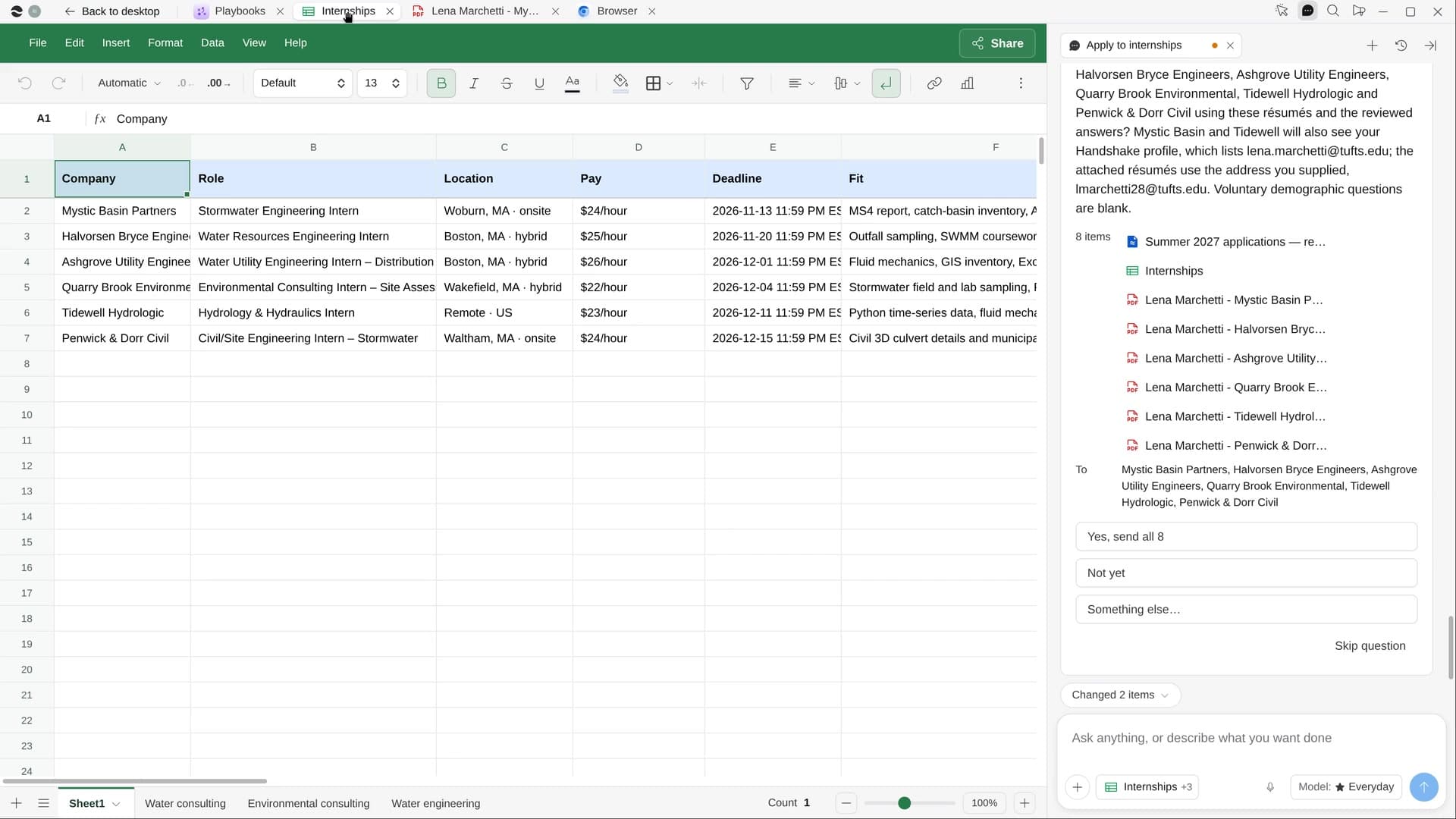
River finds internships open now that fit you, rewrites your real résumé toward each posting, fills in every application up to Submit and puts each deadline on your calendar.
Say what roles you want
Field, cities or remote and summer dates. River reads your résumé and profile first and suggests roles.
River tailors and fills
A one-page résumé for each role, then each application filled in, with demographic questions left to you.
Submit on one yes
Every application waits at Submit until you say go, then they all go out together.
What you get.
- An Internships Sheet with pay, deadline, fit and status for every open role
- A true, one-page résumé PDF tailored to each posting
- Applications filled up to Submit, and every deadline on your calendar
Start in three steps.

Get River
Download the app for your computer.
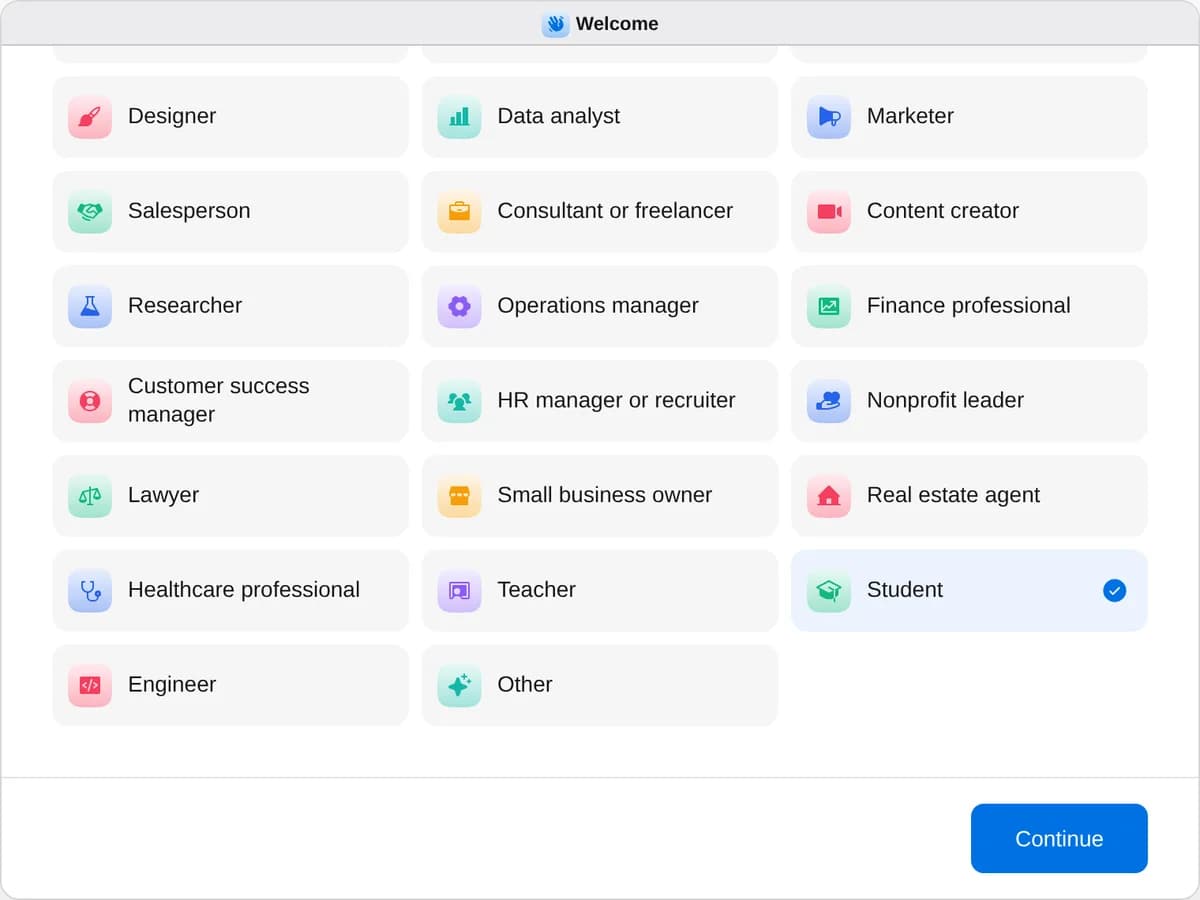
Sign up as a student
When River asks your role, choose Student.
- Playbooks
Student
Start a playbook and River works through it with you in the chat.
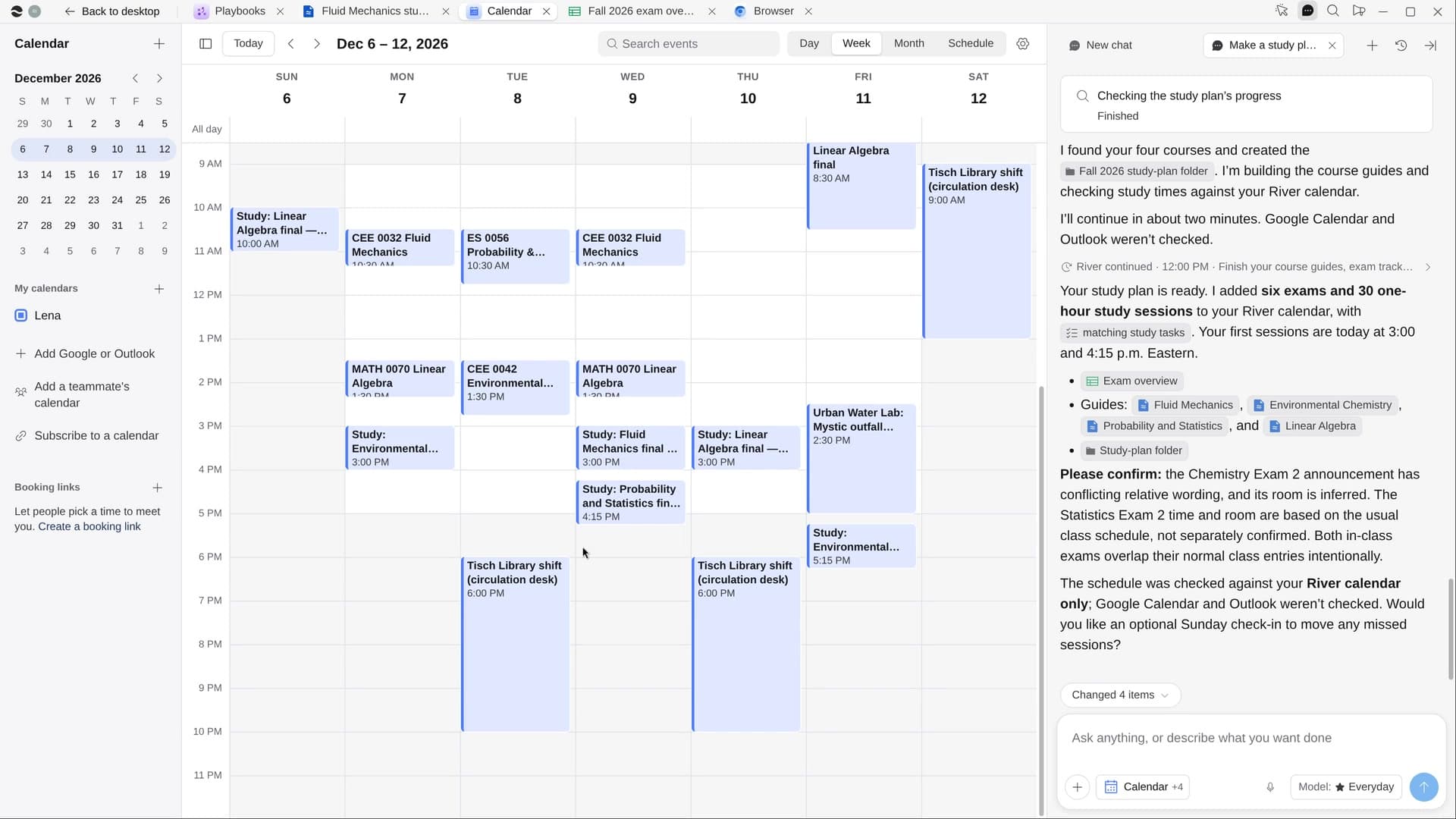
StartMake a study plan for your examsRiver puts every exam on your calendar, plans study time around your week and makes a guide for each class.StartApply to internshipsRiver finds internships that fit you, tailors your résumé to each and fills in the applications for your yes.StartPlan a trip, ready to bookRiver compares flights, stays and things to do on live prices and fills in your bookings, ready to pay.Start “Apply to internships”
Press + in your Dock, open Playbooks, and press Start. River reads your résumé, then asks what roles, where and which summer dates.
A few things to know.
Will it make things up on my résumé?
No. River only reorders and rewords what you’ve really done. It never invents experience, skills, grades or dates.
Does it sign in to Handshake for me?
No. You sign in or make accounts yourself, and River never types passwords. Nothing is submitted until you say yes.
What does it cost?
It uses your plan’s AI credit, like everything else in River. It applies through your school’s Handshake and each company’s own career page.
View pricingMore for students.
All student playbooks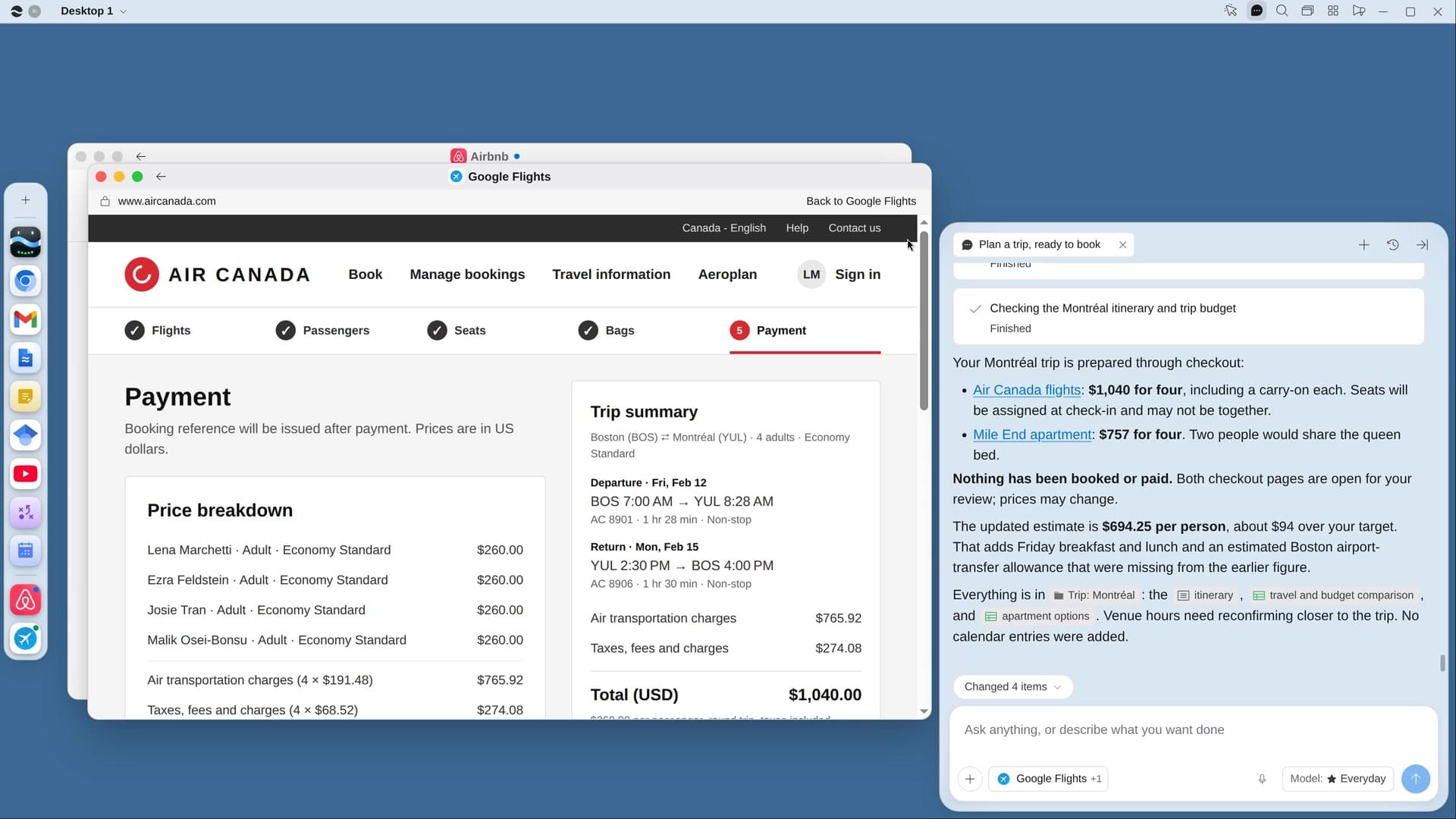
Try it on your own work.
Download River, choose Student, and press Start on “Apply to internships”.