
A new listing, market-ready down to the MLS draft.
Comps, photos and flyer that agree to the square foot.
How it works.
River pulls the comps, touches up the photos, writes the remarks, and builds the flyer, property page and social graphics. Then it fills in the MLS listing as a draft for you to submit.
Start from the signed listing
River finds the newest listing agreement or seller email in your inbox and Drive, photos included.
River builds the listing kit
Comps and a price range, corrected photos, remarks, a flyer, a property page and graphics.
Check the MLS draft, then submit
The MLS listing waits complete, with the showing instructions from your last listing filled in.
What you get.
- A Comps Sheet and a price range you can defend to your sellers
- Touched-up photos, a print-ready flyer, a property page and “Just listed” graphics
- The MLS listing filled in as a draft, waiting for your review
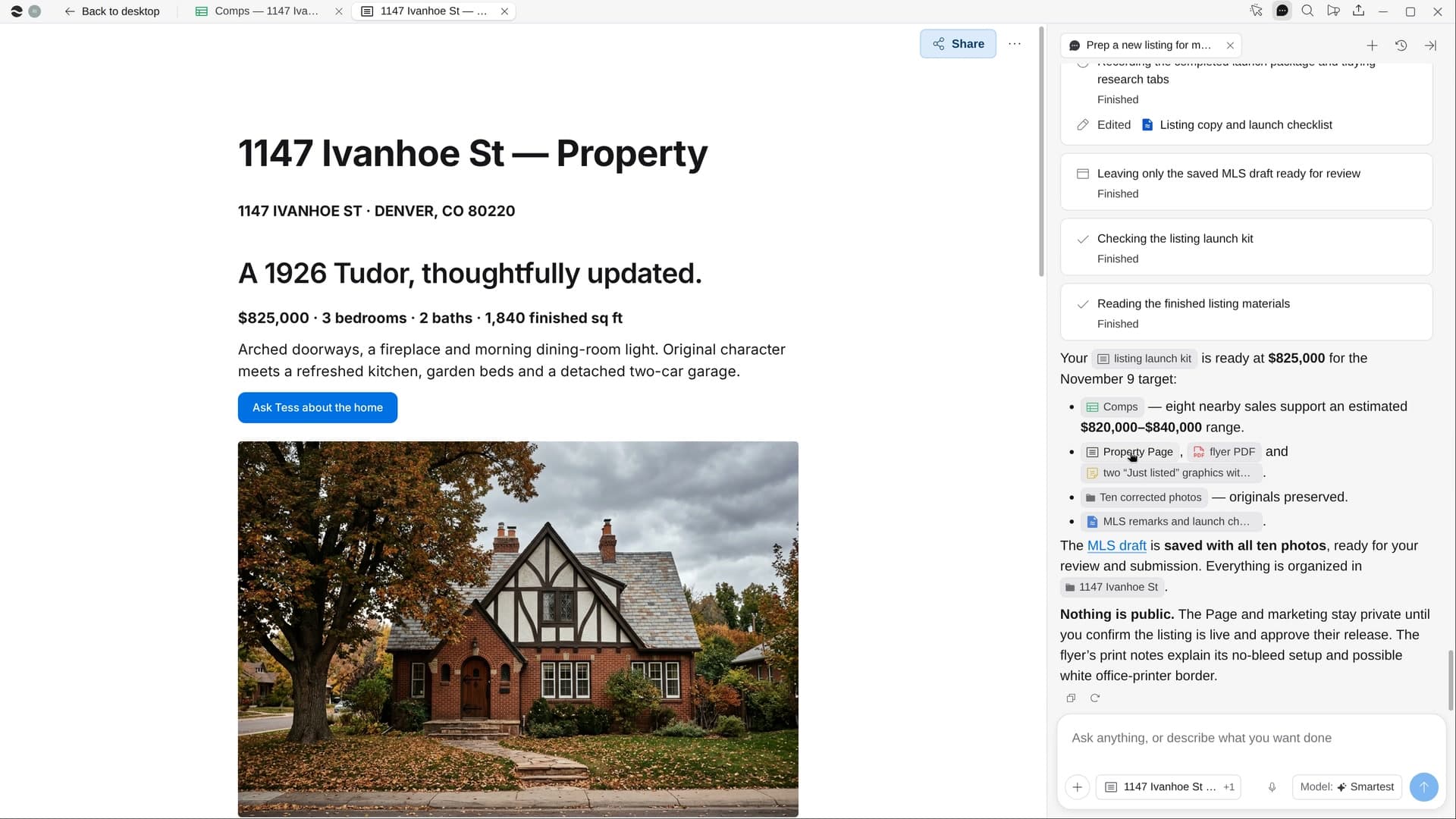
Start in three steps.

Get River
Download the app for your computer.
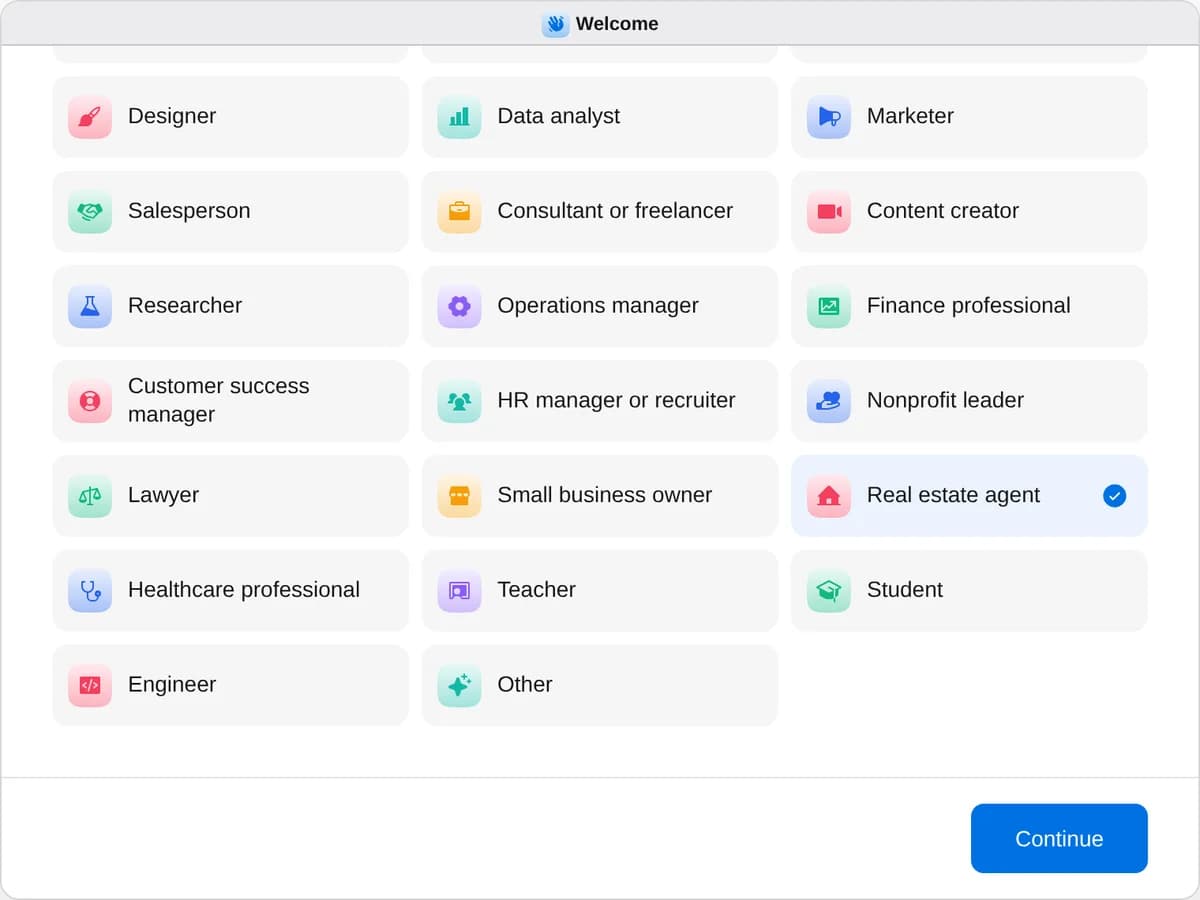
Sign up as a real estate agent
When River asks your role, choose Real estate agent.
- Playbooks
Real estate agent
Start a playbook and River works through it with you in the chat.
StartPrep a new listing for marketRiver pulls comps, polishes the photos, writes the remarks, and builds the flyer, property page and MLS draft.StartPlan a buyer’s showing dayRiver picks the homes, requests the showings, maps the route, and drafts your follow-up after the tour.StartPlan an open houseRiver picks the date, makes the sign-in page and signs, carts the printing and treats, and drafts follow-ups.Start “Prep a new listing for market”
Press + in your Dock, open Playbooks, and press Start. River finds your newest signed listing and asks whether the price is set.
A few things to know.
Will the photo edits misrepresent the home?
River only straightens, brightens and corrects color. It never hides a flaw or changes the house, and any virtual staging is labeled “Virtually staged.”
Are the listing remarks fair-housing safe?
They describe the home and the area, never who should live there, and stay within your MLS’s character limit.
What does it cost?
It uses your plan’s AI credit, like everything else in River. It fills in the MLS you already belong to, so there’s no new service to join.
View pricingMore for real estate agents.
All real estate agent playbooks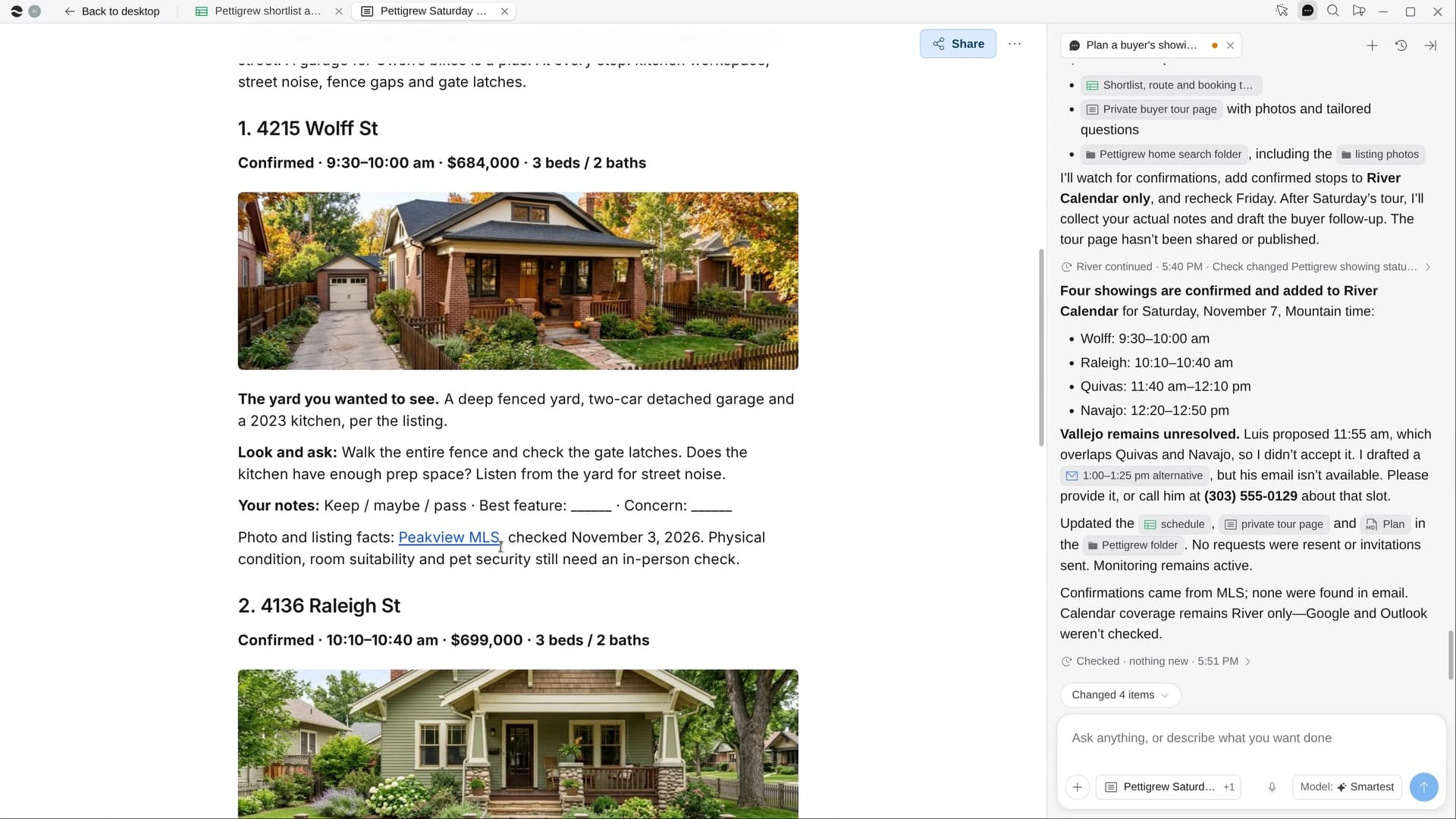
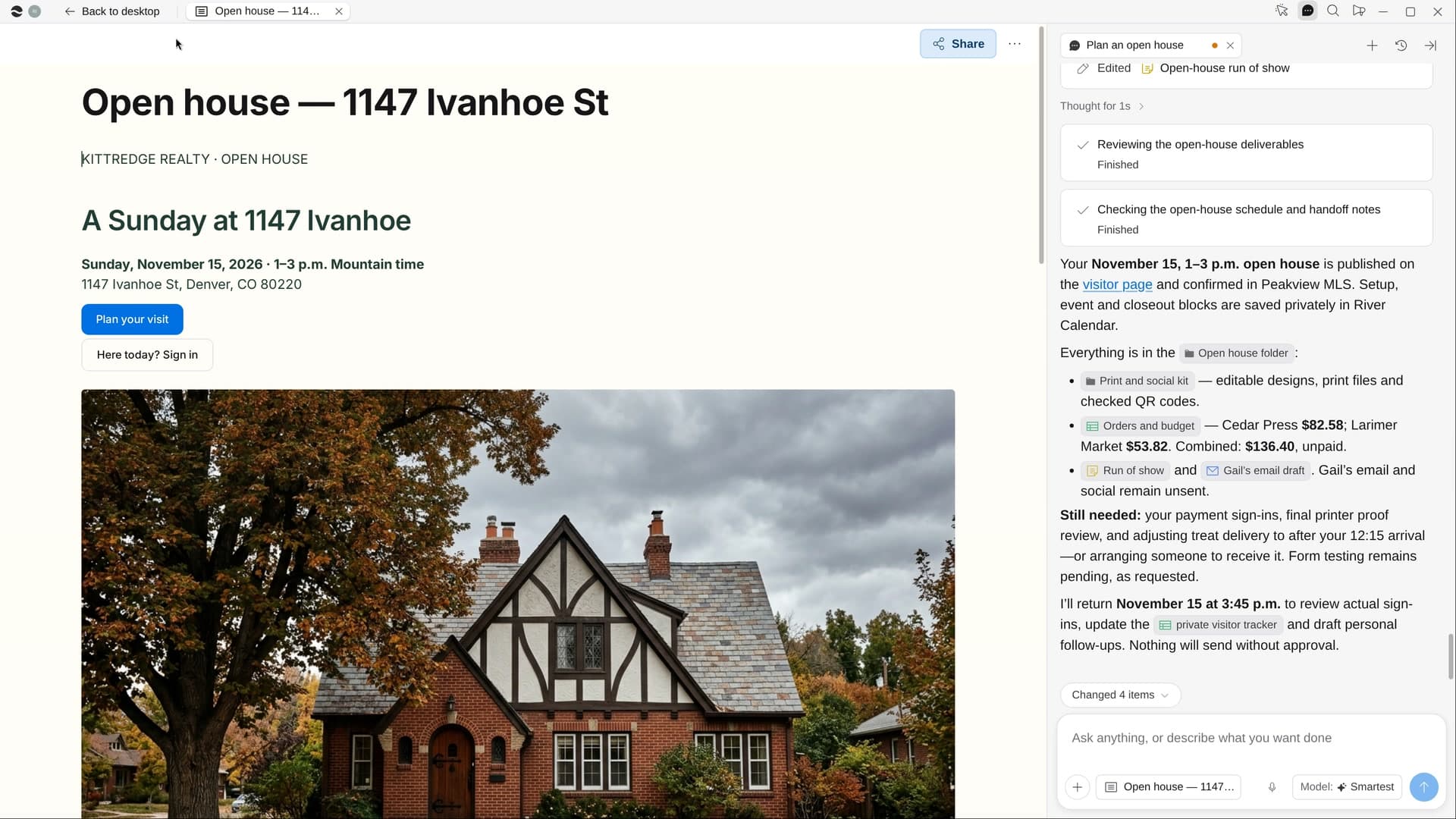
Try it on your own work.
Download River, choose Real estate agent, and press Start on “Prep a new listing for market”.