
A showing day that runs on time, every home booked.
Homes picked for your buyer, in a sensible order.
How it works.
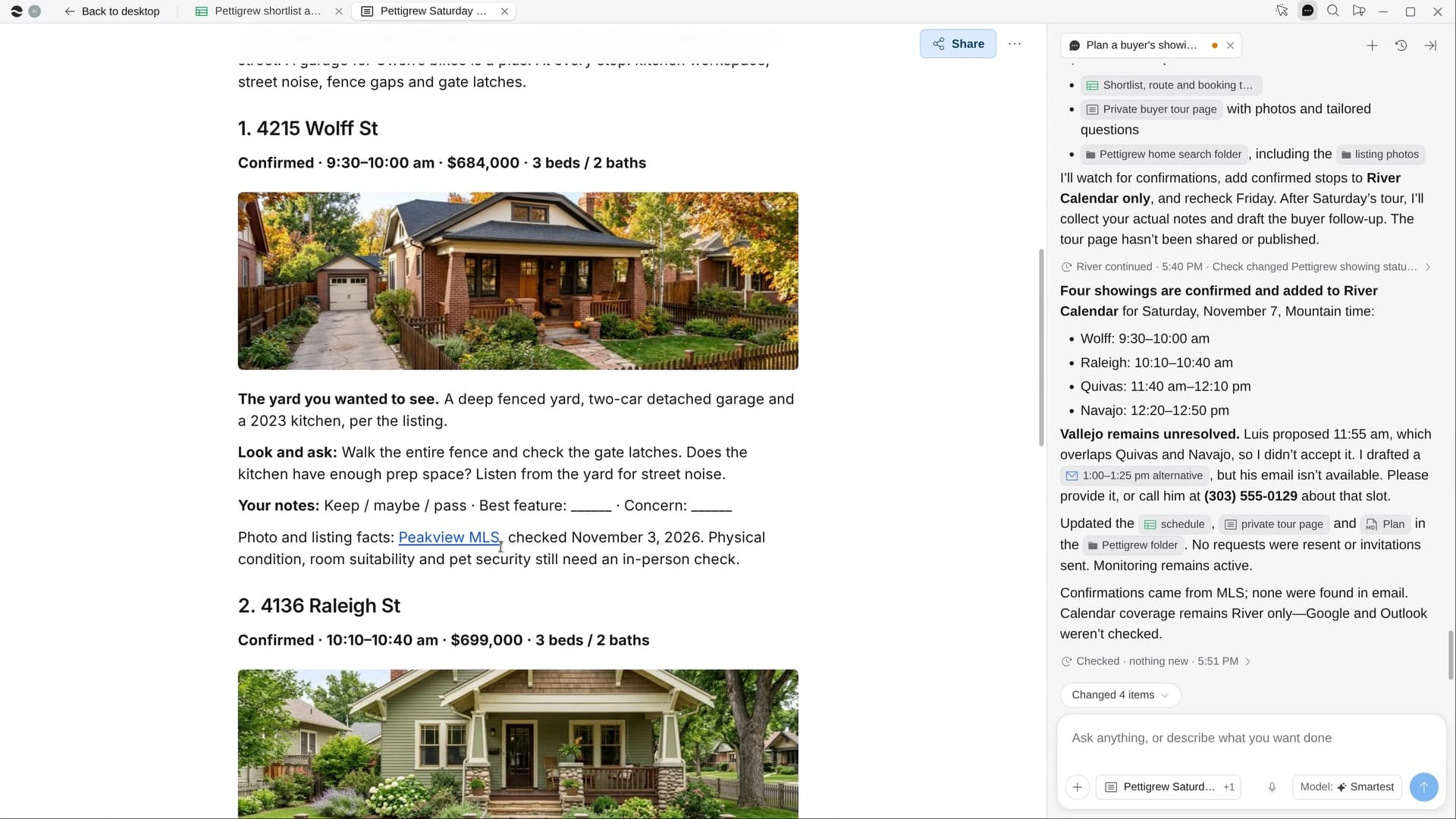
River shortlists homes that fit your buyer, requests the showings, maps one loop with no doubling back and makes a tour page for them. After the tour, your follow-up is drafted.
Pick the buyer and the day
River pulls their wish list from your CRM and emails, and suggests next Saturday morning.
River books the stops
Five to seven homes that fit, each showing requested and each confirmed stop on your calendar.
A tour page, then a follow-up
Your buyer gets photos, a map and questions per home; the follow-up is drafted when the tour ends.
What you get.
- A shortlist Sheet with why each home fits and what to watch for
- Every confirmed showing on your calendar in driving order
- A tour page for your buyer and a follow-up email drafted after the tour
Start in three steps.

Get River
Download the app for your computer.
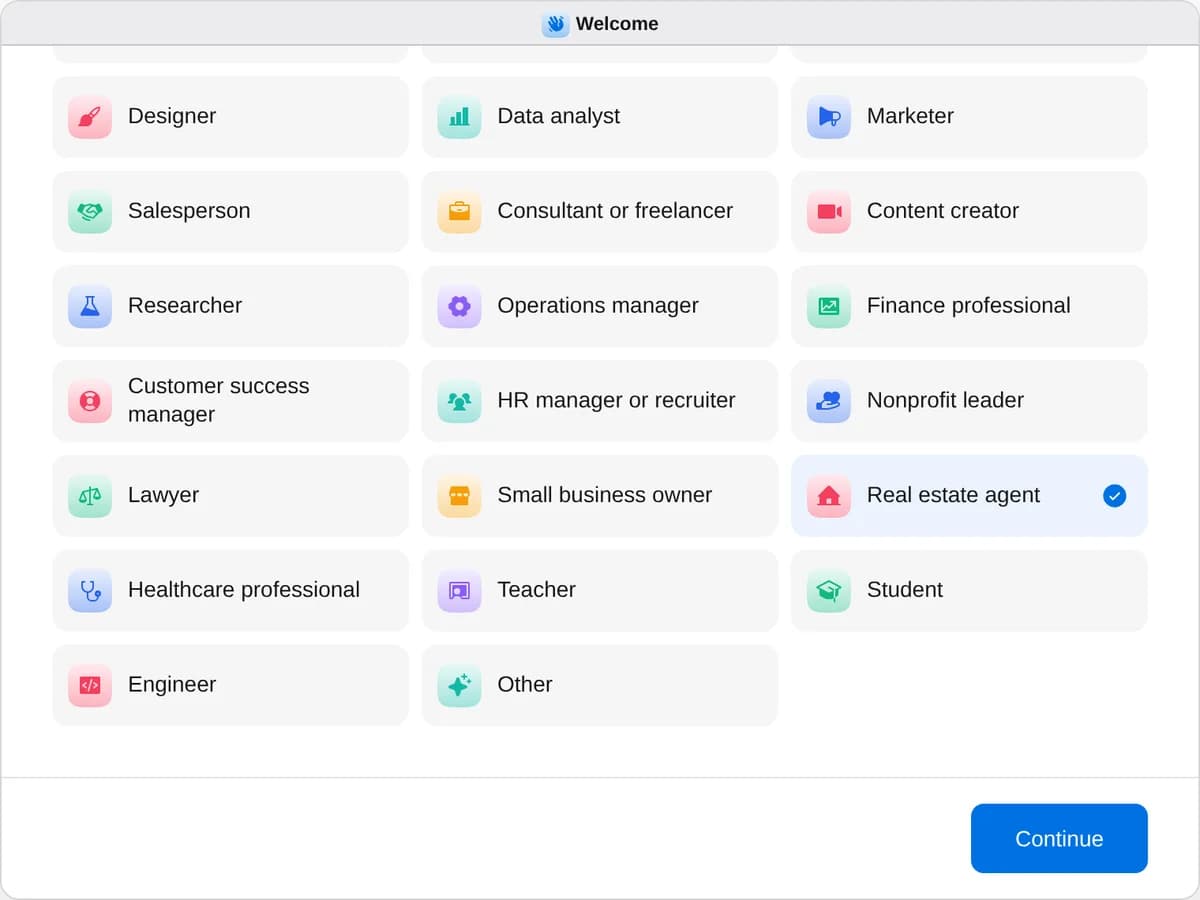
Sign up as a real estate agent
When River asks your role, choose Real estate agent.
- Playbooks
Real estate agent
Start a playbook and River works through it with you in the chat.
StartPrep a new listing for marketRiver pulls comps, polishes the photos, writes the remarks, and builds the flyer, property page and MLS draft.StartPlan a buyer’s showing dayRiver picks the homes, requests the showings, maps the route, and drafts your follow-up after the tour.StartPlan an open houseRiver picks the date, makes the sign-in page and signs, carts the printing and treats, and drafts follow-ups.Start “Plan a buyer’s showing day”
Press + in your Dock, open Playbooks, and press Start. River suggests the buyer and day, then asks about hours and must-see homes.
A few things to know.
Does it check for a signed buyer agreement?
If there’s no signed buyer agreement on file, River says so on the first card, since you need one before touring.
Will showing requests go out without me?
River shows you the shortlist and the route first. Requests go out only after your go-ahead.
What does it cost?
It uses your plan’s AI credit, like everything else in River. It works with the CRM, MLS and showing service you already use.
View pricingMore for real estate agents.
All real estate agent playbooks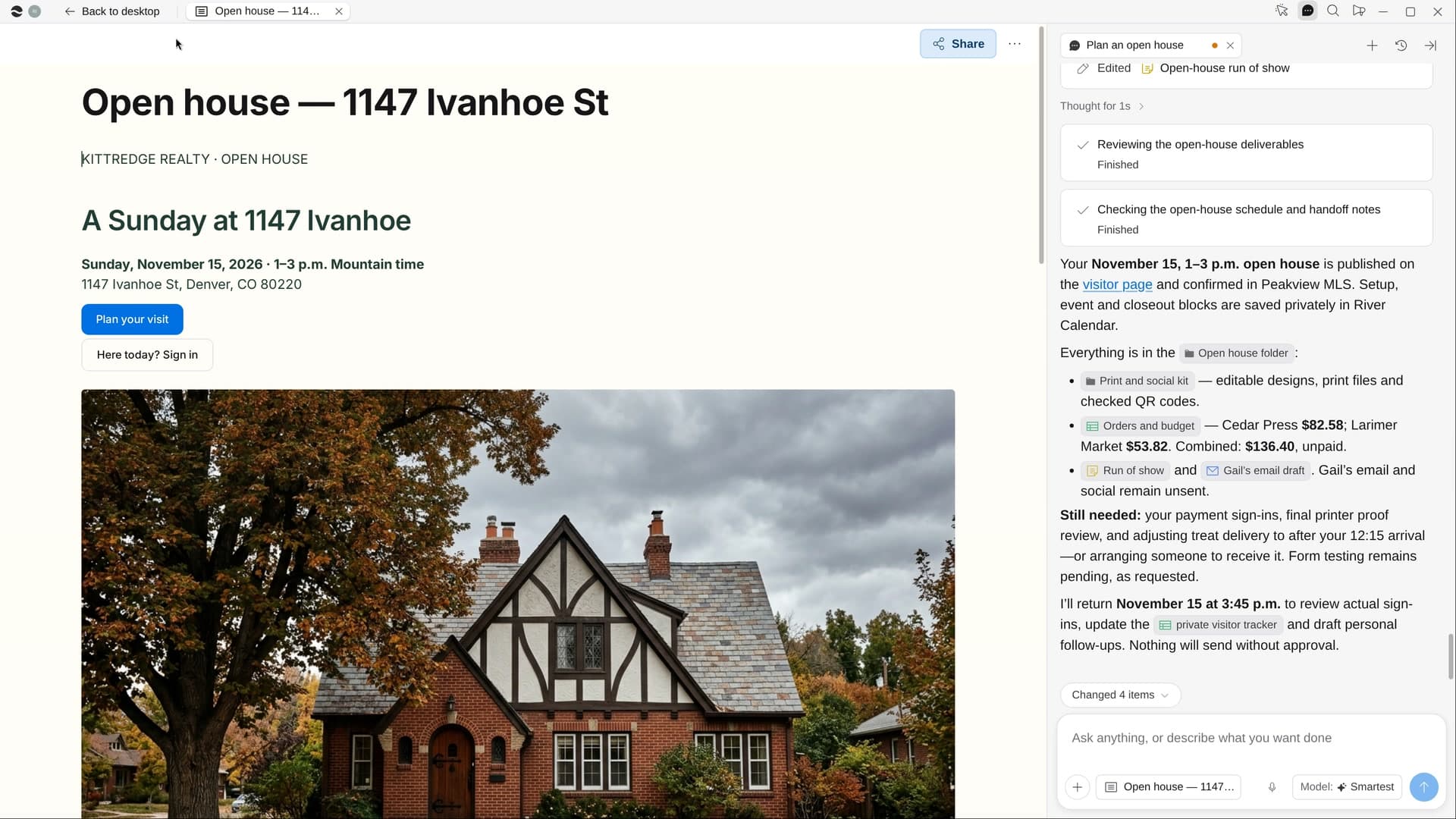
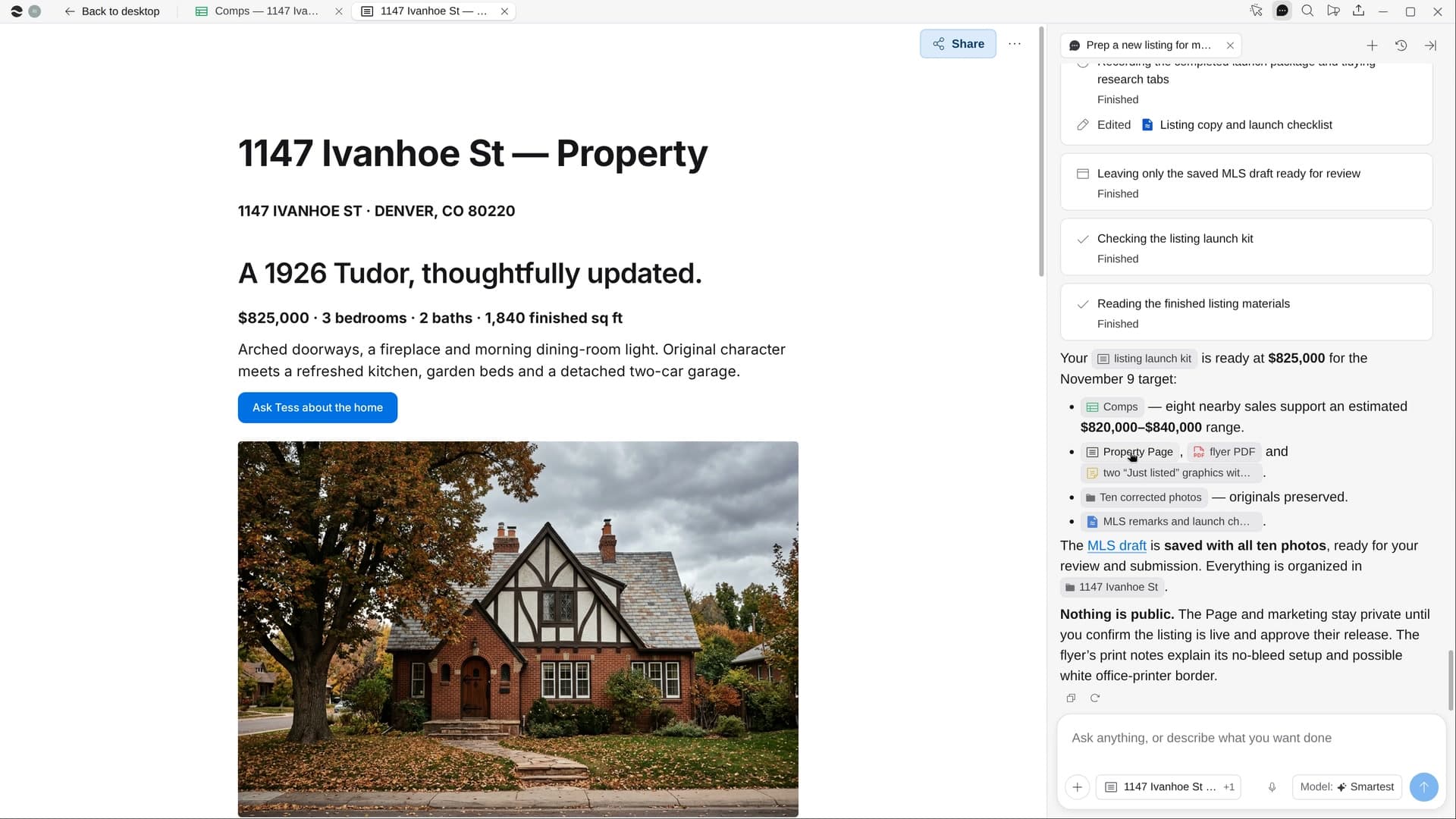
Try it on your own work.
Download River, choose Real estate agent, and press Start on “Plan a buyer’s showing day”.