
All your deadlines in one place, each one cited.
Stated dates and counted ones, never confused.
How it works.
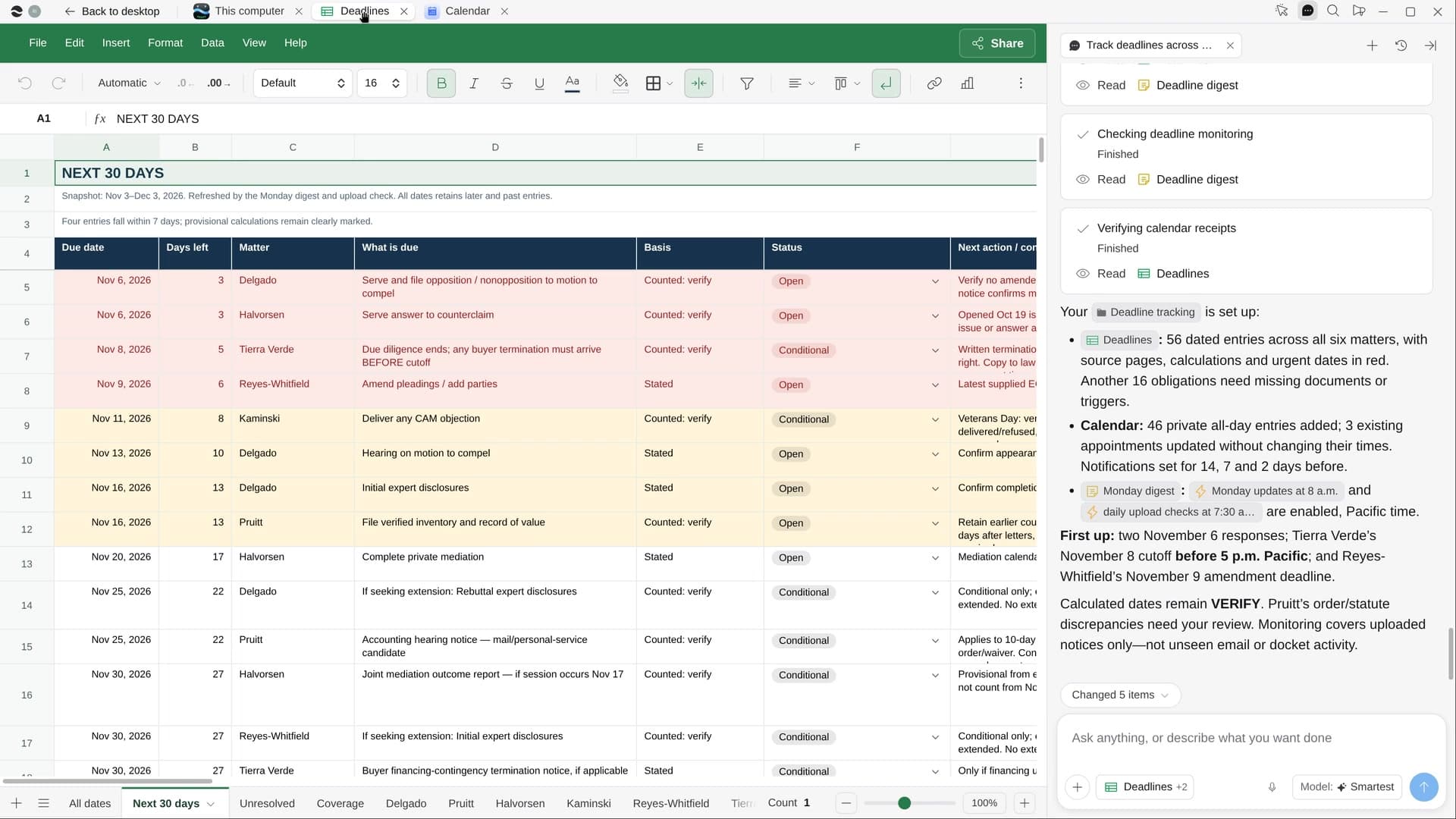
River reads every order, notice and contract across your matters, puts each date in one tracker linked to its page, and adds them to your calendar with reminders once you say go.
Confirm your matters
River lists the active ones from your matter folders or Clio. Choose who else gets the reminders.
River reads every order
Scheduling orders, e-service notices, dockets and contracts. A date it had to count shows the rule.
All-day events with reminders
Each named for the matter and linked to its source, with reminders 14, 7 and 2 days out.
What you get.
- A Deadlines Sheet sorted by days left, anything under a week in red
- Every date linked to its document and page, counted ones marked to verify
- Calendar reminders for each date and a Monday 8am digest of the next 30 days
Start in three steps.

Get River
Download the app for your computer.
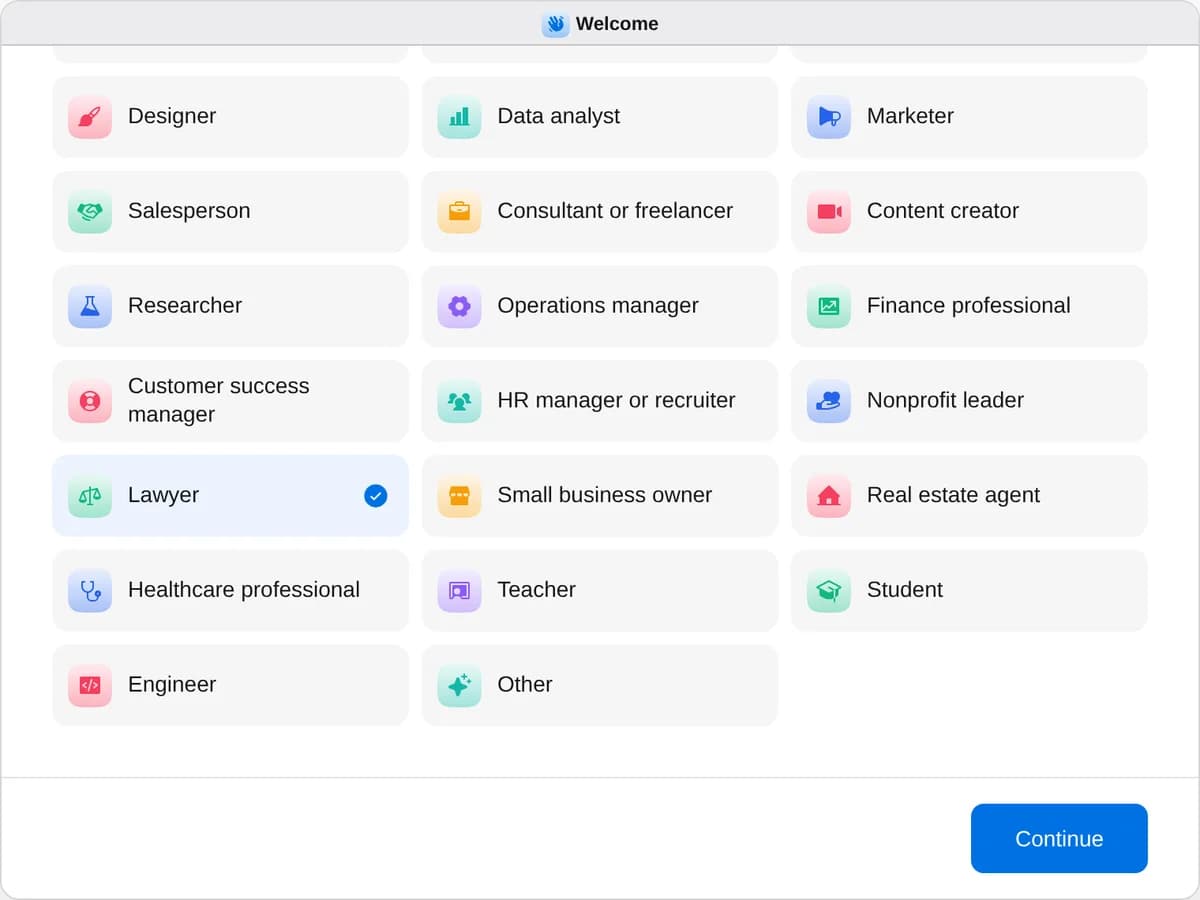
Sign up as a lawyer
When River asks your role, choose Lawyer.
- Playbooks
Lawyer
Start a playbook and River works through it with you in the chat.
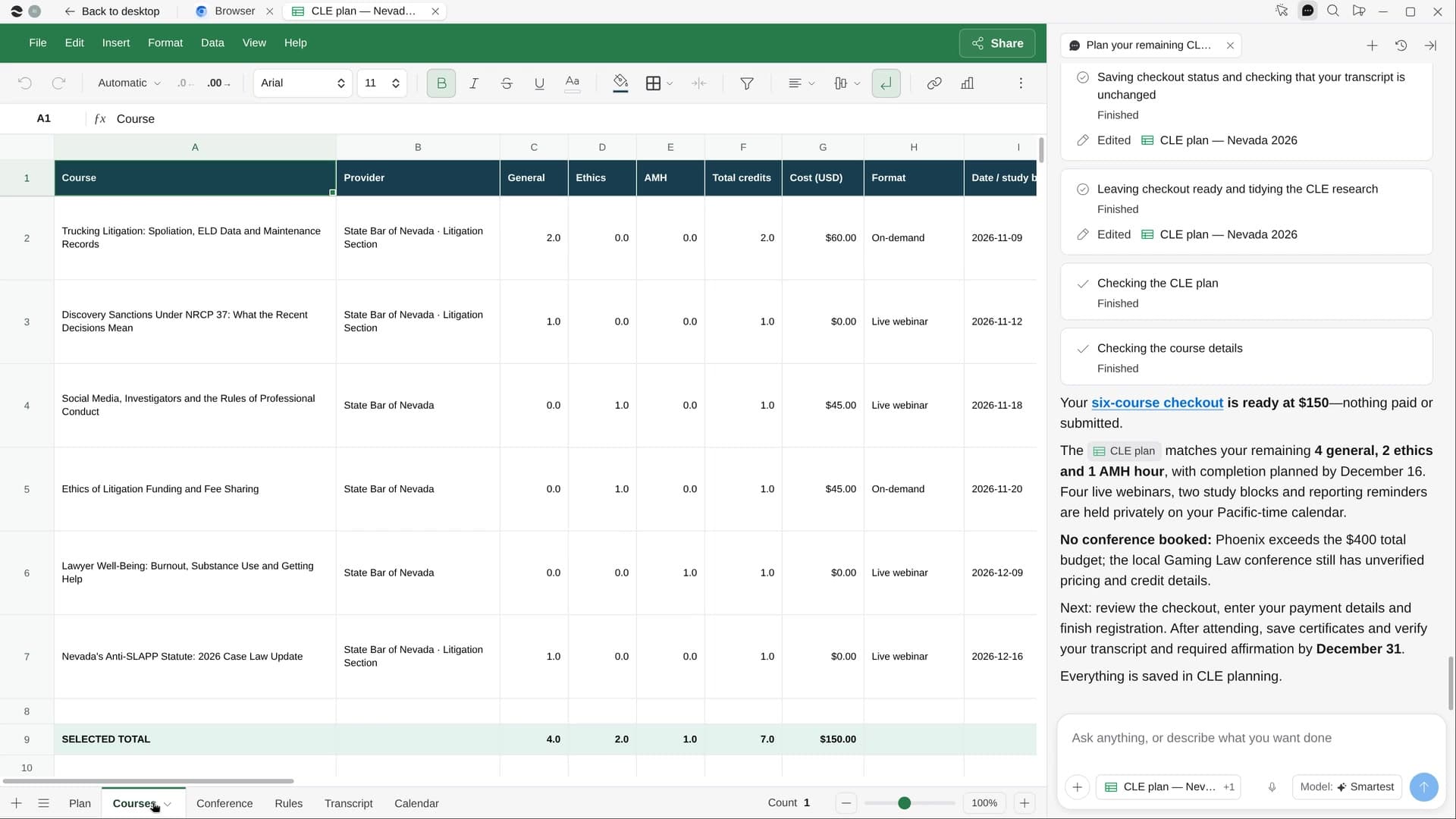
StartTrack deadlines across your mattersRiver pulls every date from your orders, notices and contracts into one tracker and your calendar.StartBuild a case chronologyRiver reads every document in a matter and builds a dated, cited chronology and a who’s who.StartPlan your remaining CLE creditsRiver checks the CLE hours you still need, finds courses you’d enjoy, and lines up the dates and signups.Start “Track deadlines across your matters”
Press + in your Dock, open Playbooks, and press Start. River lists your active matters and asks whose calendar gets the dates.
A few things to know.
How do I know a date is right?
Every date links to the document and page it came from. Dates River had to count, like “30 days after service”, show the trigger, the rule and the count, marked for you to verify.
Will it file anything or contact the court?
No. River organizes and tracks only: it never files, contacts a court or client, or gives legal advice. Nothing goes on a calendar before your go-ahead.
What does it cost?
It uses your plan’s AI credit, like everything else in River. PACER charges by the page, so River reads the docket there and takes documents from your own files.
View pricing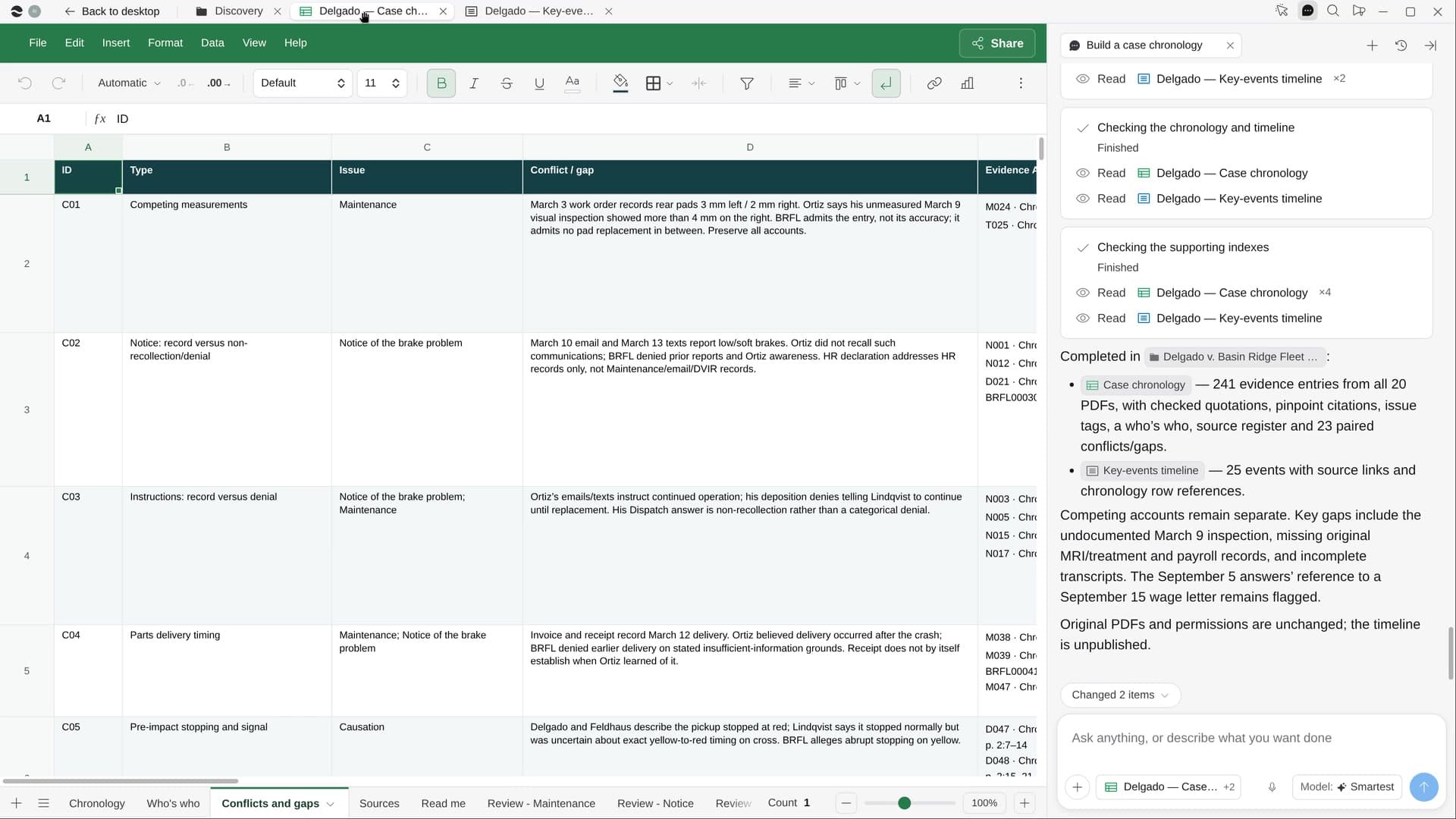
Try it on your own work.
Download River, choose Lawyer, and press Start on “Track deadlines across your matters”.