
The whole file as a dated, cited chronology.
Conflicts and gaps left in plain sight.
How it works.
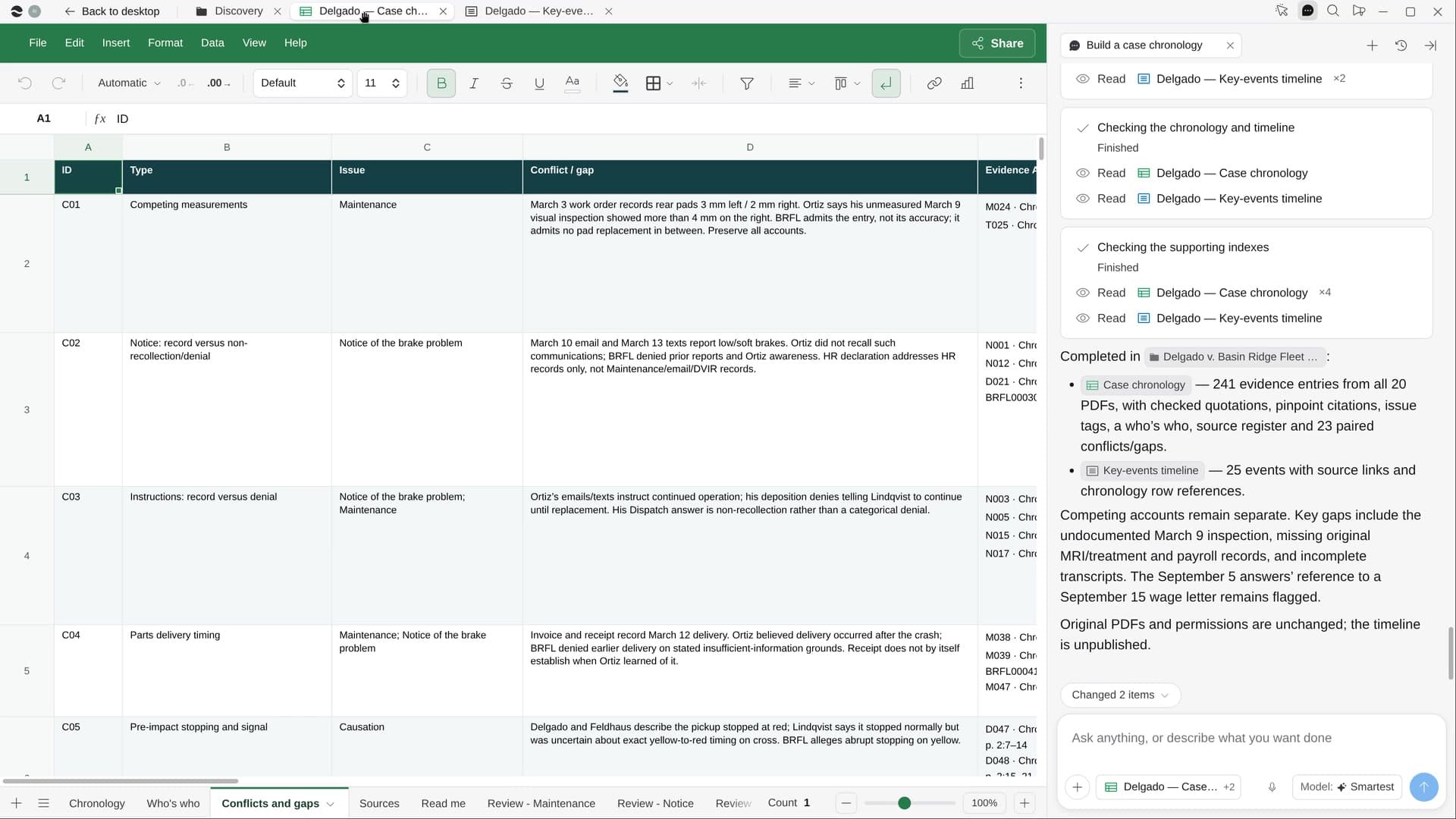
Point River at a matter folder. It reads every email, transcript, record and letter, writes one cited fact per row with the exact quote, and adds a who’s who and a timeline of key events.
Pick the matter folder
Your most recent matter comes up first. Add issues to tag, like notice or damages, if you want them.
Every fact, cited to the page
Each fact gets its date, the people, the exact quote and a cite down to the page, line or Bates number.
A chronology you can trust
Sorted by date, with a who’s who and a timeline page of the key events, each linked to its row.
What you get.
- A Chronology Sheet with one cited fact and its exact quote per row
- A who’s who and a list of conflicts and gaps, none smoothed over
- A timeline page of 15 to 25 key events, each linked to its source
Start in three steps.

Get River
Download the app for your computer.
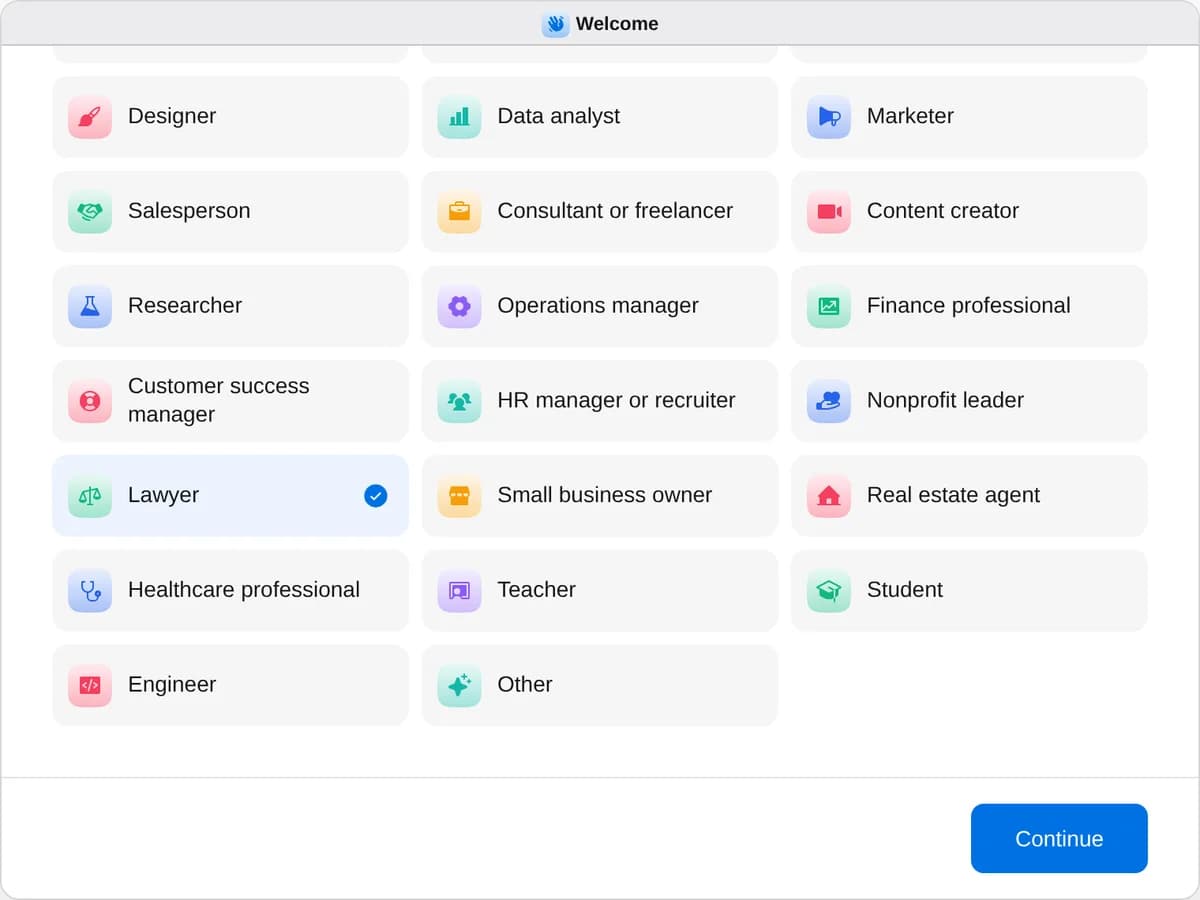
Sign up as a lawyer
When River asks your role, choose Lawyer.
- Playbooks
Lawyer
Start a playbook and River works through it with you in the chat.
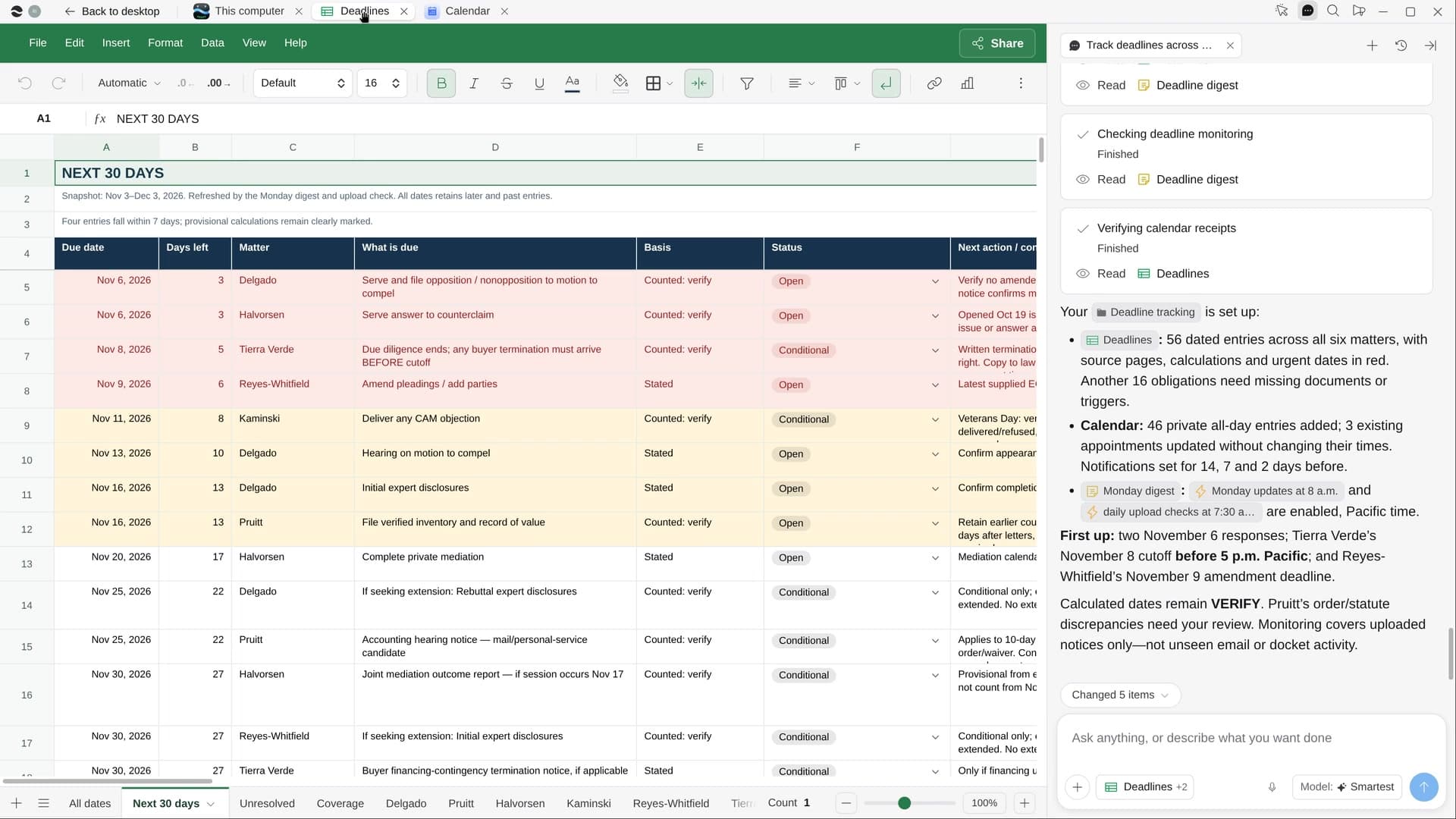
StartTrack deadlines across your mattersRiver pulls every date from your orders, notices and contracts into one tracker and your calendar.StartBuild a case chronologyRiver reads every document in a matter and builds a dated, cited chronology and a who’s who.StartPlan your remaining CLE creditsRiver checks the CLE hours you still need, finds courses you’d enjoy, and lines up the dates and signups.Start “Build a case chronology”
Press + in your Dock, open Playbooks, and press Start. River suggests your most active matter folder and asks which issues to tag.
A few things to know.
Does it draw legal conclusions?
No. River states each fact in neutral words with its cite and the exact quote. When sources disagree, it keeps both rows and marks the conflict for you to weigh.
What about documents that arrive later?
Run it again on the folder. River adds rows for the new documents without duplicating the ones already there.
What does it cost?
It uses your plan’s AI credit, like everything else in River. The file stays private in your workspace: nothing is published, shared or sent.
View pricingMore for lawyers.
All lawyer playbooks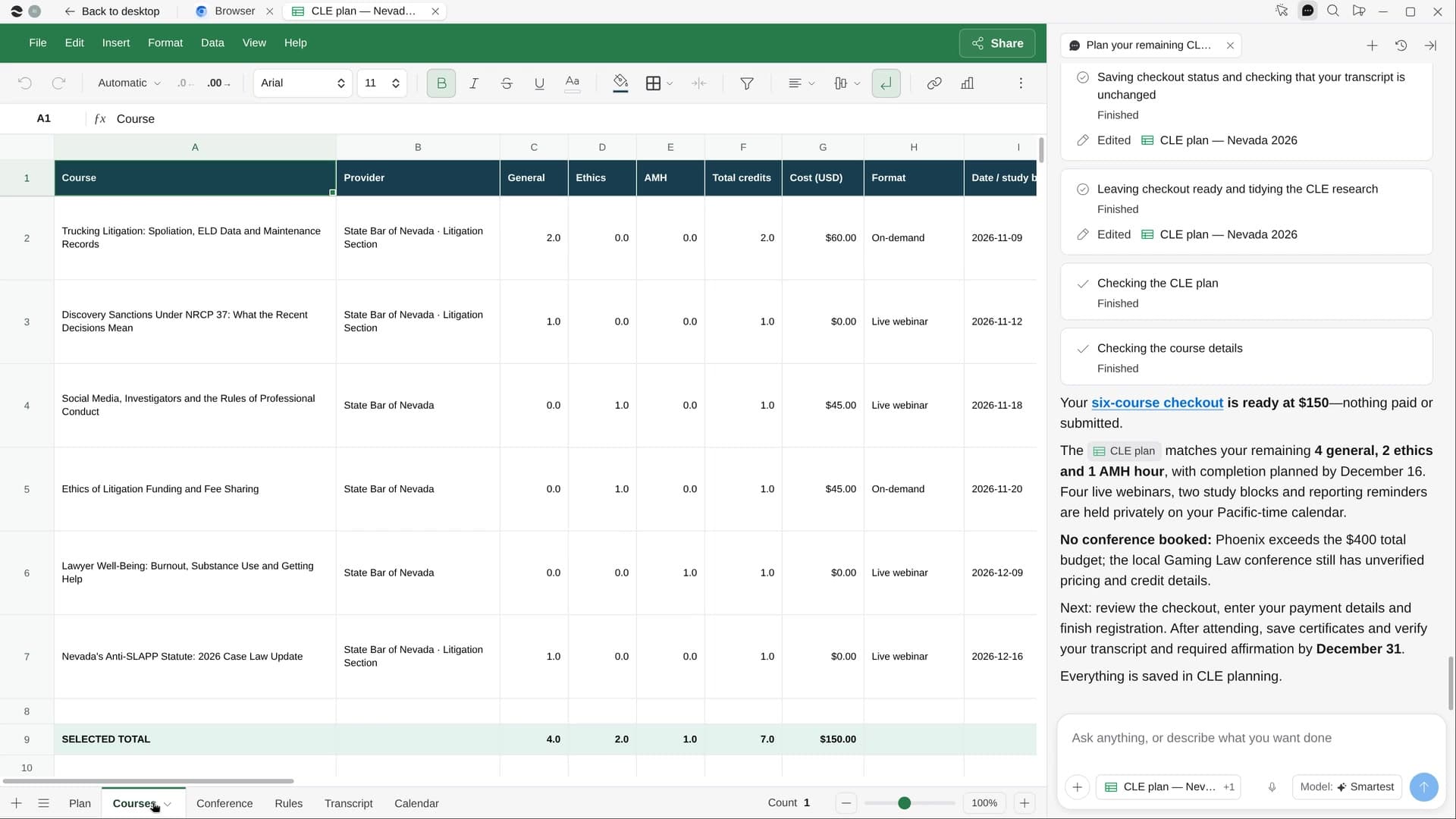
Try it on your own work.
Download River, choose Lawyer, and press Start on “Build a case chronology”.