
Your CLE hours, finished before the deadline.
Courses you’d want to take, in the right categories.
How it works.
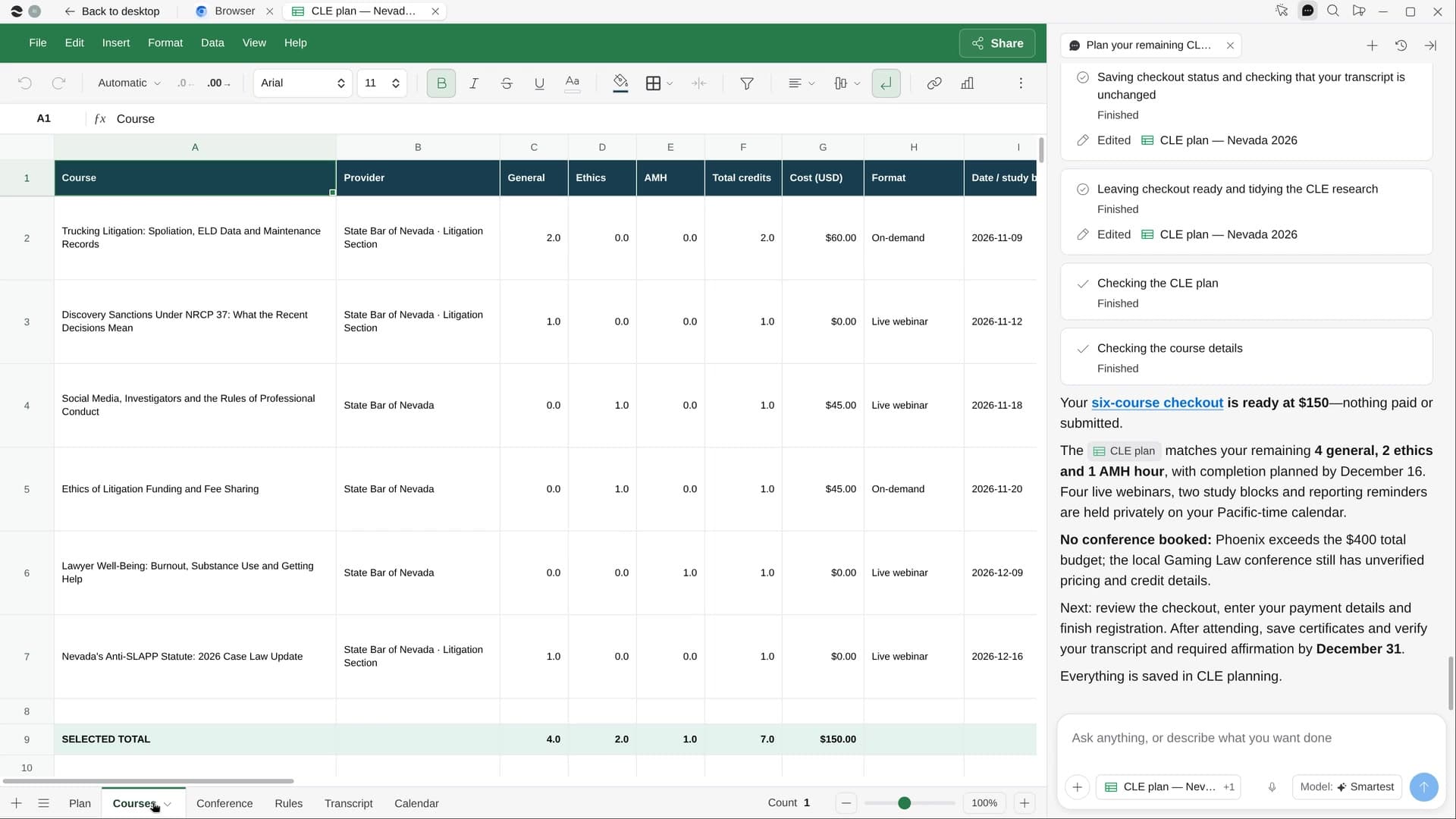
River reads your transcript in the bar’s member portal, finds accredited courses on topics from your own practice, holds the live ones on your calendar and puts the signups in the cart.
Set a course budget
River already has your hours from the bar portal. Say what to spend, and whether you’d like a trip.
River picks the courses
Accredited in your state, on topics from your matters, bar-section webinars first, adding up to what’s left.
Dates held, cart filled
Live sessions on your calendar and every registration in the cart, stopped before checkout.
What you get.
- A CLE plan Sheet that adds up to exactly the hours left, by category
- Live sessions held on your calendar before the reporting deadline
- Registrations in the cart, and a conference with travel options if you want one
Start in three steps.

Get River
Download the app for your computer.
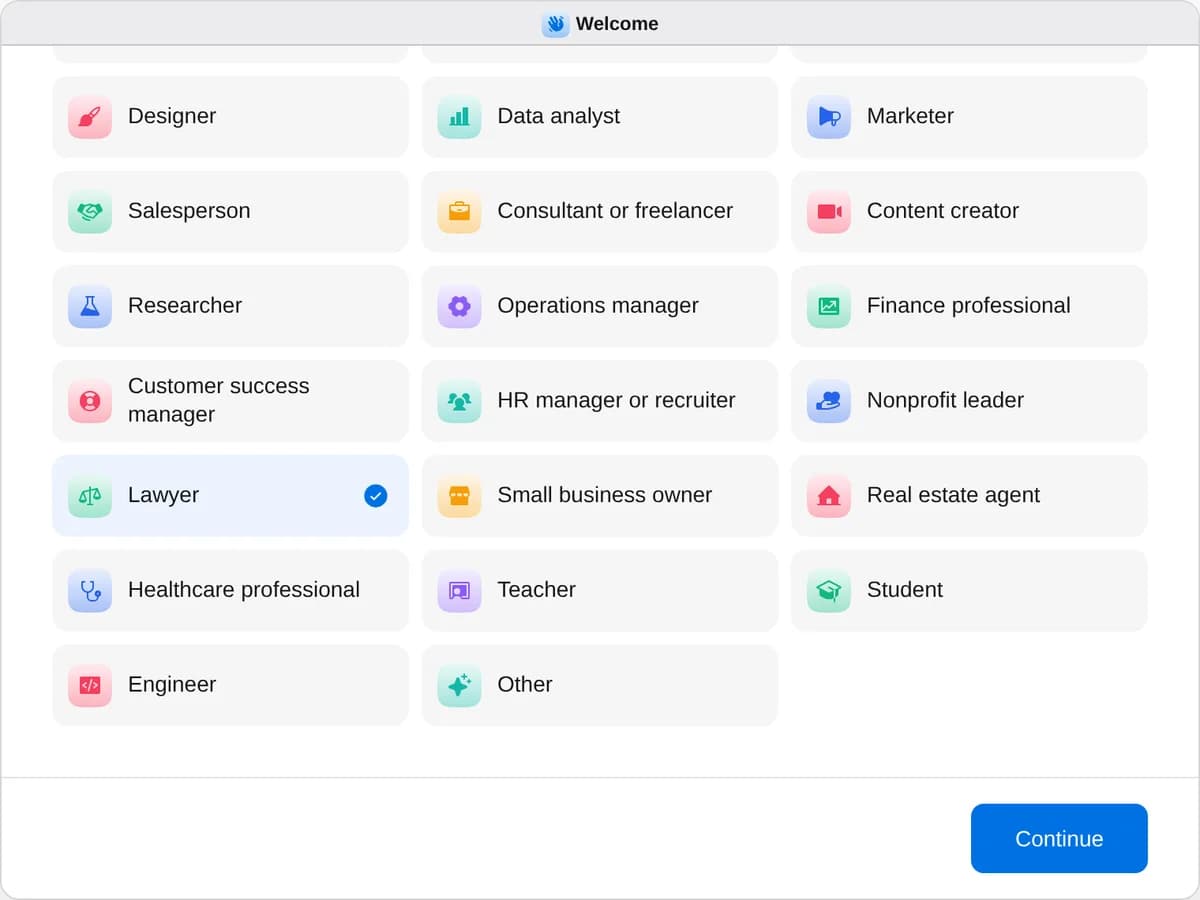
Sign up as a lawyer
When River asks your role, choose Lawyer.
- Playbooks
Lawyer
Start a playbook and River works through it with you in the chat.
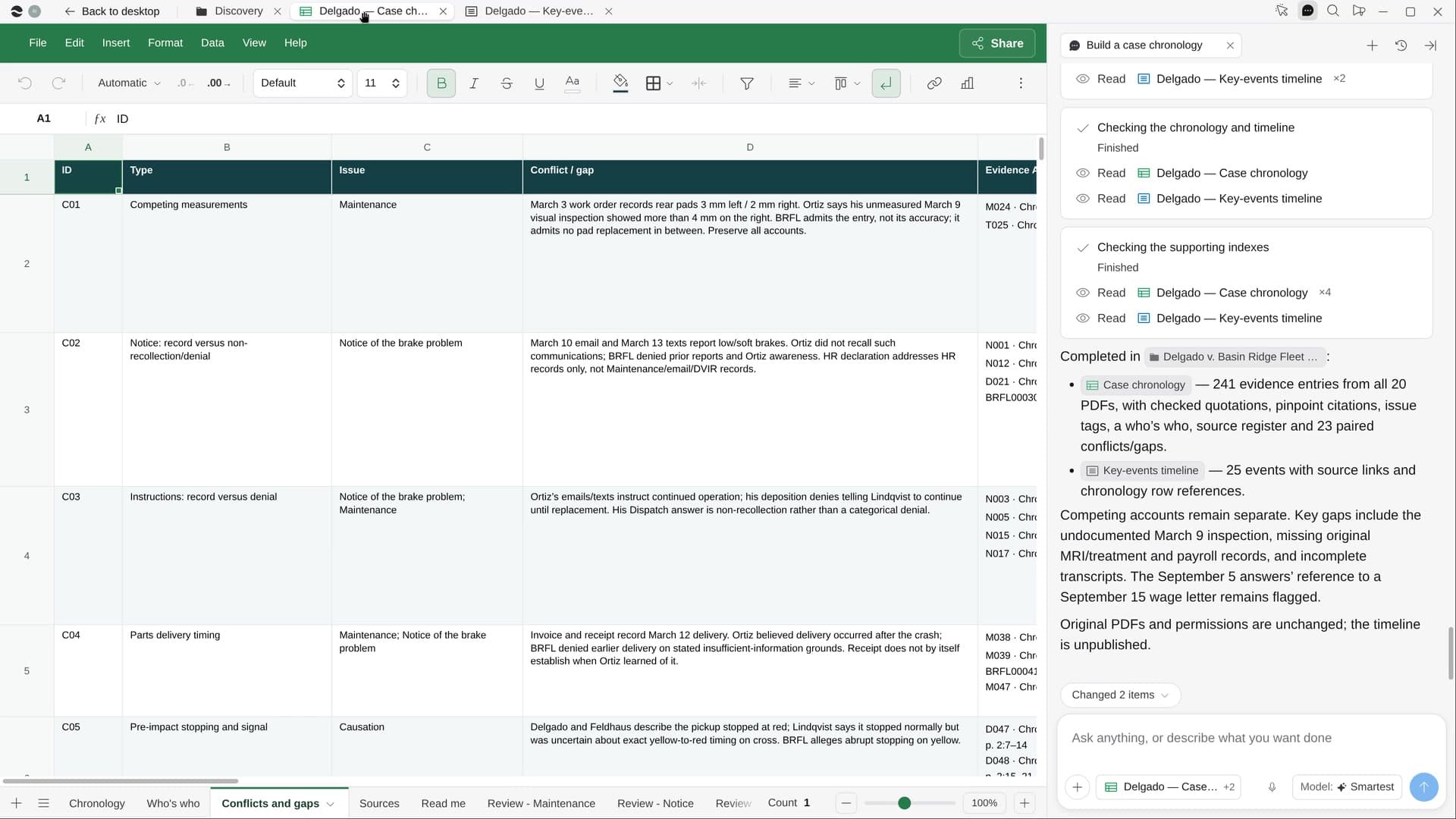
StartTrack deadlines across your mattersRiver pulls every date from your orders, notices and contracts into one tracker and your calendar.StartBuild a case chronologyRiver reads every document in a matter and builds a dated, cited chronology and a who’s who.StartPlan your remaining CLE creditsRiver checks the CLE hours you still need, finds courses you’d enjoy, and lines up the dates and signups.Start “Plan your remaining CLE credits”
Press + in your Dock, open Playbooks, and press Start. River reads your bar transcript, then asks your course budget and if you’d like a trip.
A few things to know.
Will it report my credits?
No. River never reports credits or types passwords. Once you finish a course, it reminds you to report it yourself.
Can it find a conference worth the trip?
If you’d like one, River looks for an in-person conference accredited in your state before your deadline, with two flight and hotel options. The trip gets its own budget, so it never crowds out your credits.
What does it cost?
It uses your plan’s AI credit, like everything else in River. You pay for the courses you choose at checkout, and low-cost options come first.
View pricing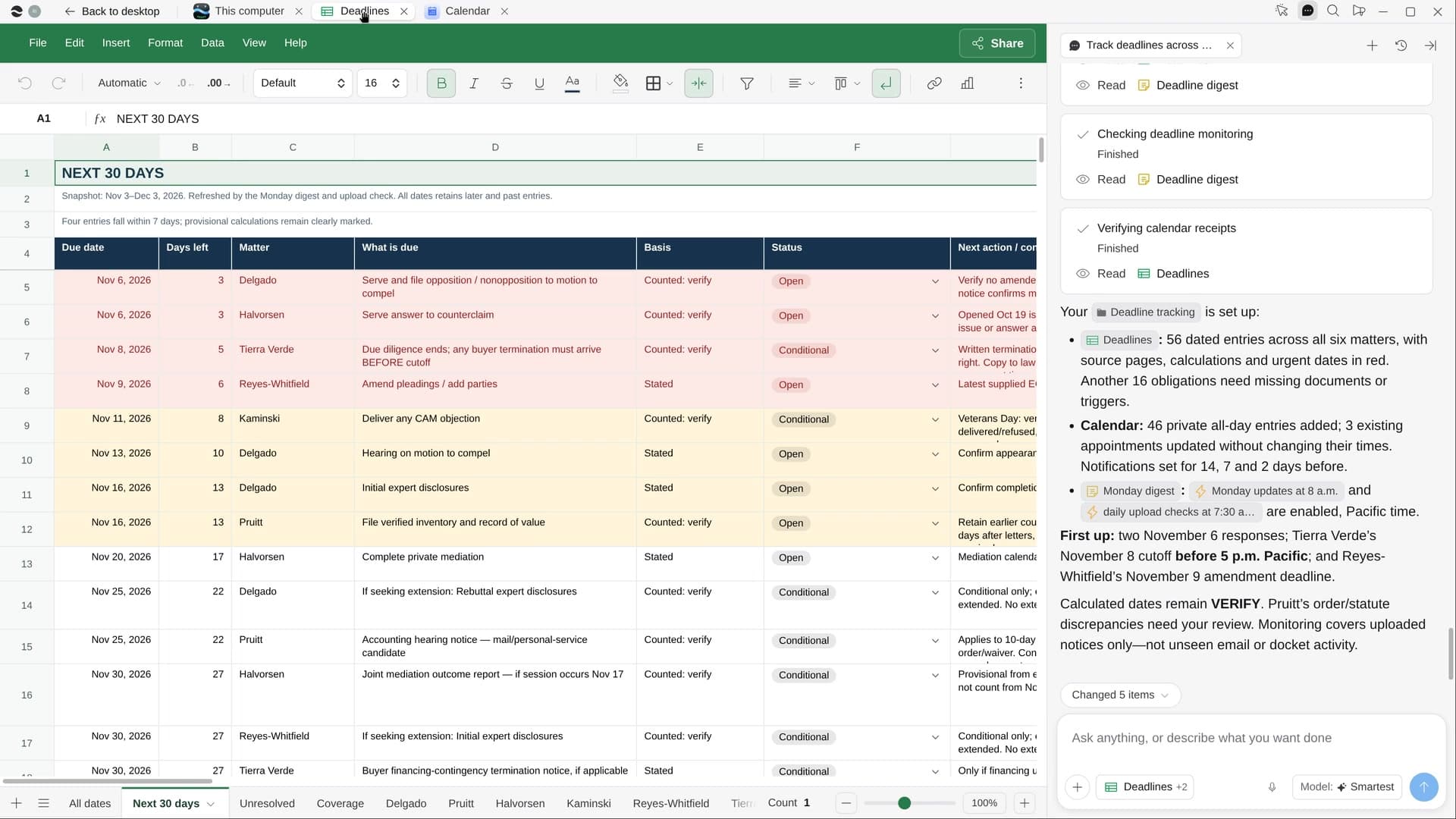
Try it on your own work.
Download River, choose Lawyer, and press Start on “Plan your remaining CLE credits”.