
Your company’s year, wrapped for the all-hands.
Real numbers from your tools, made fun to scroll.
How it works.
River counts the year in your code, issues, revenue, Slack and calendar, then turns it into a Wrapped page, a short all-hands deck and the numbers behind every screen.
Pick the year to count
The year so far unless you say otherwise, plus anything you’d rather leave out.
River counts the whole year
Pull requests, closed issues, revenue by month, customers won, top emoji and meetings, tool by tool.
A Wrapped worth sharing
One big number per screen, a revenue curve, the year’s firsts and warm awards in your colors.
What you get.
- A Wrapped page in your colors and logo, one big number per screen
- A 10–12 slide deck for the all-hands with the same numbers and charts
- A numbers Sheet with every figure traced to its source
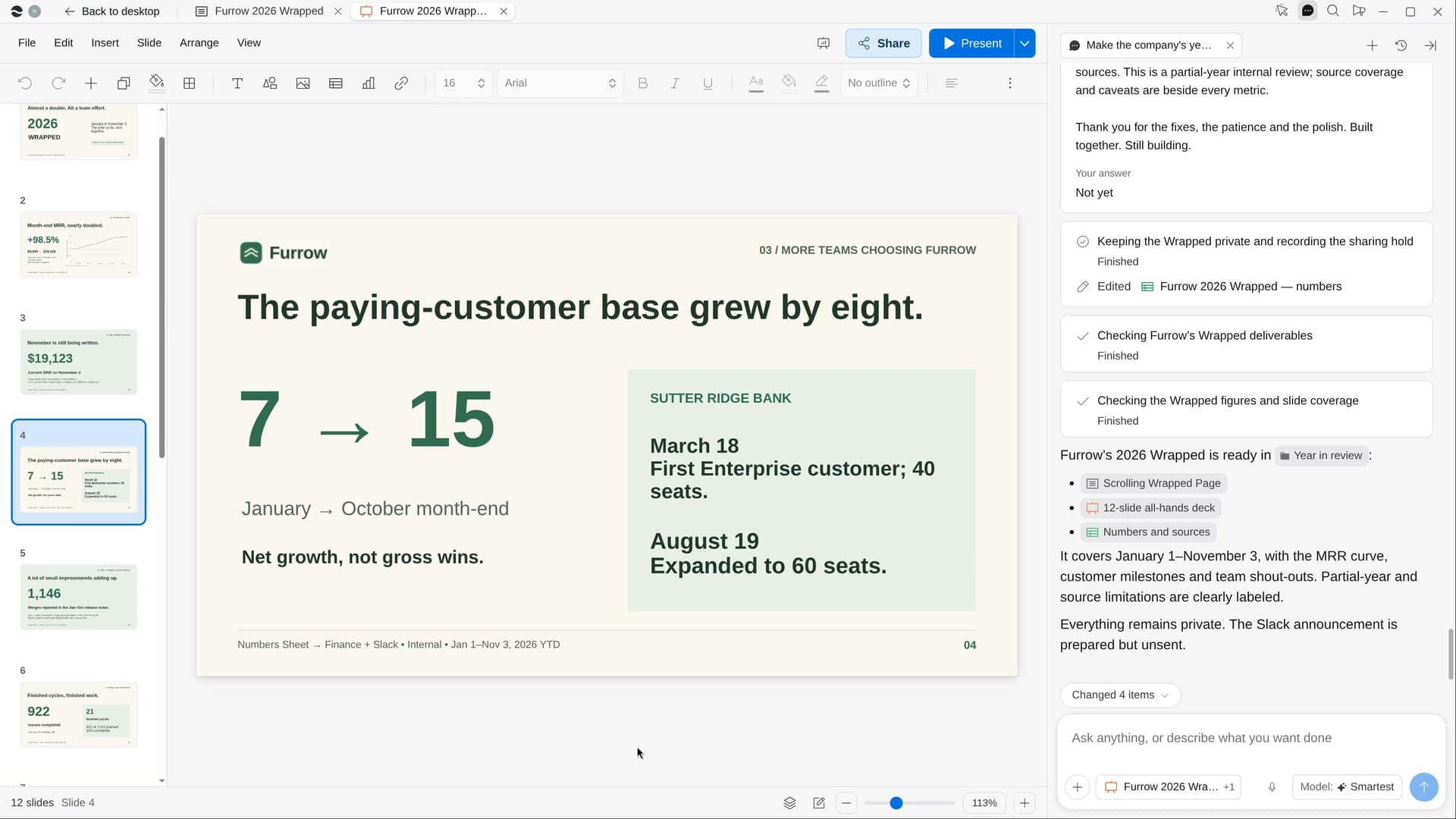
Start in three steps.

Get River
Download the app for your computer.
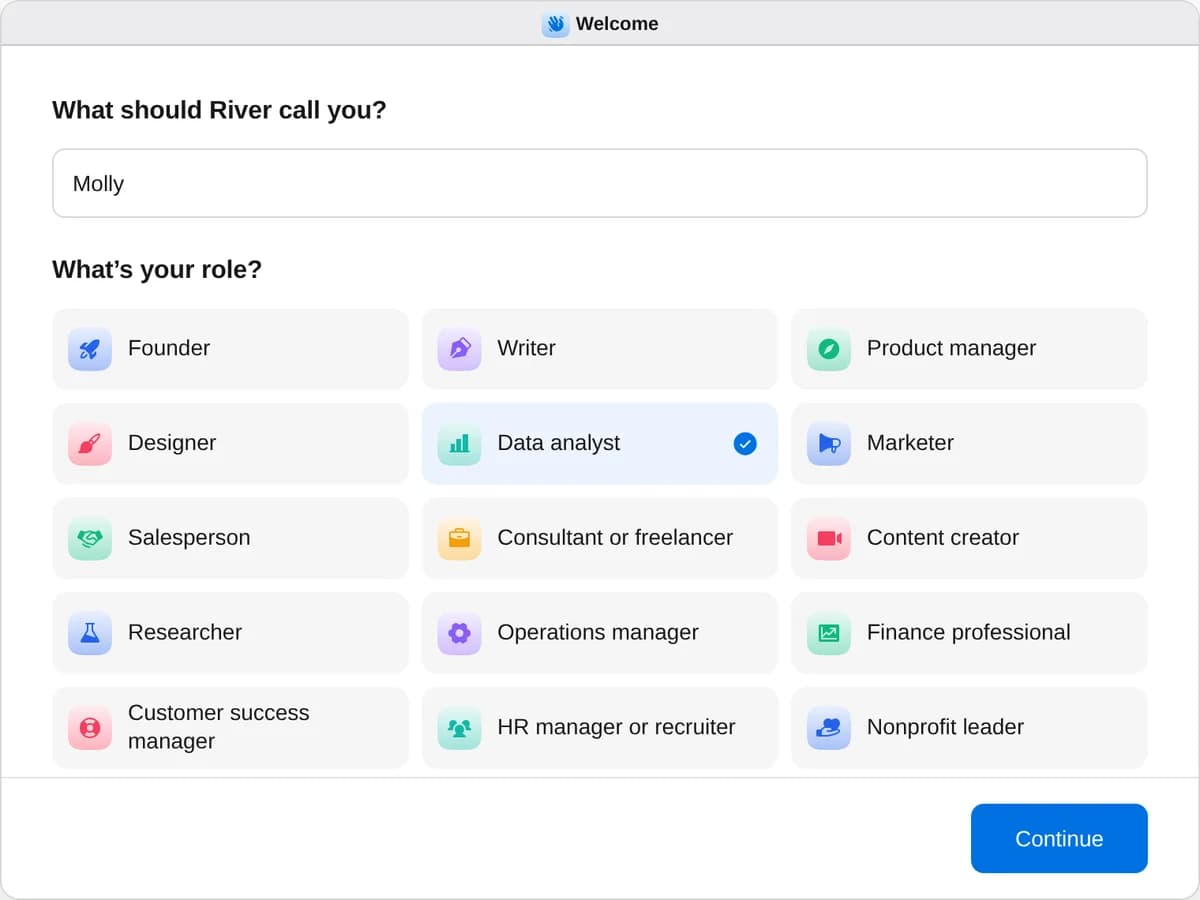
Sign up as a data analyst
When River asks your role, choose Data analyst.
- Playbooks
Data analyst
Start a playbook and River works through it with you in the chat.
StartSend the weekly metrics reportEvery week River pulls your key numbers, charts them and writes what changed and why, ready to post.StartFind out why a number movedName a number that dropped or jumped: River checks every likely cause and shows you the evidence.StartMake the company’s year in reviewRiver turns your year in Slack, GitHub, Stripe and more into a fun Wrapped for the all-hands.Start “Make the company’s year in review”
Press + in your Dock, open Playbooks, and press Start. River confirms the year and asks if anything should stay out of it.
A few things to know.
Will it read private channels or DMs?
It counts totals and public channels only, never DMs or private channels, and shows money only the way your team already sees it.
Could an award embarrass someone?
Awards only celebrate, like “Emoji of the year” or “Most thanked in #help,” and nobody is ranked last. The Wrapped goes to Slack or email only on your yes.
What does it cost?
It uses your plan’s AI credit, like everything else in River. It counts from the tools you already have connected or open, with no exports to run.
View pricingMore for data analysts.
All data analyst playbooks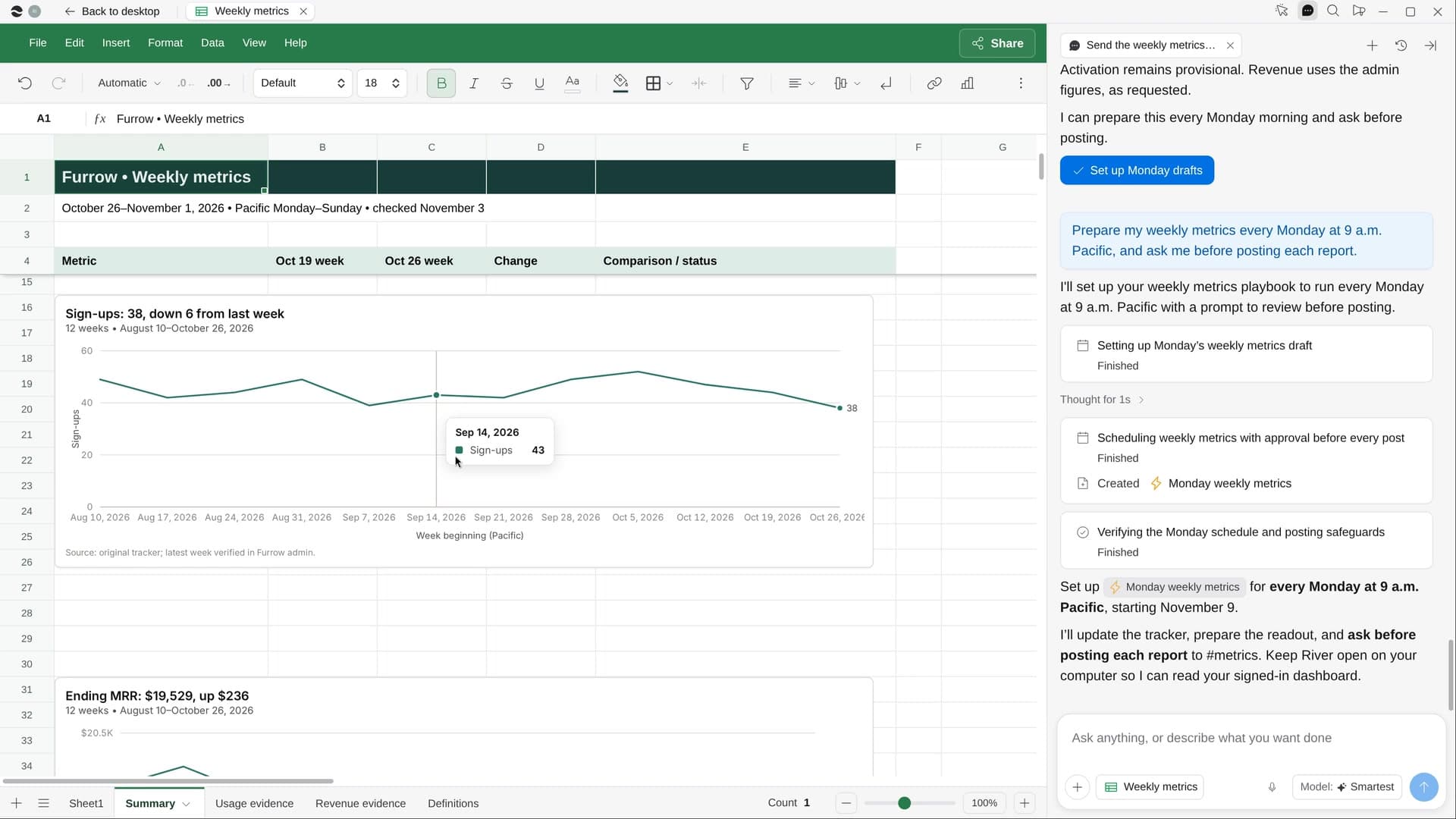
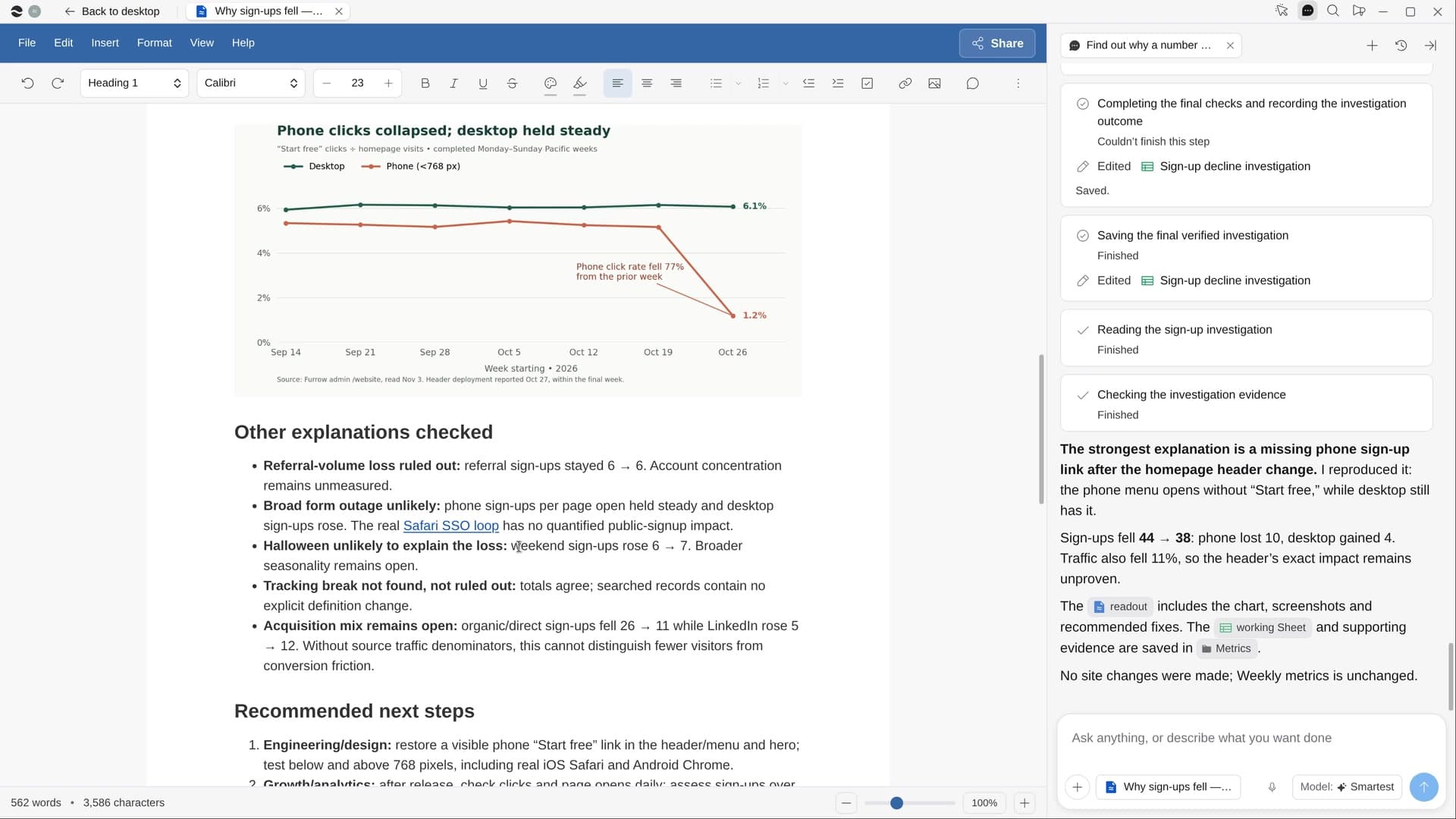
Try it on your own work.
Download River, choose Data analyst, and press Start on “Make the company’s year in review”.