
Thank-you gifts that show you were listening.
Picked from what they’ve shared. In carts, ready to pay.
How it works.
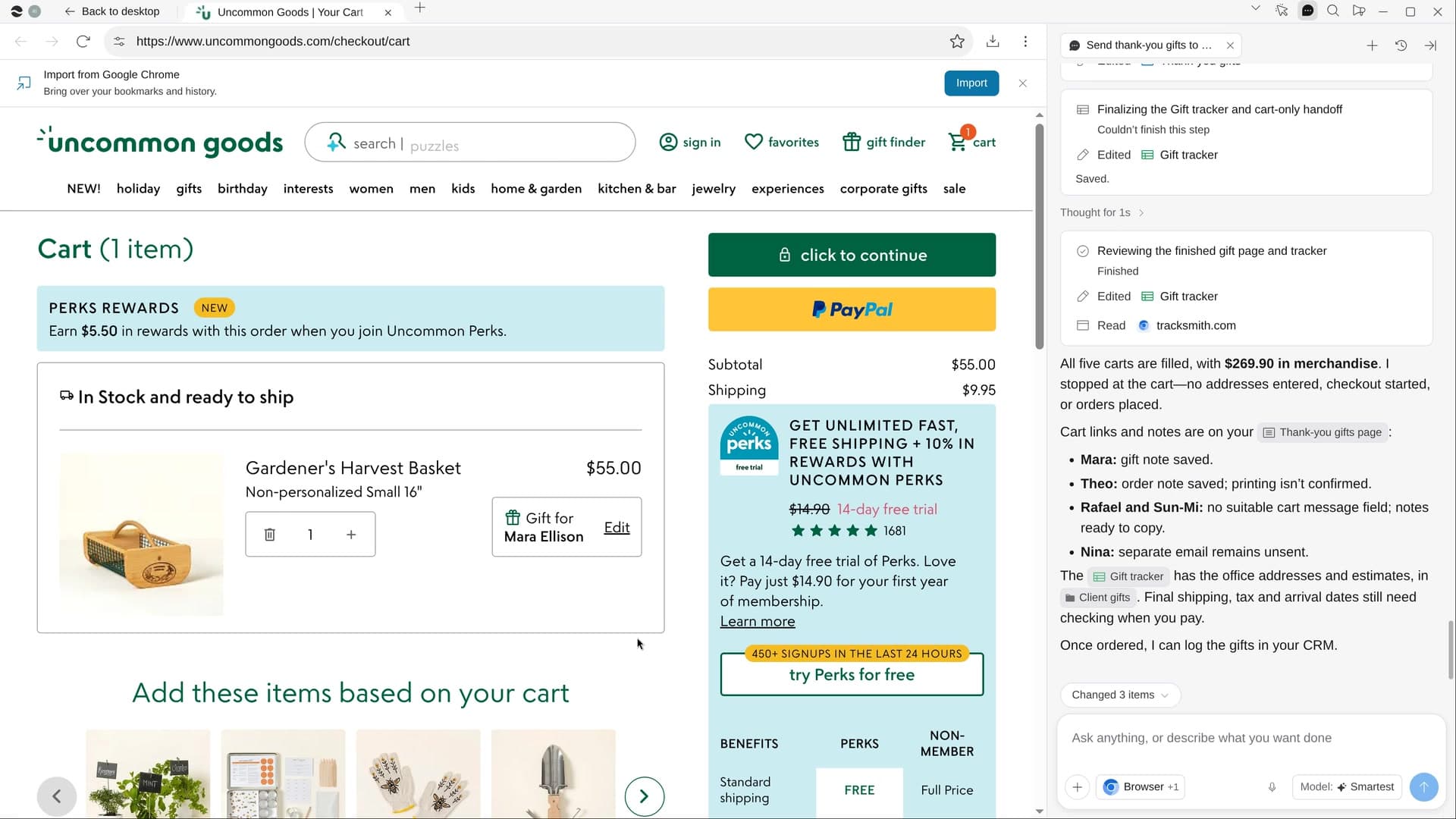
River finds what each client has mentioned on calls and in email, picks a real gift that fits, and leaves it in the store’s cart with a short note in your voice.
Choose who and how much
River suggests champions at accounts that renewed or grew, leaving out any with a billing dispute.
River shops real stores
Goldbelly, Uncommon Goods, Bookshop.org and local makers, with stock, price and delivery checked.
Carts filled, you check out
Each gift waits in its cart with its message. You pay; River never enters a card or an address.
What you get.
- A Thank-you gifts Page with each gift pictured, why it fits and the note
- A Gift tracker Sheet with every gift, store, price and status
- Store carts filled with gift messages, waiting for you at checkout
Start in three steps.

Get River
Download the app for your computer.
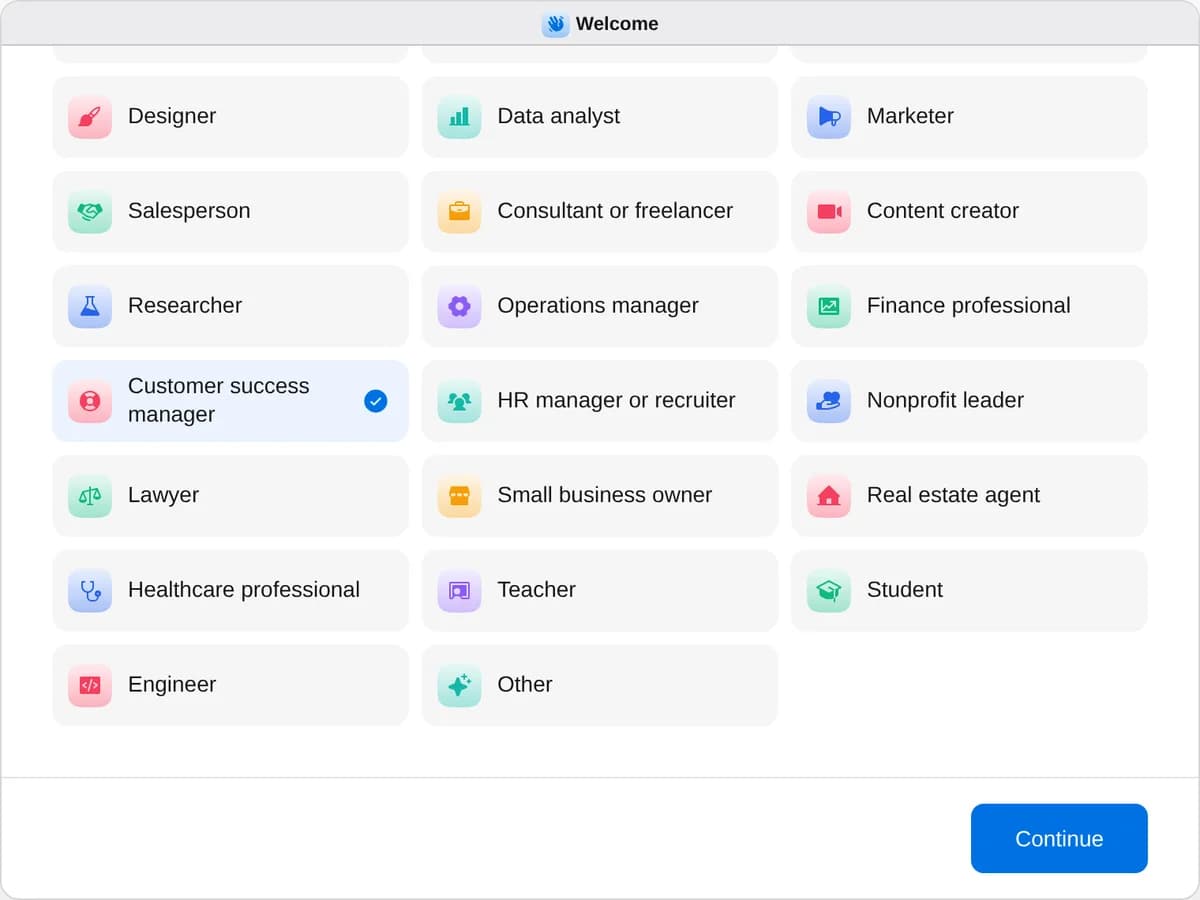
Sign up as a customer success manager
When River asks your role, choose Customer success manager.
- Playbooks
Customer success manager
Start a playbook and River works through it with you in the chat.
StartFind customers at risk of leavingRiver checks every customer’s usage, tickets, calls and contacts, ranks who might leave and drafts a plan to keep them.StartBuild a customer’s quarterly reviewRiver pulls a customer’s results, usage and tickets into a review deck with charts, wins and next quarter’s plan.StartSend thank-you gifts to your best clientsRiver picks a personal gift for each of your best clients, writes the notes and fills the carts for you to pay.Start “Send thank-you gifts to your best clients”
Press + in your Dock, open Playbooks, and press Start. River suggests who’s earned a thank-you and asks how much to spend on each.
A few things to know.
Will the gifts feel personal?
Each pick comes from something the person shared, never a gift card. The note thanks them for the year’s work and never repeats anything private.
What about clients who can’t accept gifts?
River flags people at government agencies, banks, insurers and hospitals, which often limit gifts, and suggests a card or a donation instead.
What does it cost?
It uses your plan’s AI credit, like everything else in River. You pay each store for the gifts yourself, at its own checkout.
View pricingMore for customer success managers.
All customer success manager playbooks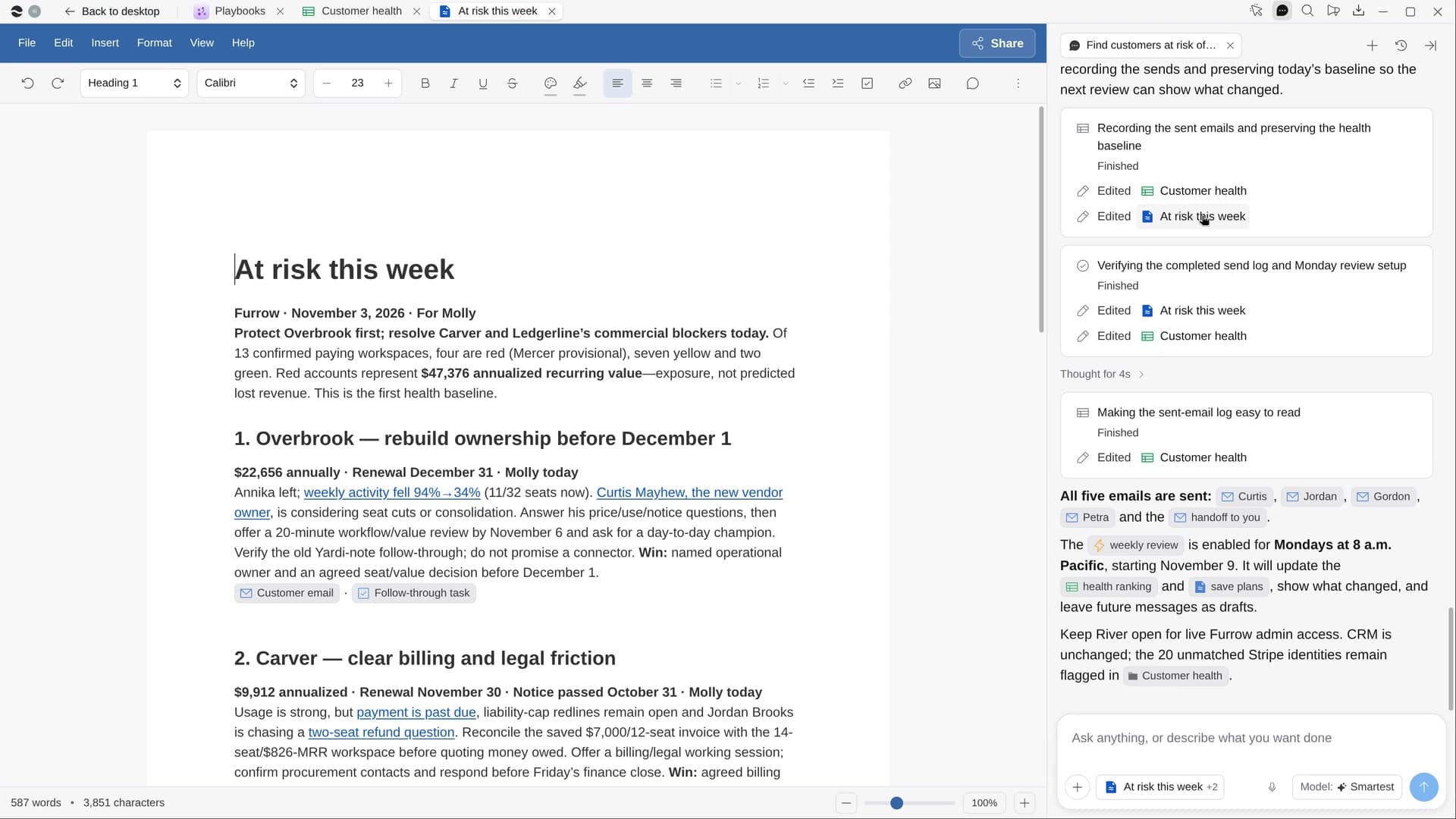 Find customers at risk of leavingRiver checks every customer’s usage, tickets, calls and contacts, ranks who might leave and drafts a plan to keep them.
 Build a customer’s quarterly reviewRiver pulls a customer’s results, usage and tickets into a review deck with charts, wins and next quarter’s plan.
Try it on your own work.
Download River, choose Customer success manager, and press Start on “Send thank-you gifts to your best clients”.