
Every overdue invoice, chased until it’s paid.
Friendly at a week late, firmer at a month.
How it works.
River reads your books and each client’s emails, writes every late payer a reminder that fits how late it is, and keeps checking until the money lands.
Say who to go easy on
A dispute, a friend, a promised date. River spots them in your email and suggests them first.
River writes each reminder
A short reply in the client’s thread with the pay link; at 45 days, a statement to accounts payable.
Paid invoices drop off
Every Monday River checks your books, marks what’s paid and brings the next reminders for one yes.
What you get.
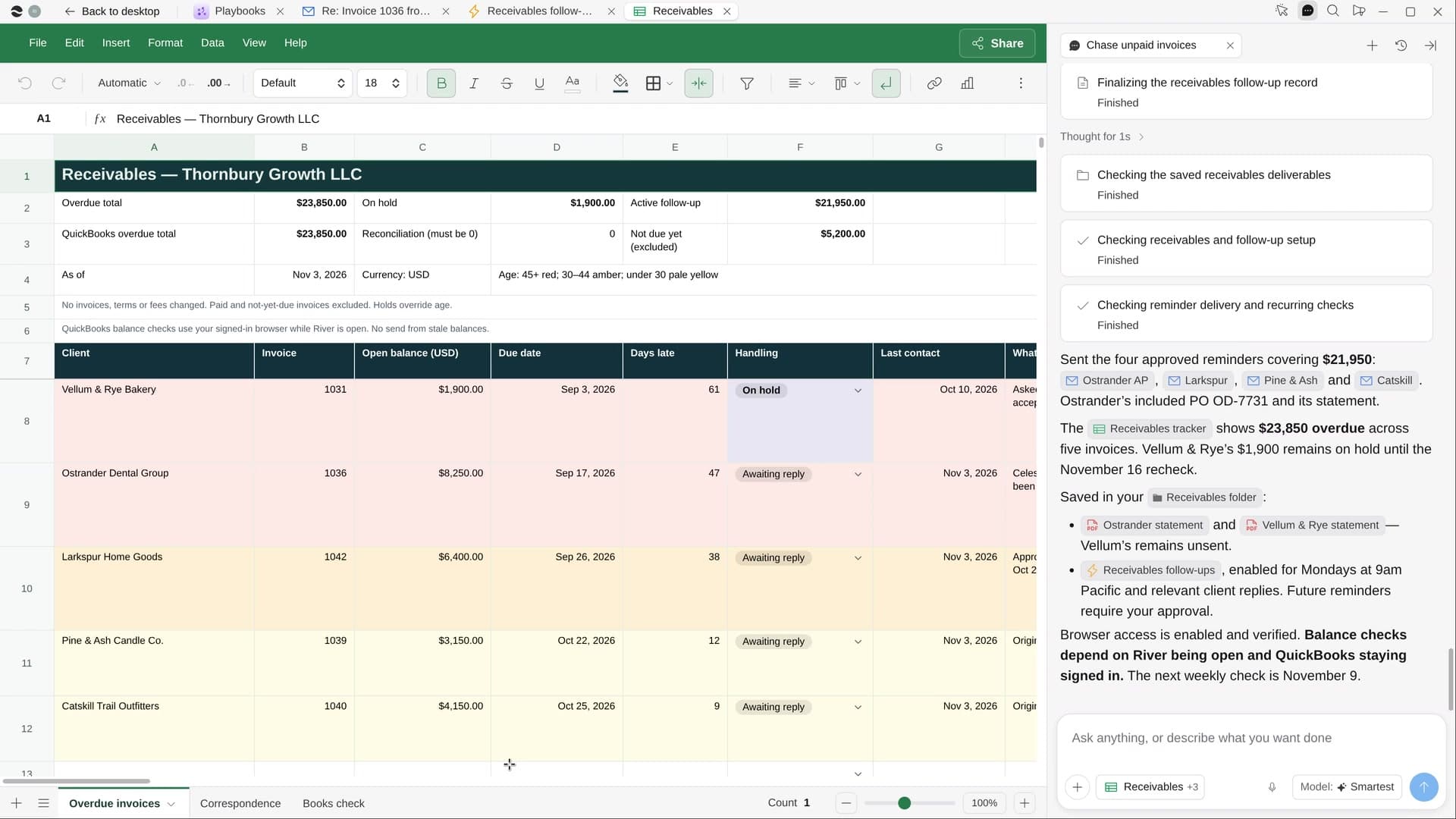
- A Receivables Sheet of every overdue invoice, oldest first, with the total owed on top
- A reminder to each client from your own email, in the thread you already have
- A weekly check that stops the chasing the day each payment lands
Start in three steps.

Get River
Download the app for your computer.
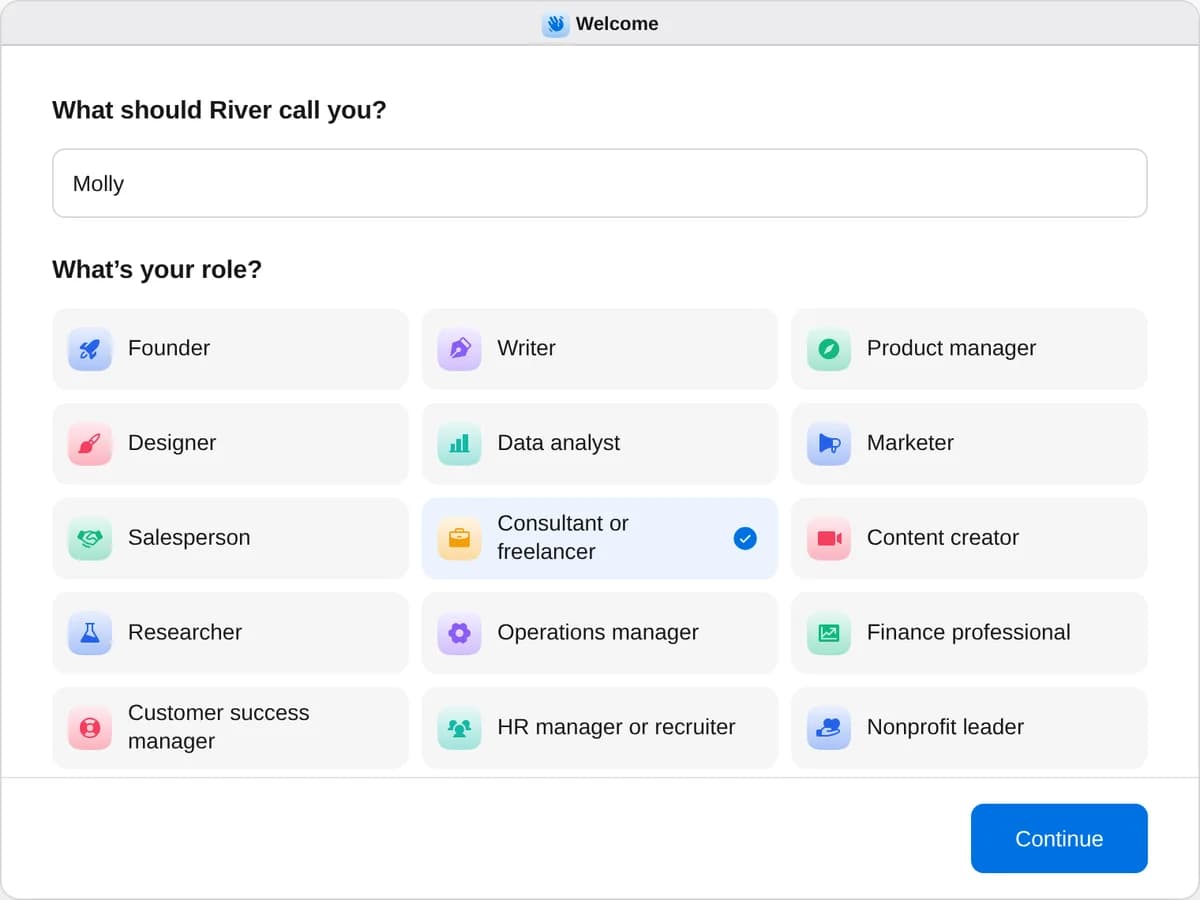
Sign up as a consultant or freelancer
When River asks your role, choose Consultant or freelancer.
- Playbooks
Consultant or freelancer
Start a playbook and River works through it with you in the chat.
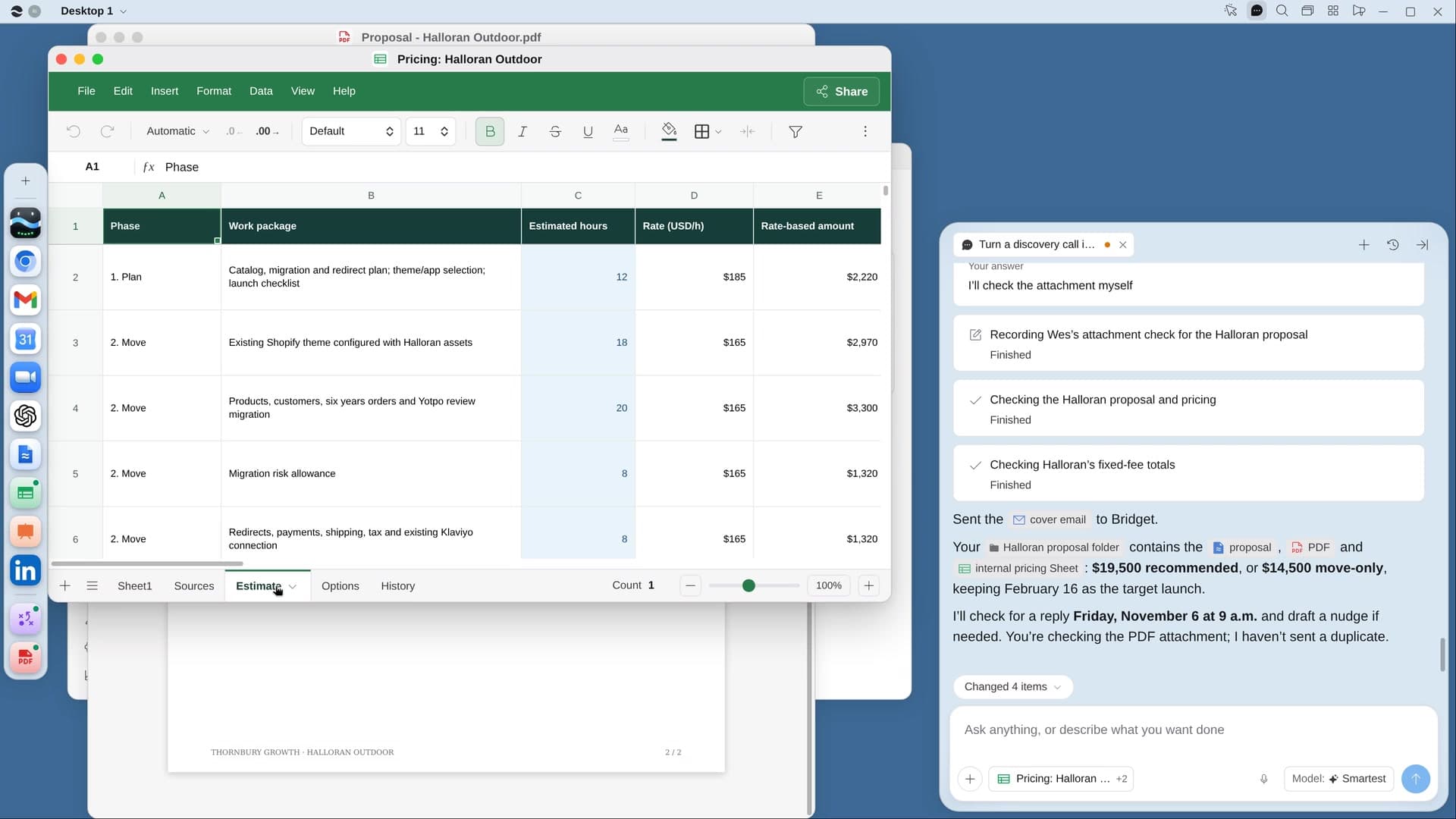
StartSend thank-you gifts to your best clientsRiver picks a personal gift for each of your best clients, writes the notes and fills the carts for you to pay.StartTurn a discovery call into a proposalRiver reads your call, prices the work like your past projects, and drafts the proposal and cover email.StartChase unpaid invoicesRiver finds every overdue invoice, sends a polite reminder for each, and keeps following up until you’re paid.Start “Chase unpaid invoices”
Press + in your Dock, open Playbooks, and press Start. River reads your books and client emails, then asks who to handle gently.
A few things to know.
Where does it find my invoices?
In your accounting app, connected or open in your browser. Then it reads each client’s emails for promised dates, disputes, PO numbers and the right person in accounts payable.
Will it annoy my clients?
Reminders start friendly, with the invoice link, and get firmer only as an invoice ages. A client in a dispute can be skipped entirely, and a friend can get the gentlest note of all.
What does it cost?
It uses your plan’s AI credit, like everything else in River. It works with the QuickBooks, Stripe, FreshBooks or Xero account you already invoice from.
View pricingMore for consultants and freelancers.
All consultant or freelancer playbooks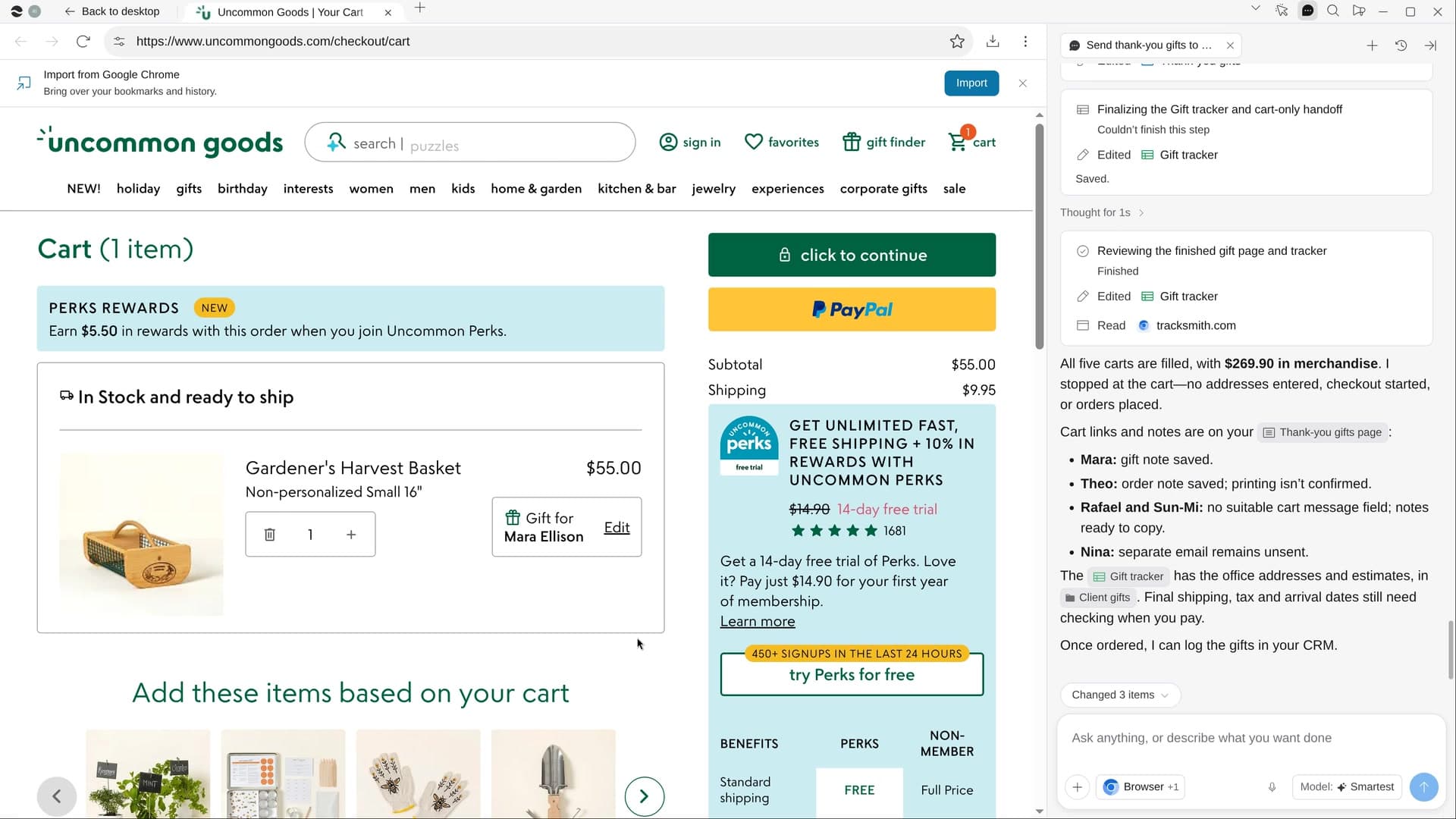
Try it on your own work.
Download River, choose Consultant or freelancer, and press Start on “Chase unpaid invoices”.