
What shipped, written up for the people who asked.
A changelog page, a team post and personal notes.
How it works.
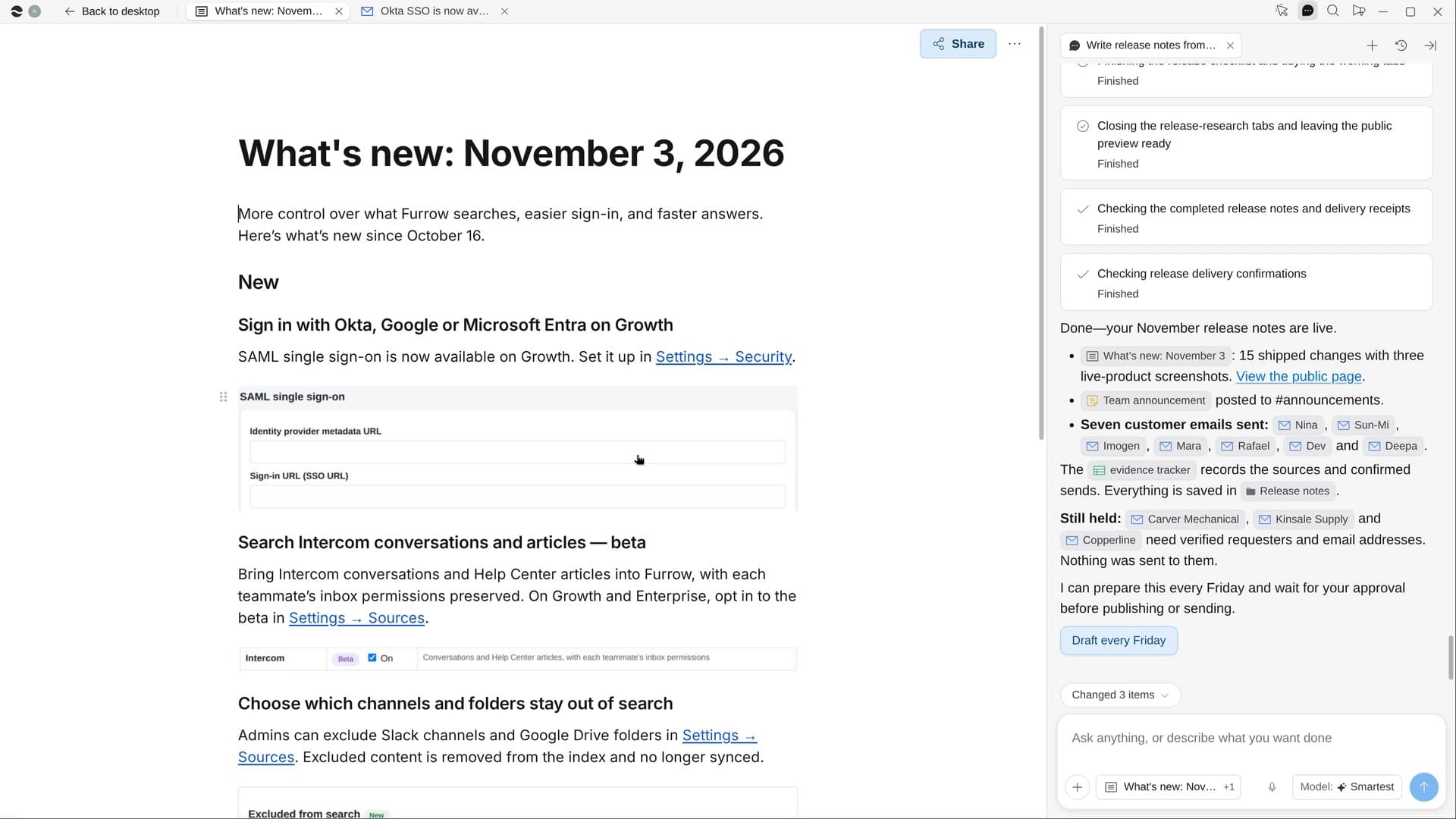
River reads what merged since your last release notes, writes it up in customer words with screenshots, and drafts a note to every customer who asked for a feature.
Start from the last release
Since your last release notes or tag, for customers unless you say it’s for the team.
River sorts what shipped
Only what customers can use today goes in; flagged or undeployed work waits, and betas say beta.
Page, post and notes
New, Improved and Fixed with screenshots, a team post, and a short note to each person who asked.
What you get.
- A What’s new page in New, Improved and Fixed, with live screenshots
- A Sheet tying every line to its pull requests and issues
- A team post and a personal note drafted for each customer who asked
Start in three steps.

Get River
Download the app for your computer.
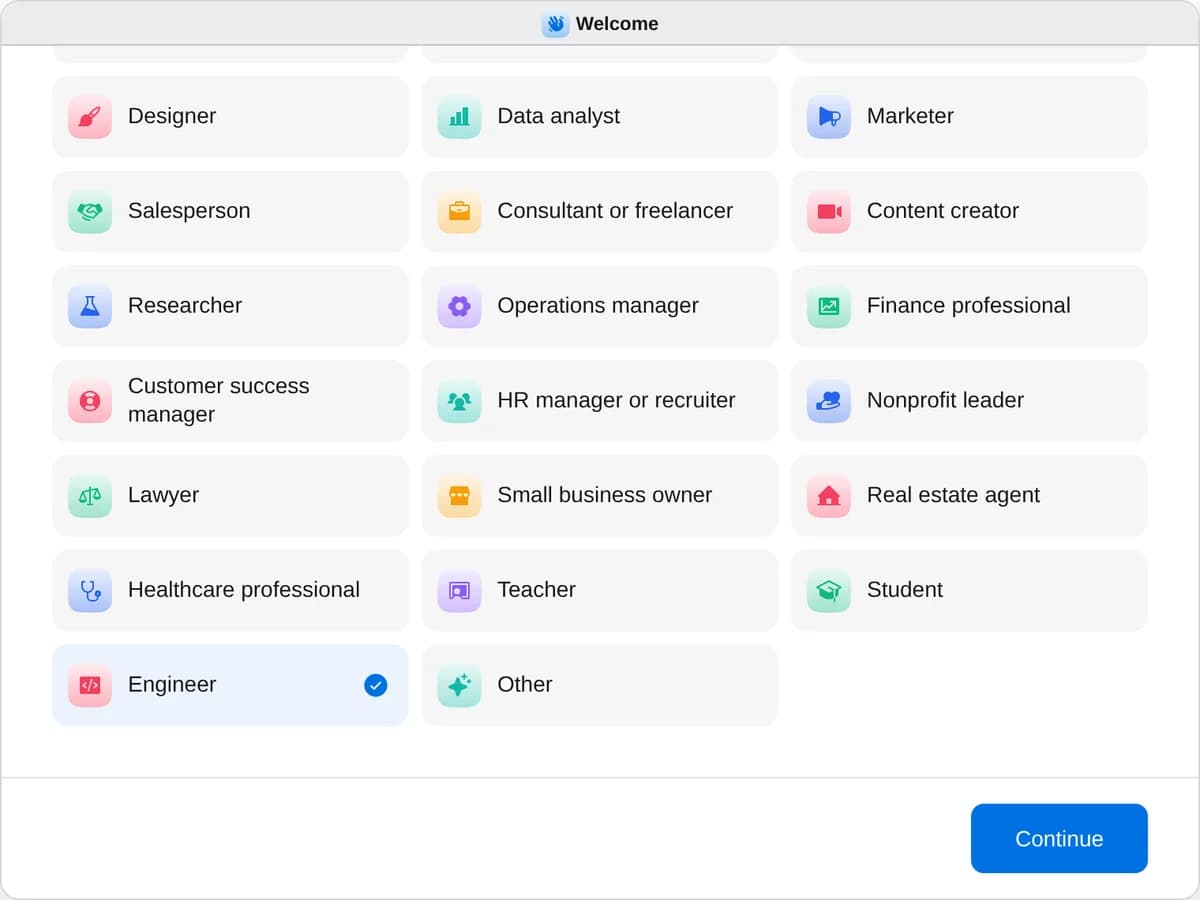
Sign up as an engineer
When River asks your role, choose Engineer.
- Playbooks
Engineer
Start a playbook and River works through it with you in the chat.
StartWrite release notes from what shippedRiver turns what shipped into a changelog page, a team post and notes to the customers who asked.StartWrite the incident reviewRiver rebuilds the timeline from Slack, deploys, errors and tickets, then drafts a blameless review.StartPlan a hack dayRiver picks the day, gathers ideas, sets up sign-ups and judging, and fills the lunch and prize carts.Start “Write release notes from what shipped”
Press + in your Dock, open Playbooks, and press Start. River finds your last release notes and asks who this round is for.
A few things to know.
Will unreleased work end up in the notes?
Anything behind a flag or not yet deployed waits for the next round, betas are labeled beta, and refactors, tests and dependency bumps stay out.
Does River touch our code?
It only reads what merged and what shipped. The page, the post and every email wait on one card for your go-ahead.
What does it cost?
It uses your plan’s AI credit, like everything else in River. It works from the repositories, issue tracker and support tickets you already have.
View pricing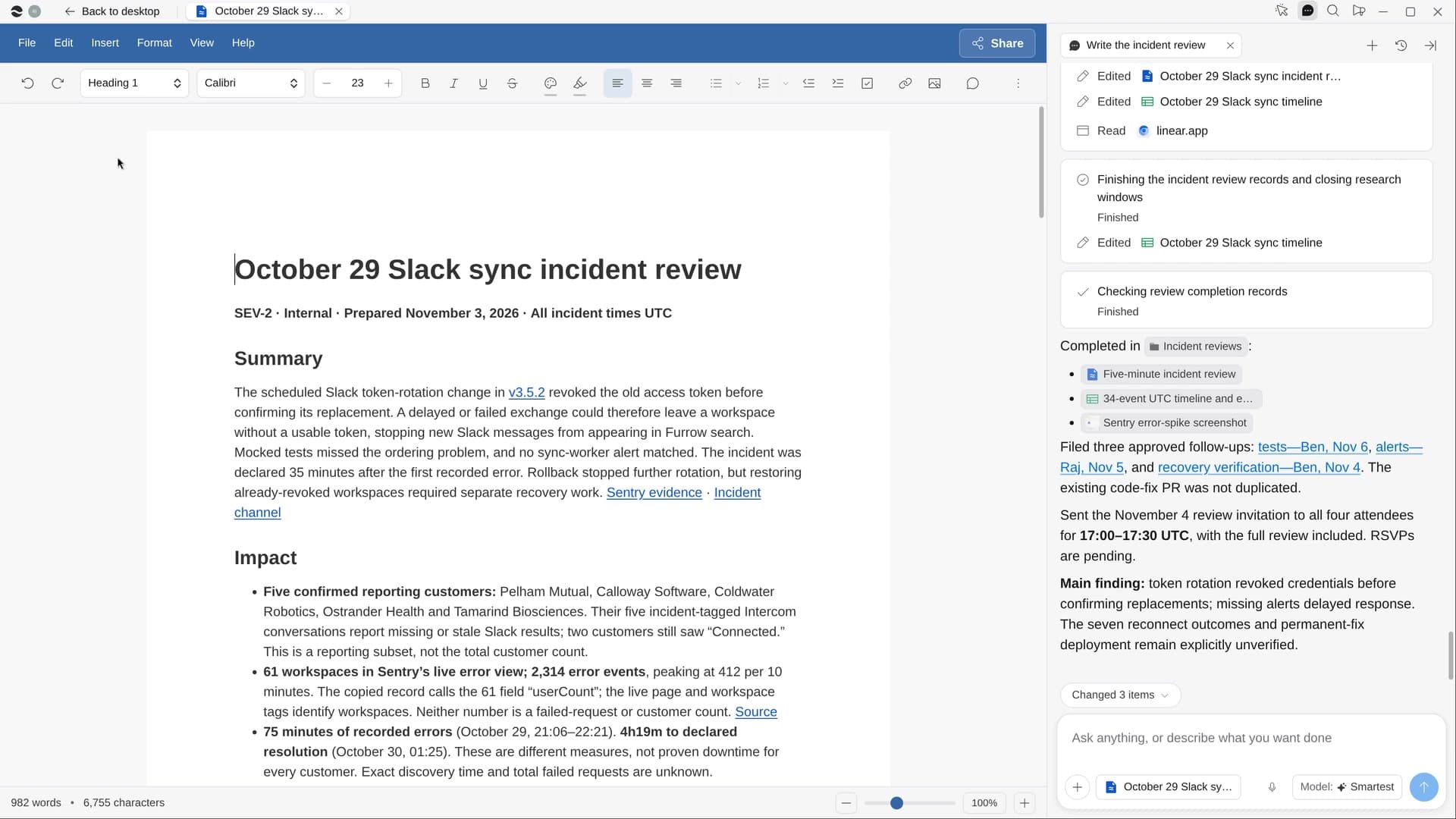
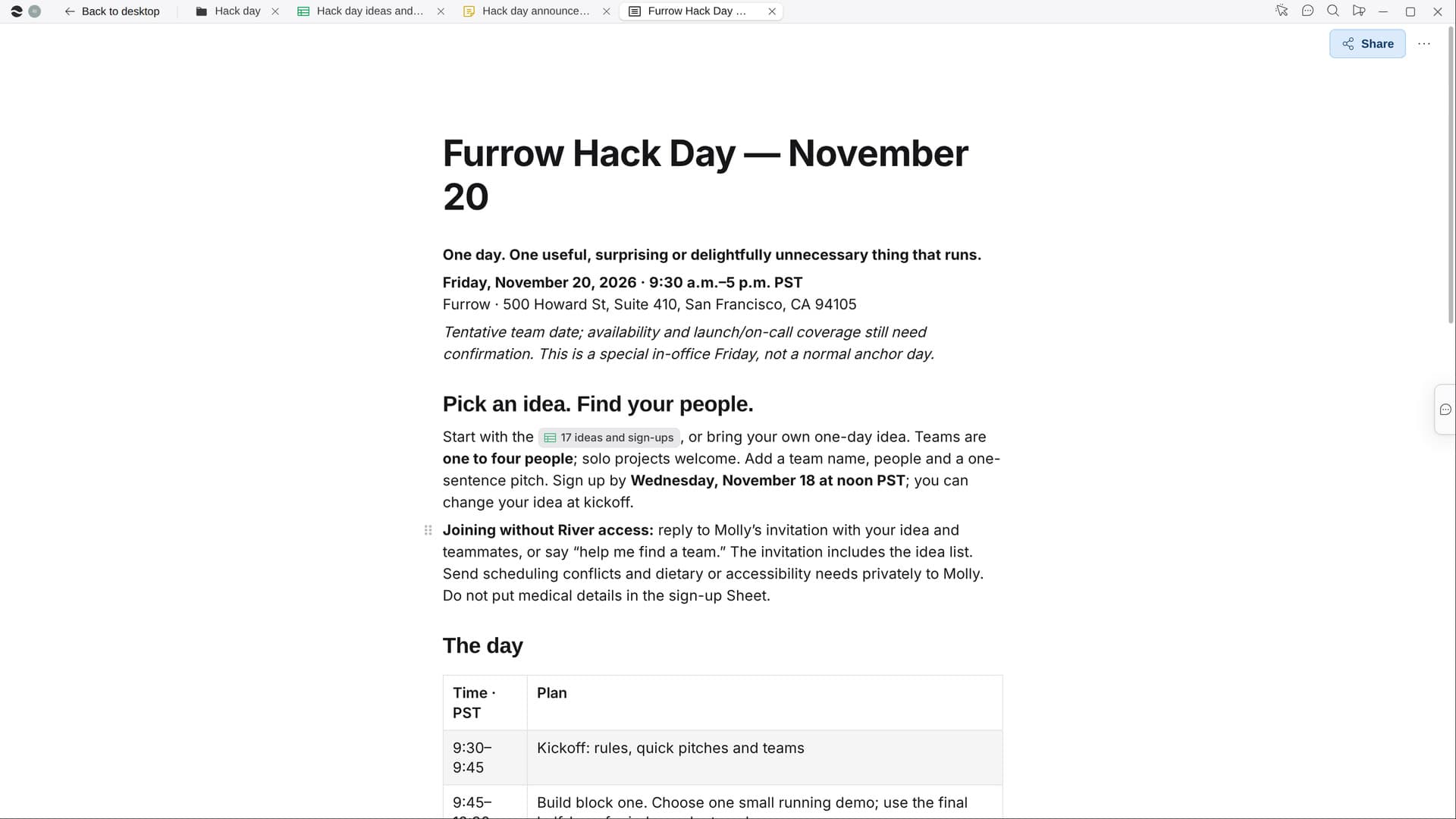
Try it on your own work.
Download River, choose Engineer, and press Start on “Write release notes from what shipped”.