
What happened, minute by minute, without the blame.
Built from the channel, the deploys and the tickets.
How it works.
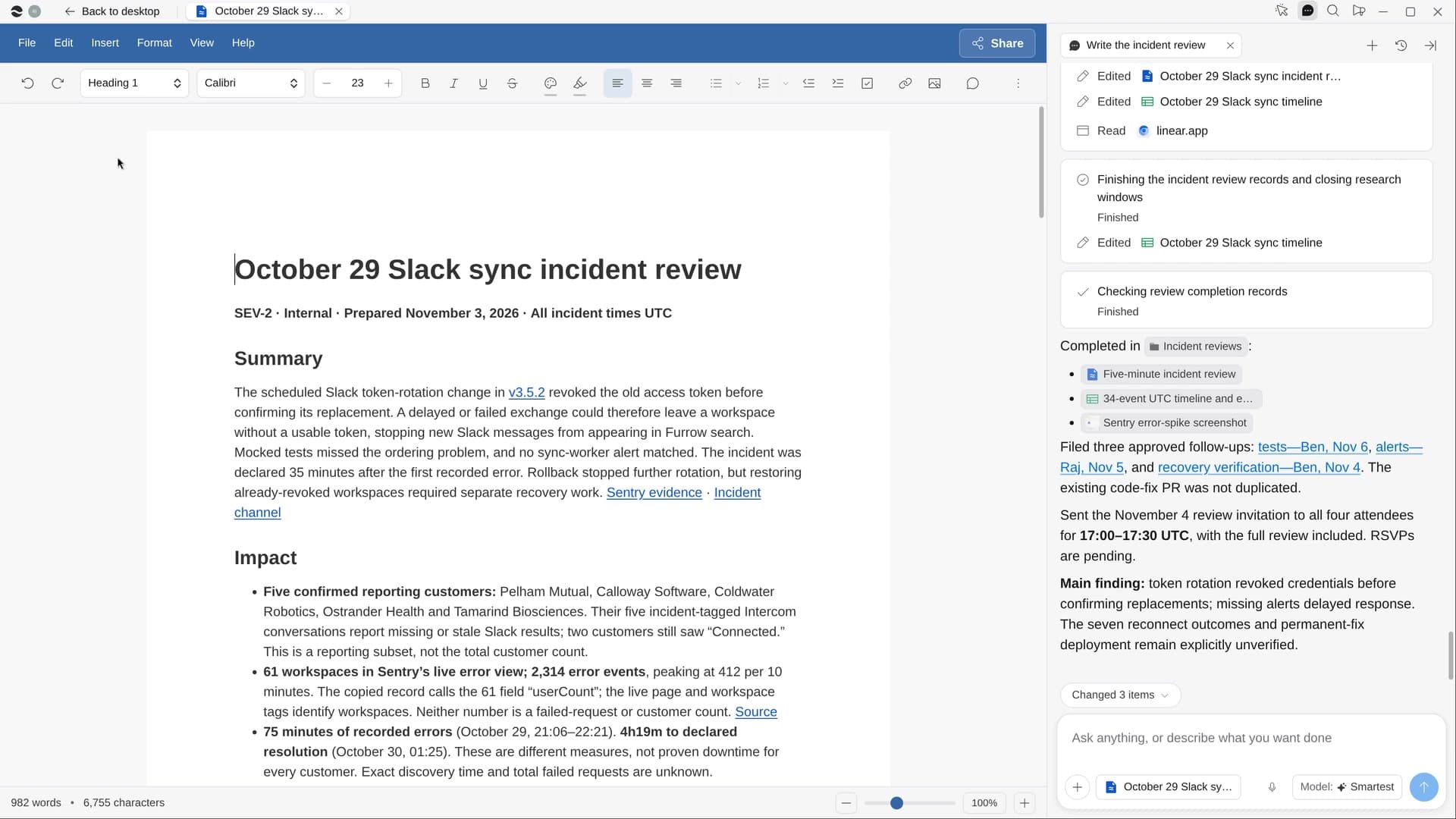
River rebuilds the timeline from your incident channel, deploys, error graphs and customer tickets, then drafts a blameless review with owned action items, in your team’s own template if there is one.
Name the outage
Take River’s pick from your newest incident channel, or point to another.
River replays the incident
In one time zone, every row linked, marking when it started, was noticed, contained and fixed.
A review worth the meeting
Summary, impact, causes, what went well, and a few action items with owners and dates.
What you get.
- A review Doc anyone who missed the incident can follow in five minutes
- A timeline Sheet with every row linked to its source
- Action items filed without duplicates and the review meeting invite sent
Start in three steps.

Get River
Download the app for your computer.
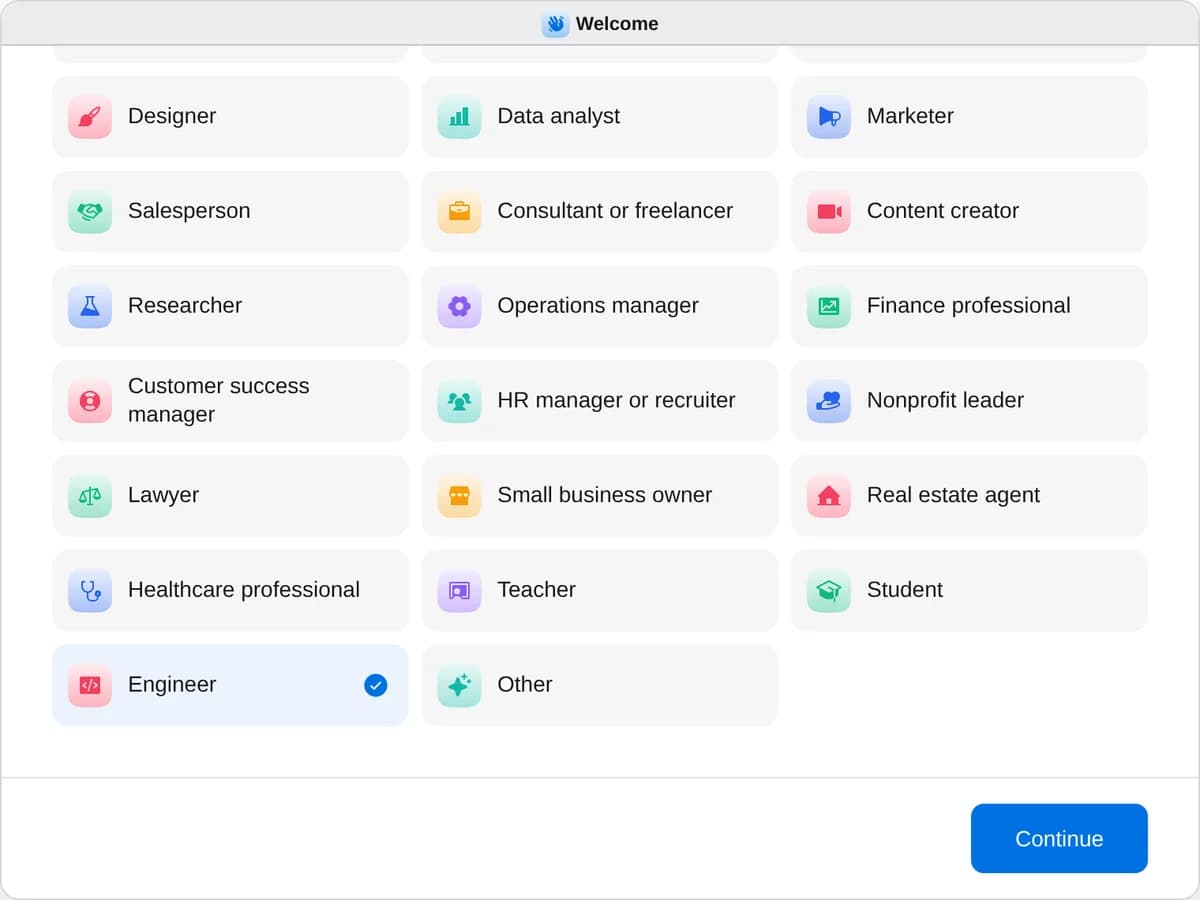
Sign up as an engineer
When River asks your role, choose Engineer.
- Playbooks
Engineer
Start a playbook and River works through it with you in the chat.
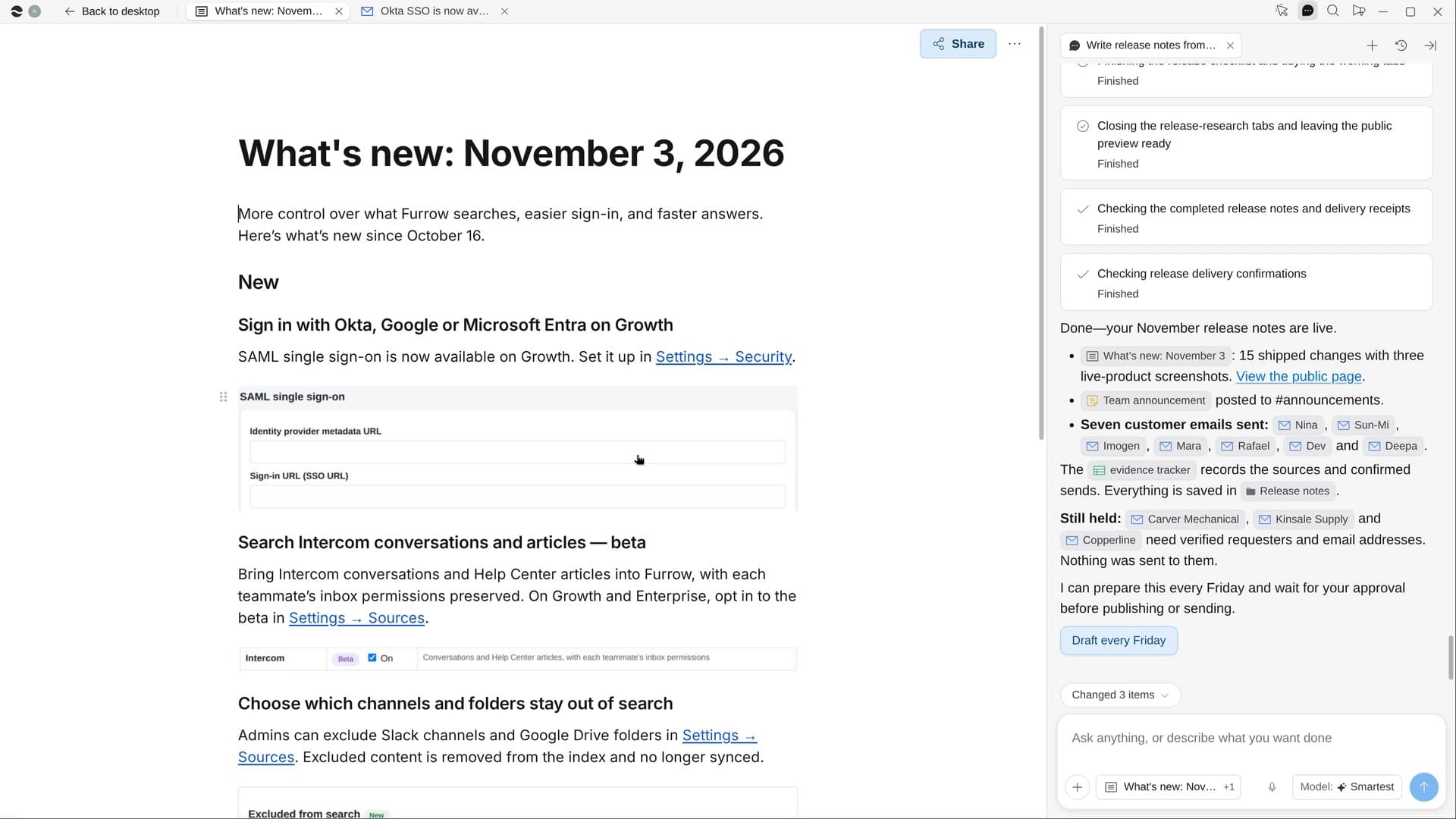
StartWrite release notes from what shippedRiver turns what shipped into a changelog page, a team post and notes to the customers who asked.StartWrite the incident reviewRiver rebuilds the timeline from Slack, deploys, errors and tickets, then drafts a blameless review.StartPlan a hack dayRiver picks the day, gathers ideas, sets up sign-ups and judging, and fills the lunch and prize carts.Start “Write the incident review”
Press + in your Dock, open Playbooks, and press Start. River suggests the latest incident and who should be at the review.
A few things to know.
Will the review blame anyone?
It looks at systems and decisions, not people’s mistakes, names the several causes behind most incidents, and says what went well and where you got lucky.
Will it file duplicate tickets?
River checks each action item against your open issues first, so work already underway gets linked instead of filed again.
What does it cost?
It uses your plan’s AI credit, like everything else in River. It works from the Slack channel, dashboards and tracker your team already uses.
View pricing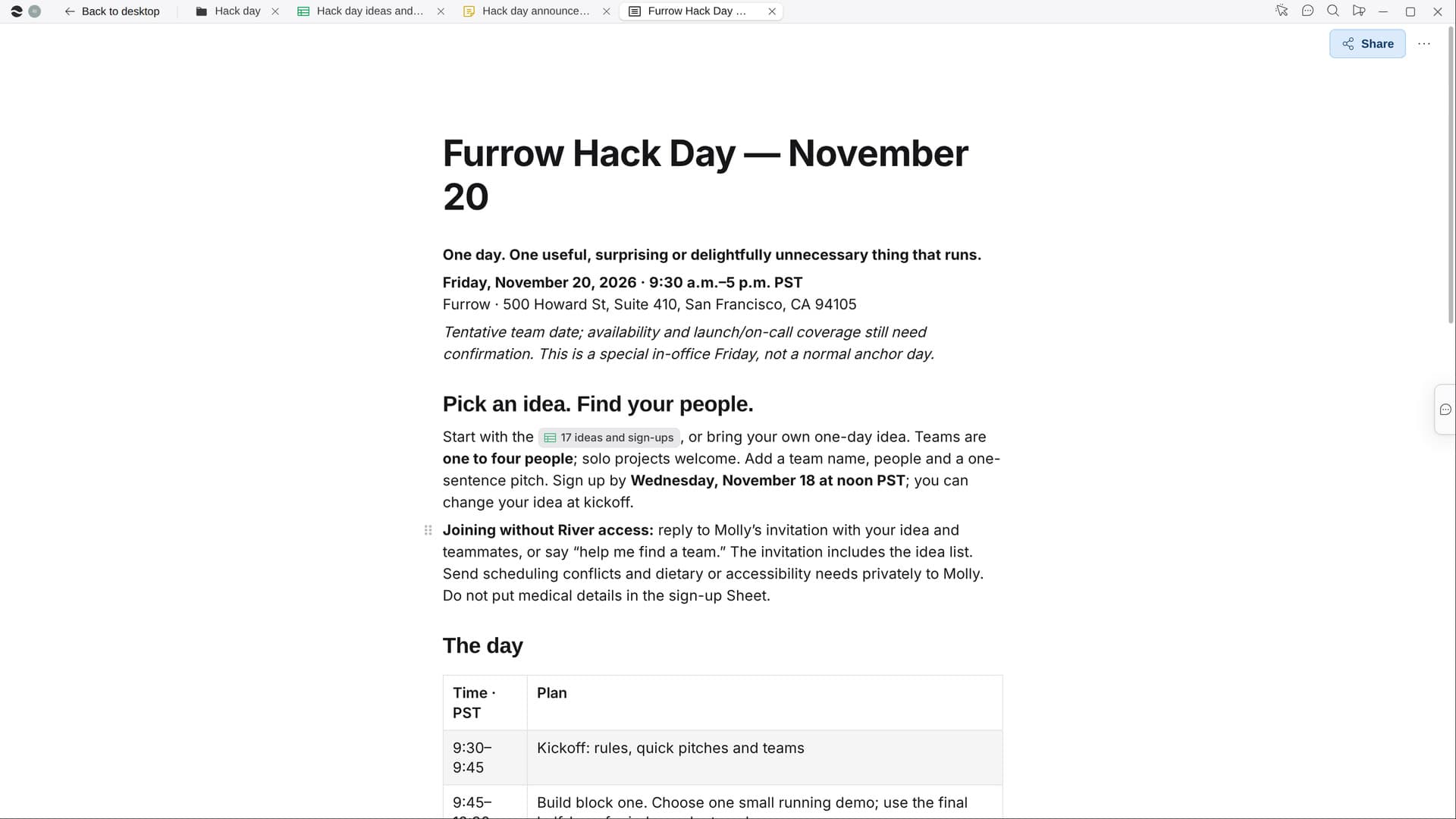
Try it on your own work.
Download River, choose Engineer, and press Start on “Write the incident review”.