
Agents who want books like yours, queried their way.
Your letter, lightly tailored. Every form filled.
How it works.
River checks which literary agents are open right now and asking for your kind of book, then prepares each query exactly the way that agent wants it.
Share the book
Manuscript, query and synopsis. River looks in your Drive first and asks only for what’s missing.
River finds the right agents
Books like yours lead to the agents who sold them; each is checked for an open door and a wish-list fit.
One yes sends the batch
Each form filled up to Submit and each email ready, to that agent’s rules, then sent together.
What you get.
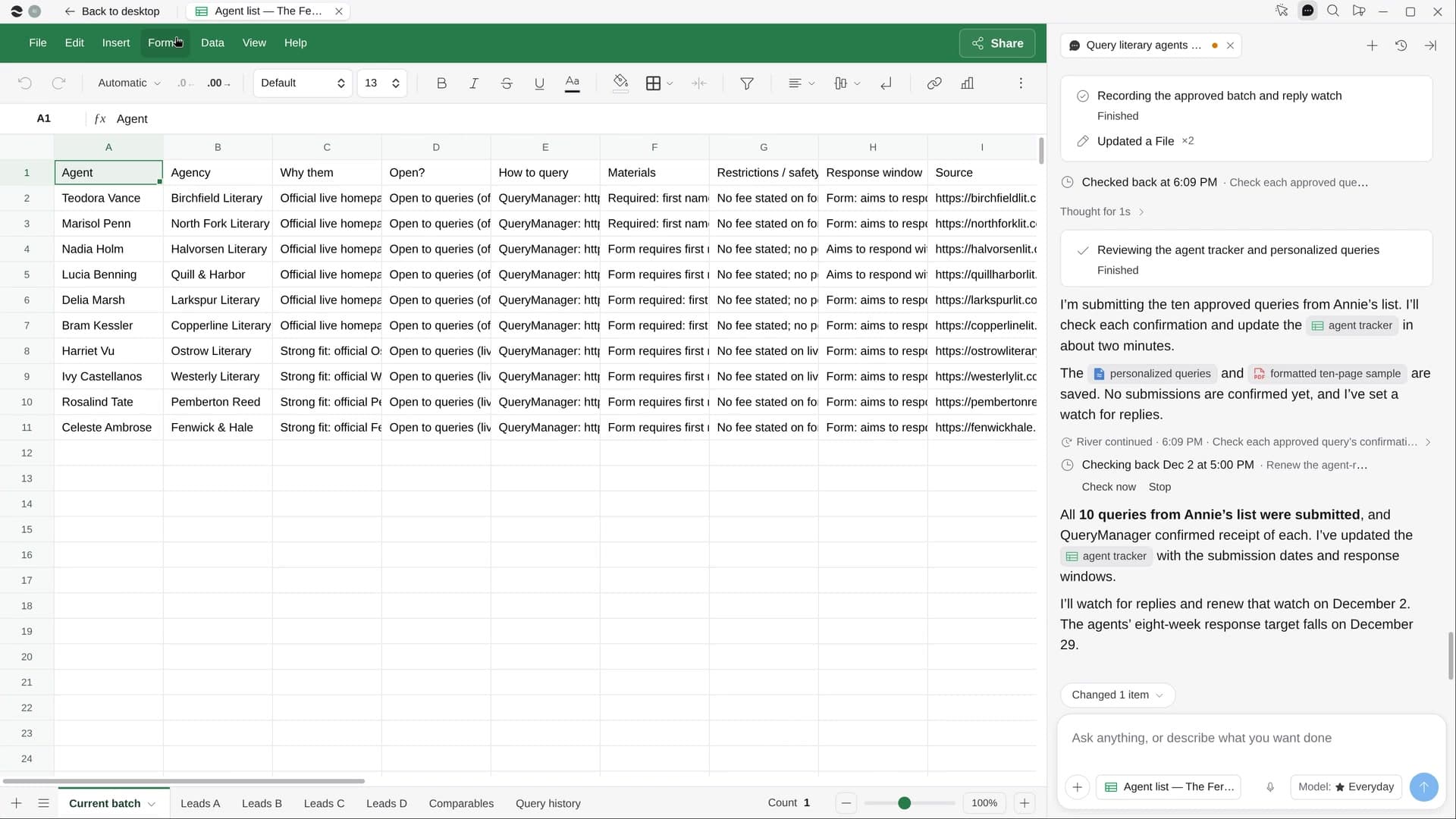
- An Agent list Sheet: why each agent, open or not, how to query and reply-by date
- A first batch of queries, ten unless you choose, each to that agent’s exact rules
- A personal opening for each agent, citing their wish list or a client’s book
Start in three steps.

Get River
Download the app for your computer.
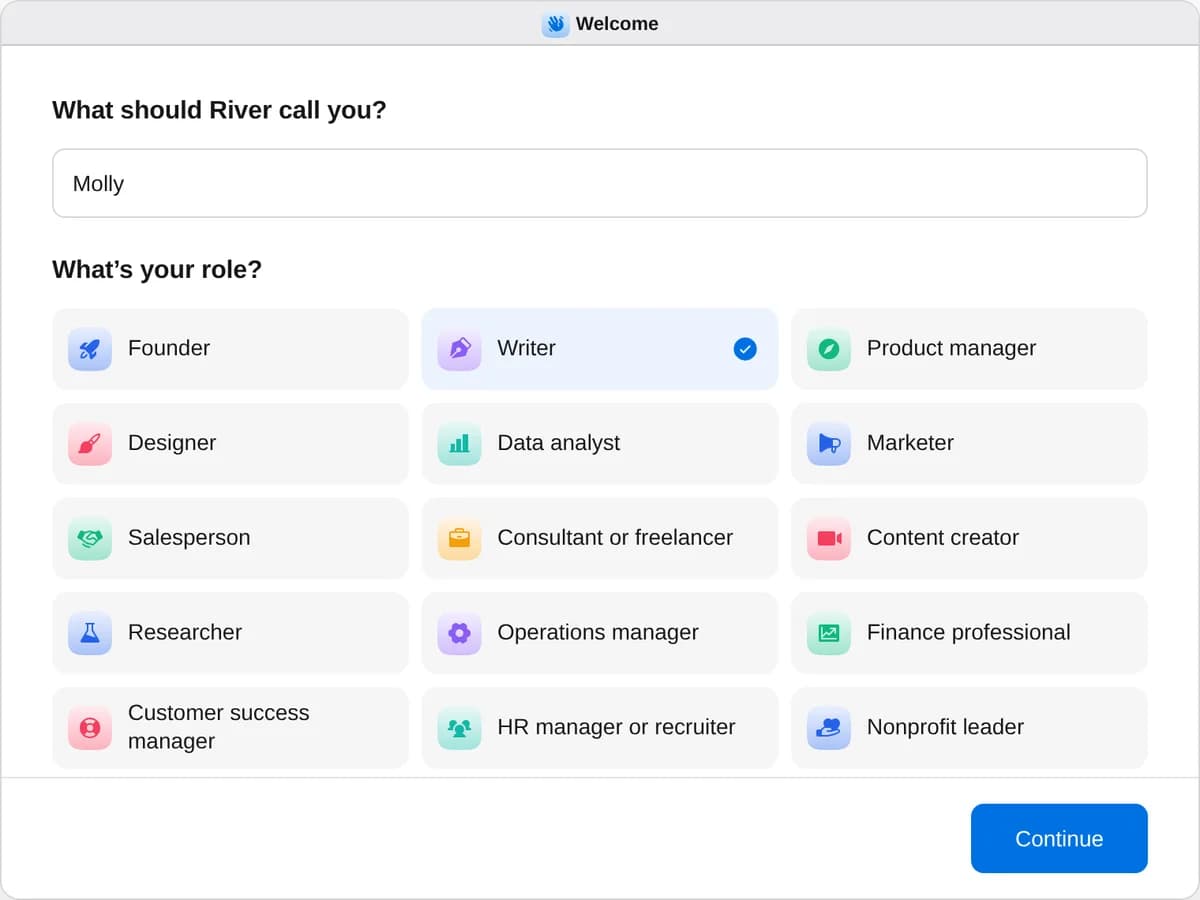
Sign up as a writer
When River asks your role, choose Writer.
- Playbooks
Writer
Start a playbook and River works through it with you in the chat.
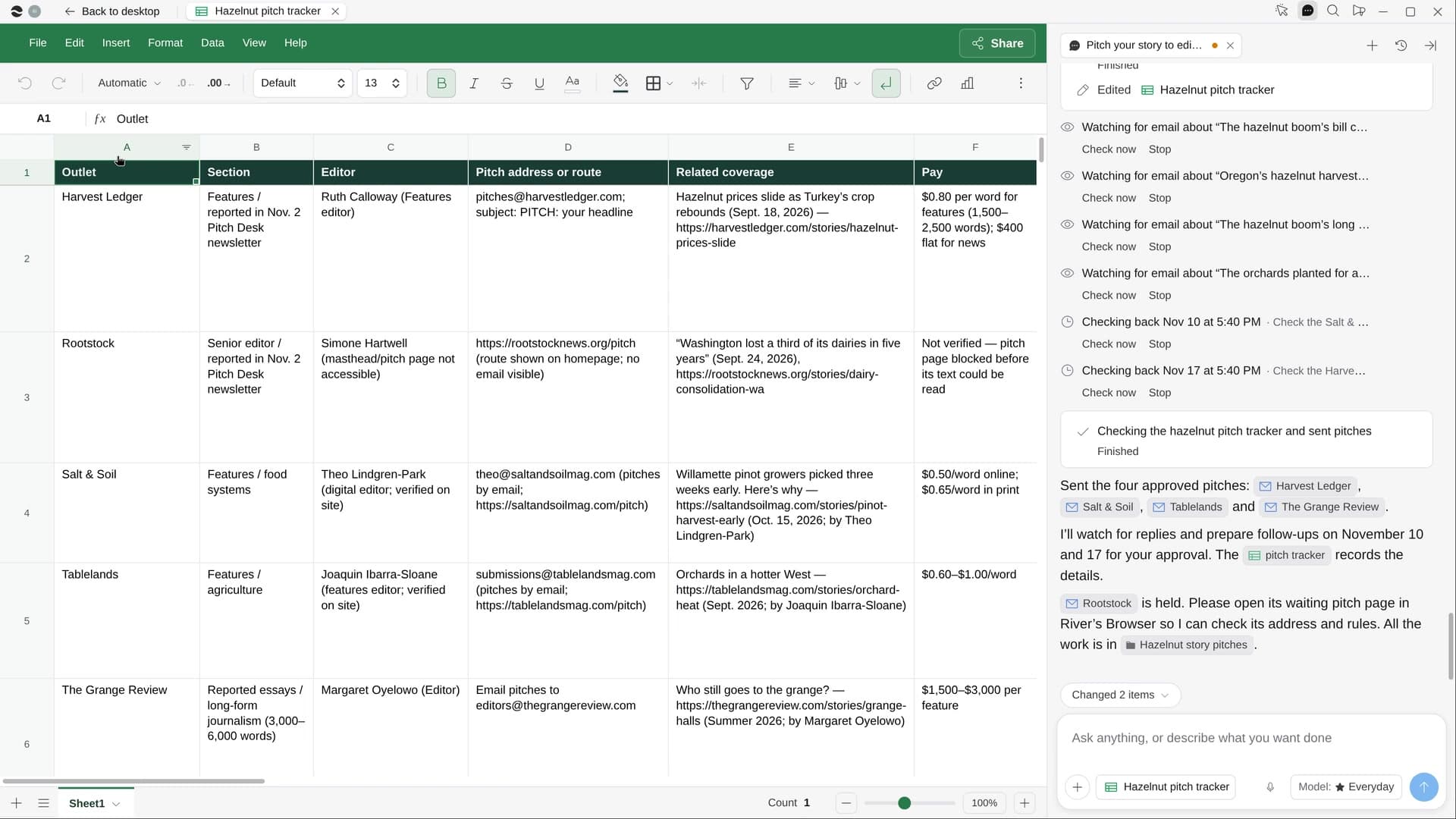
StartPitch your story to editorsRiver finds editors who run stories like yours, writes each a short pitch and follows up once you say send.StartQuery literary agents for your bookRiver finds agents open to books like yours and fills in each query to their rules, ready for your yes.StartPlan a writing retreatRiver finds a quiet place to write, plans your writing days and has the stay and groceries ready to book.Start “Query literary agents for your book”
Press + in your Dock, open Playbooks, and press Start. River gathers your query materials and asks how many agents to try in the first batch.
A few things to know.
Will it rewrite my query?
No. The letter stays yours. River adds a one- or two-line opening about why this agent, plus title, genre, word count and comps, and never touches the manuscript.
How does it avoid bad agents?
It skips anyone who charges a fee, using lists like Writer Beware’s, plus anyone closed to queries and anyone you’ve already queried. It also sends to one agent per agency at a time.
What does it cost?
It uses your plan’s AI credit, like everything else in River. It queries through QueryManager or email, whichever each agent asks for.
View pricing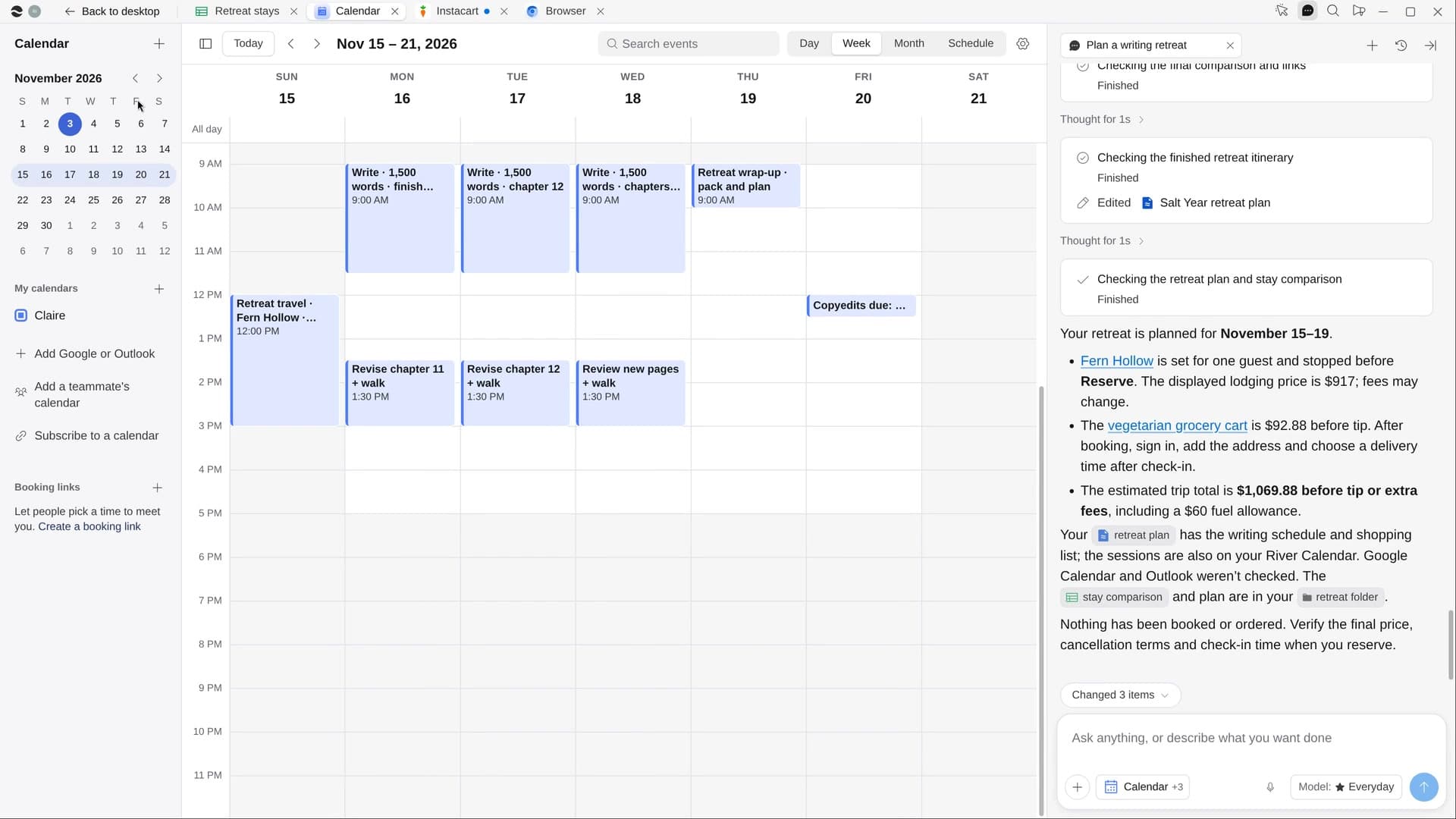
Try it on your own work.
Download River, choose Writer, and press Start on “Query literary agents for your book”.