
Every request ranked by who asks and what they pay.
From calls, tickets, Slack and lost deals, each quoted.
How it works.
River reads the last 90 days of calls, tickets, Slack and lost deals, groups requests by the need behind them and ranks them by how many customers ask and how much revenue they bring.
Pick the period
The last 90 days by default, and any plan or accounts that matter most.
River reads every source
Grouped by need, not wording: “Okta login” and “SAML” count as one request.
A ranked list with proof
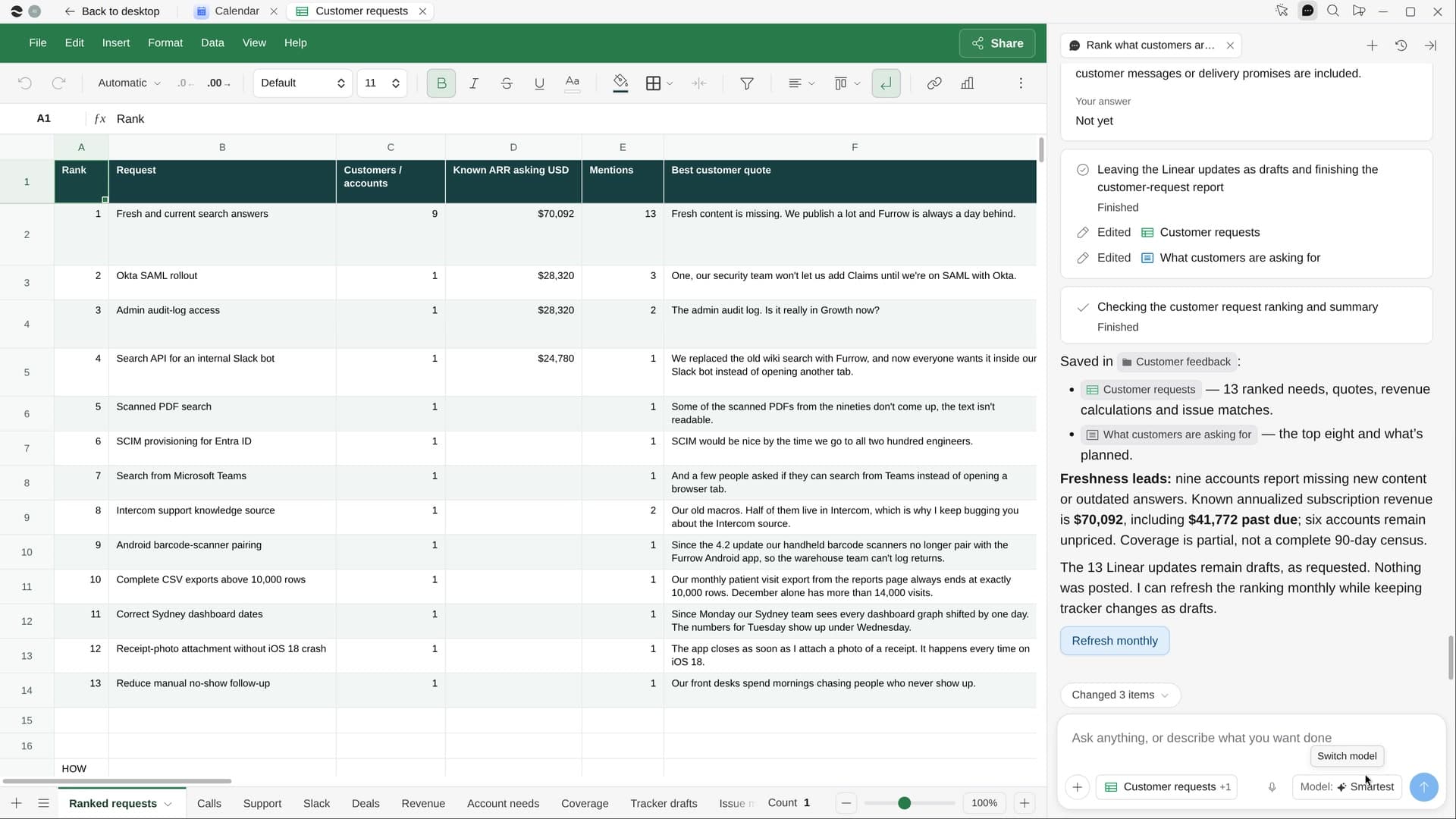
Each request with its customers, revenue, best quote and existing issue in your tracker.
What you get.
- A Customer requests Sheet sorted by revenue, every number traced to its source
- A page of the top eight requests, each with who asks and two short quotes
- Each request matched to its issue in Linear, Jira or GitHub
Start in three steps.

Get River
Download the app for your computer.
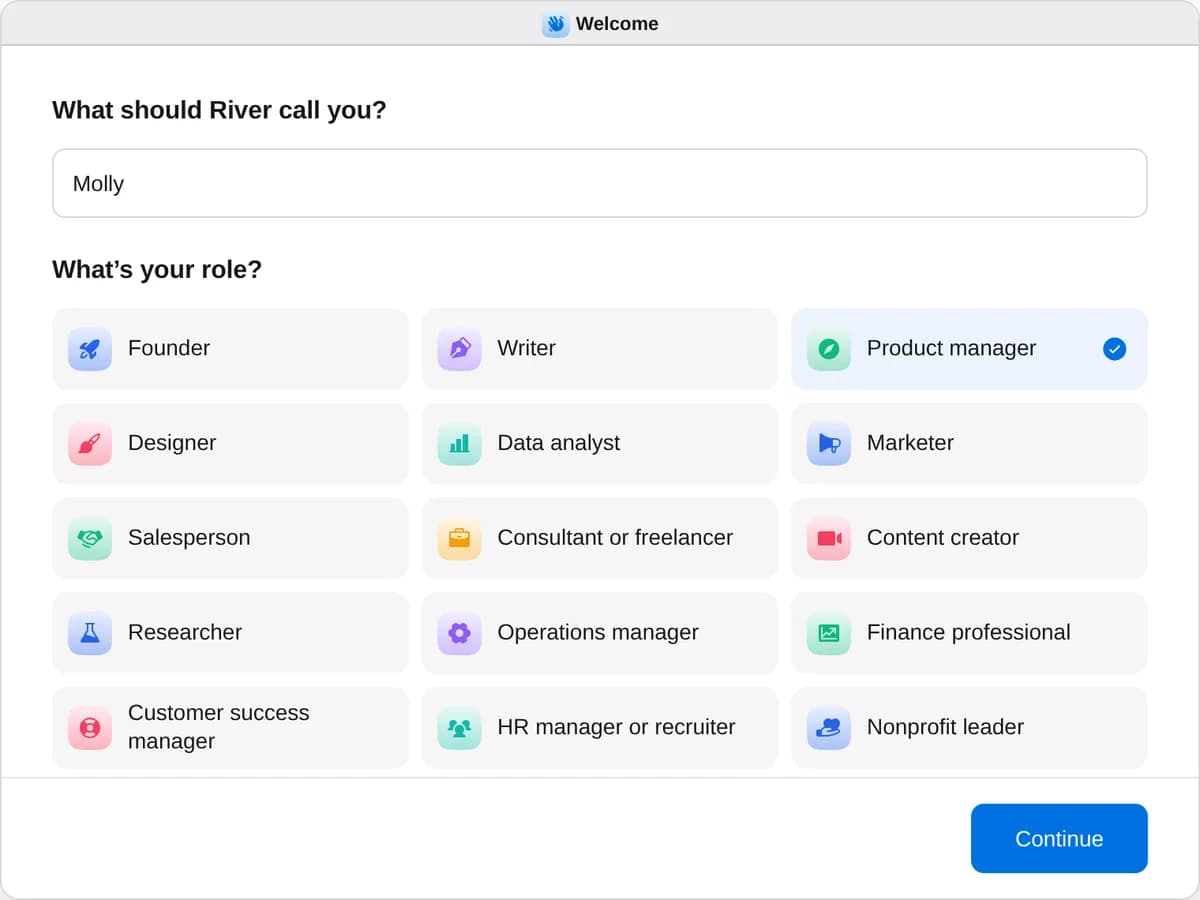
Sign up as a product manager
When River asks your role, choose Product manager.
- Playbooks
Product manager
Start a playbook and River works through it with you in the chat.
StartTest-drive your competitors’ productsRiver tries your competitors’ products, screenshots what they do best and tells you what to do next.StartRank what customers are asking forRiver reads your calls, tickets and Slack, then ranks every request by how many customers and how much revenue ask.StartName your new featureRiver suggests names, checks trademarks, app listings and domains, and shows the best ones in your real product.Start “Rank what customers are asking for”
Press + in your Dock, open Playbooks, and press Start. River asks which period to read and whether any customers should count more.
A few things to know.
Does a loud customer count five times?
No. A customer who asks five times counts once, with every mention kept, so the ranking reflects how many customers want it.
What if a source isn’t connected?
River works from what it can read and notes the missing source in the Sheet, rather than stopping to ask.
What does it cost?
It uses your plan’s AI credit, like everything else in River. It works with the Linear, Jira or GitHub issues your team already keeps.
View pricingMore for product managers.
All product manager playbooks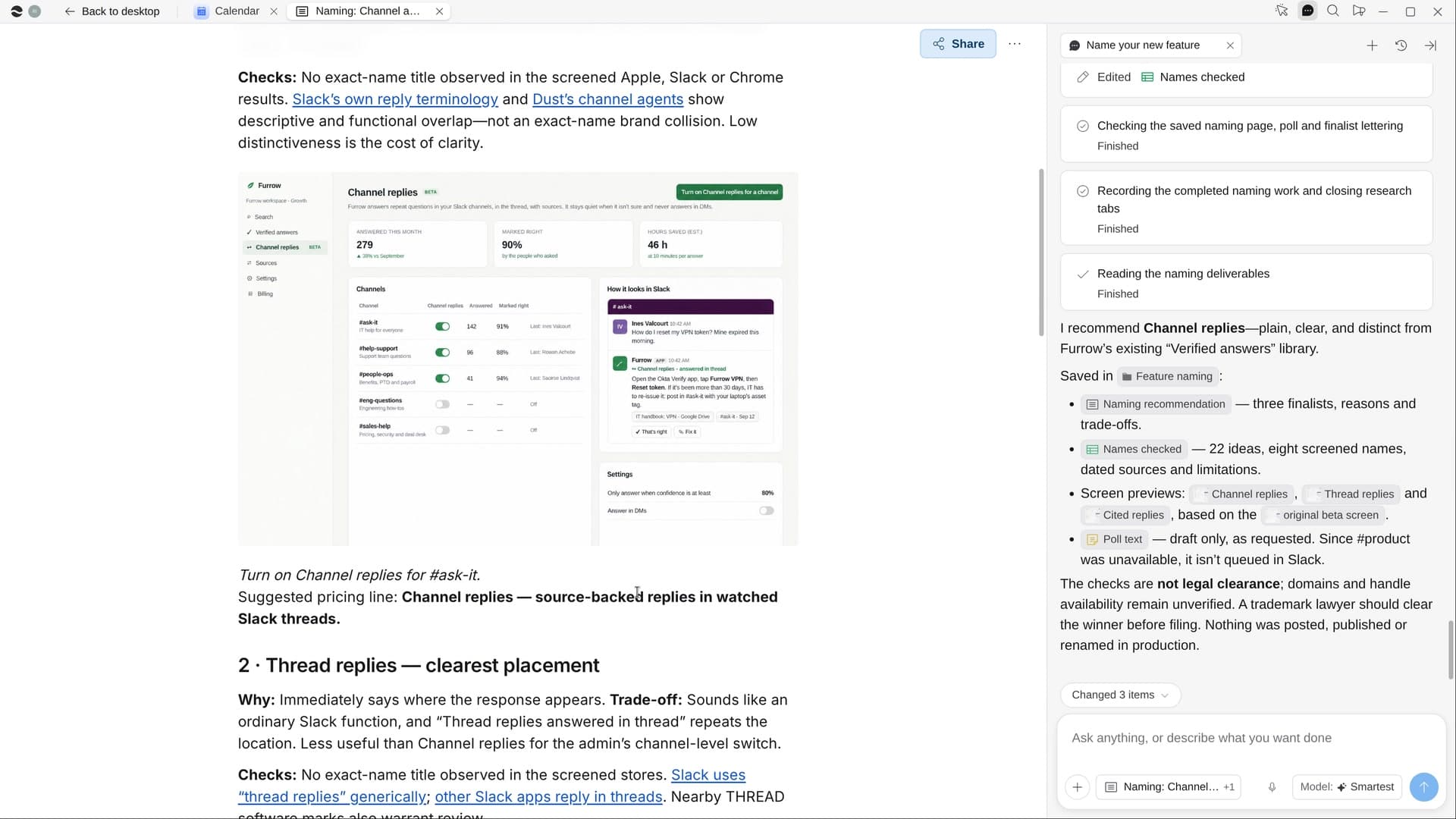
Try it on your own work.
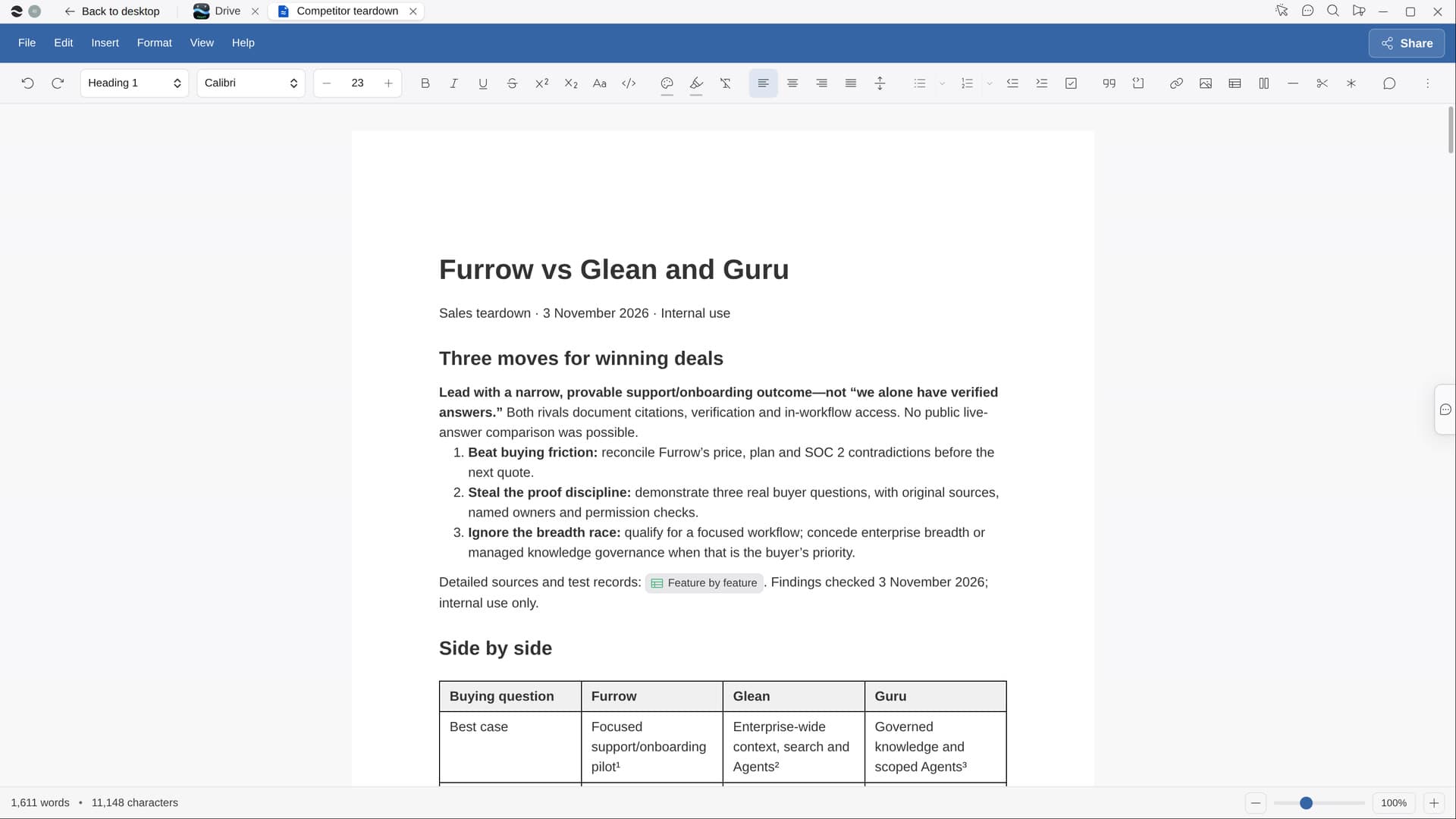
Download River, choose Product manager, and press Start on “Rank what customers are asking for”.