
The funders already backing work like yours.
Traced through the grants your peers received.
How it works.
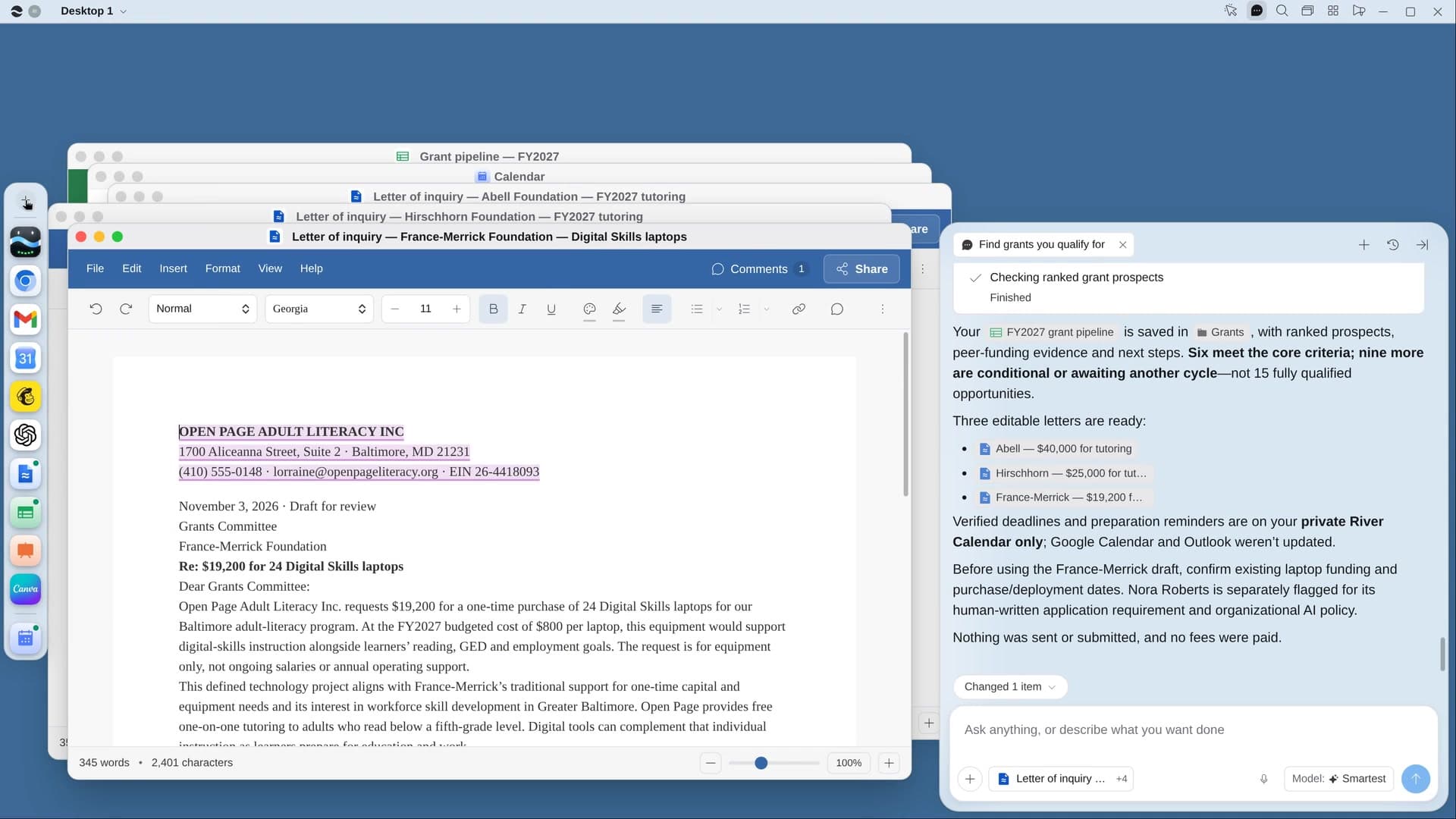
River finds groups doing similar work nearby, traces who funds them, checks that each funder takes requests and gives in your range, then puts deadlines on your calendar and drafts three letters.
Say what needs funding
River prefills the program and amount from your budget and past proposals, and suggests a grant range.
River traces peer funders
Foundations’ grant lists and peers’ annual reports, plus community foundations and corporate giving.
Deadlines and letters ready
Every deadline on your calendar with a draft-due reminder, and a one-page letter for each of your top three.
What you get.
- A ranked Grant pipeline Sheet of 15 to 25 funders that really fit
- Every deadline on your calendar, with a reminder two weeks before
- Letters of inquiry for the top three, each saying why this funder
Start in three steps.

Get River
Download the app for your computer.
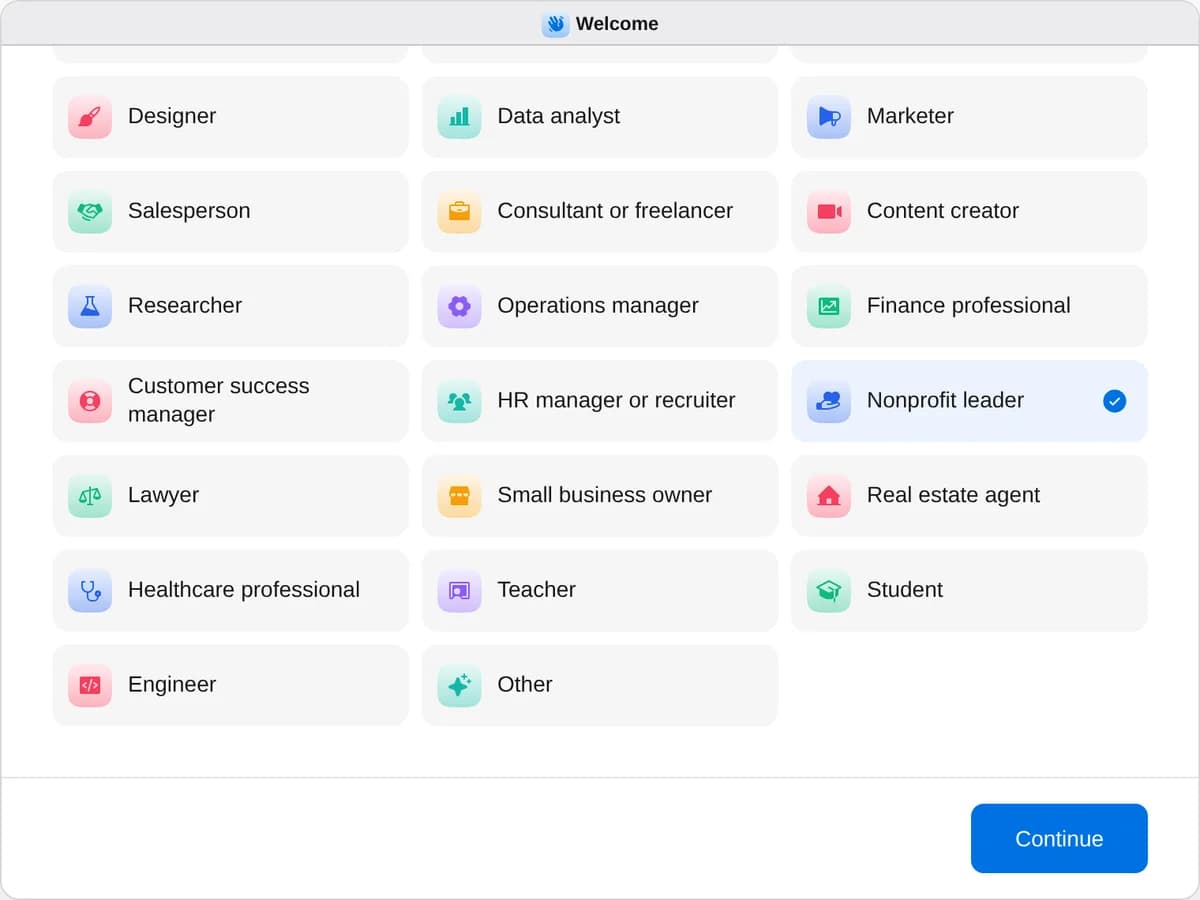
Sign up as a nonprofit leader
When River asks your role, choose Nonprofit leader.
- Playbooks
Nonprofit leader
Start a playbook and River works through it with you in the chat.
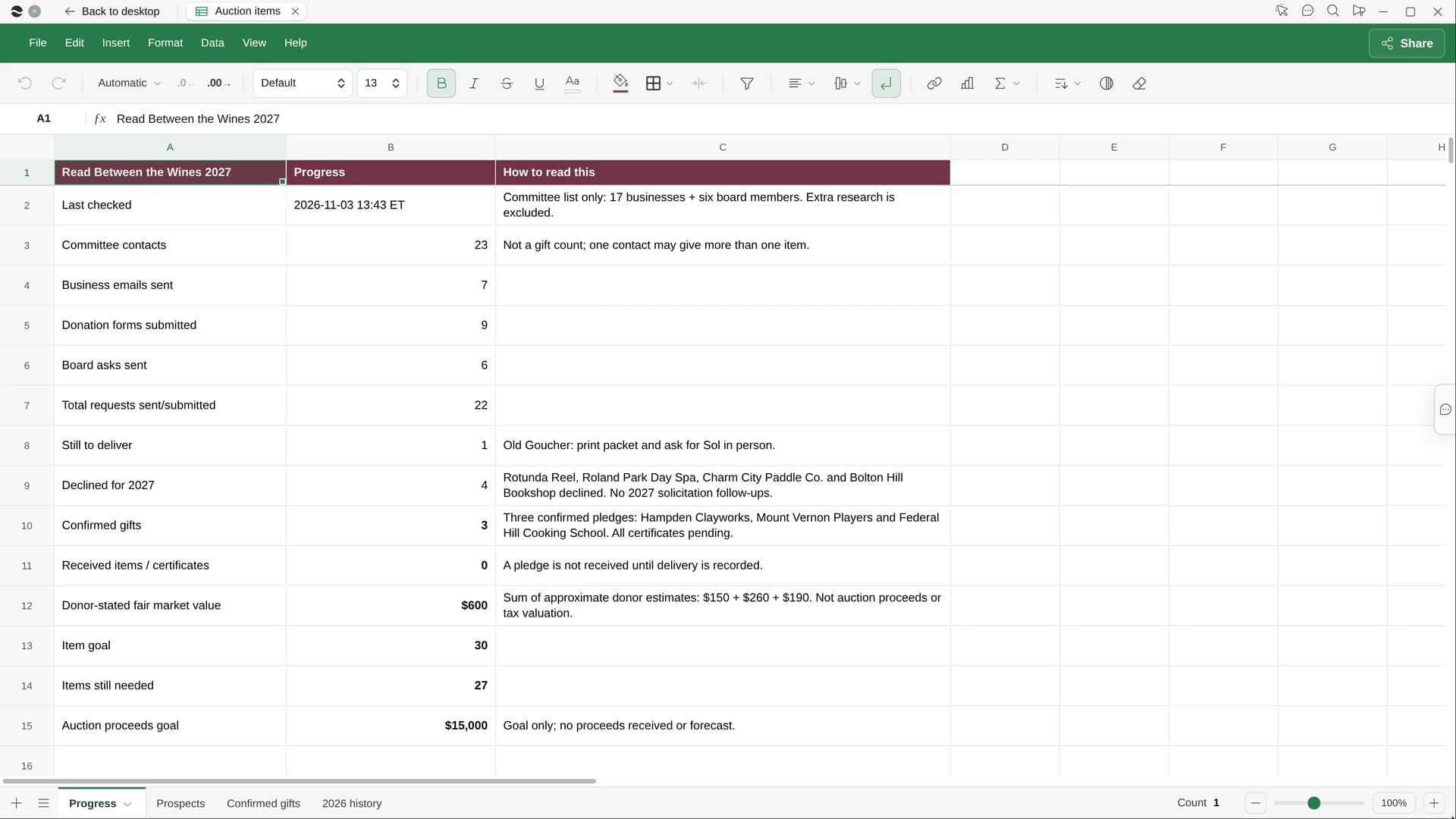
StartFind grants you qualify forRiver finds funders already giving to work like yours, puts deadlines on your calendar and drafts the first letters.StartThank this month’s donorsRiver writes a personal thank-you for every gift this month, plus letters and a board call list, sent on your OK.StartCollect silent auction donationsRiver asks local businesses for auction items through their own forms, tracks pledges and makes the bid sheets.Start “Find grants you qualify for”
Press + in your Dock, open Playbooks, and press Start. River asks what needs funding and how much, prefilled from your budget.
A few things to know.
Will it apply for us?
No. River submits nothing and never pays an application fee. You get the ranked list, the deadlines and three letters ready to edit and send yourself.
How does it know a funder fits?
Each one has to take unsolicited requests, give in your area and field, make grants in your range and have a deadline this year or a rolling one, all checked on the funder’s own site.
What does it cost?
It uses your plan’s AI credit, like everything else in River. If you’re signed in to Candid’s Foundation Directory, River uses that too.
View pricingMore for nonprofit leaders.
All nonprofit leader playbooks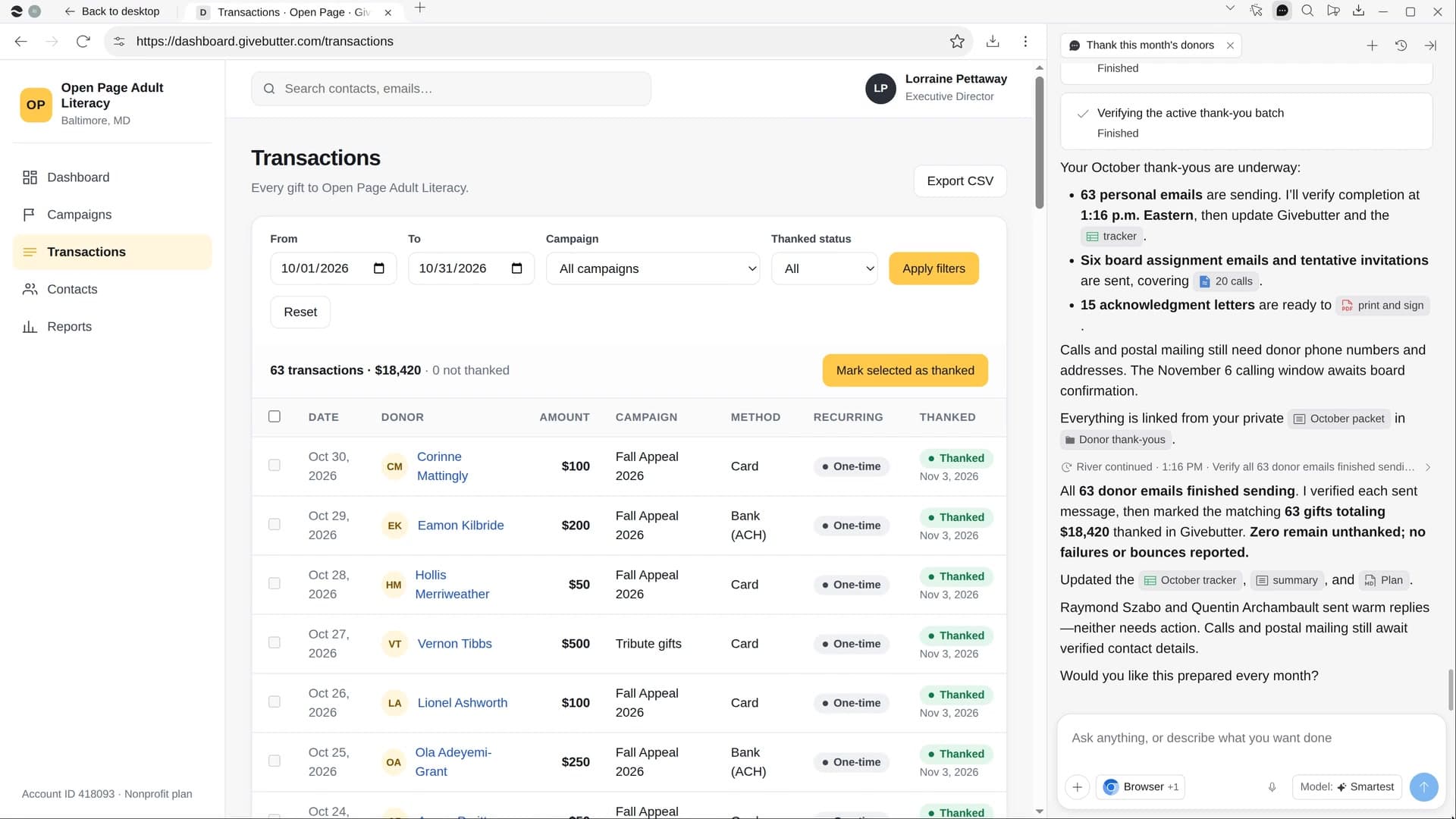
Try it on your own work.
Download River, choose Nonprofit leader, and press Start on “Find grants you qualify for”.