
Stop paying for what you don’t use.
Every subscription found. The ones you pick, cancelled.
How it works.
River goes through a year of receipts, finds every subscription and bill, spots the unused ones, duplicates and ended promos, and cancels the ones you pick on each service’s own site.
Receipts first, questions later
River reads receipts, renewal notices and trial emails on its own and turns every price into a monthly cost.
Tick what goes
One card lists what River would cancel and what each saves. Tick them, and name anything to keep.
Cancelled, with proof
River cancels each one on the service’s own account page and keeps every confirmation.
What you get.
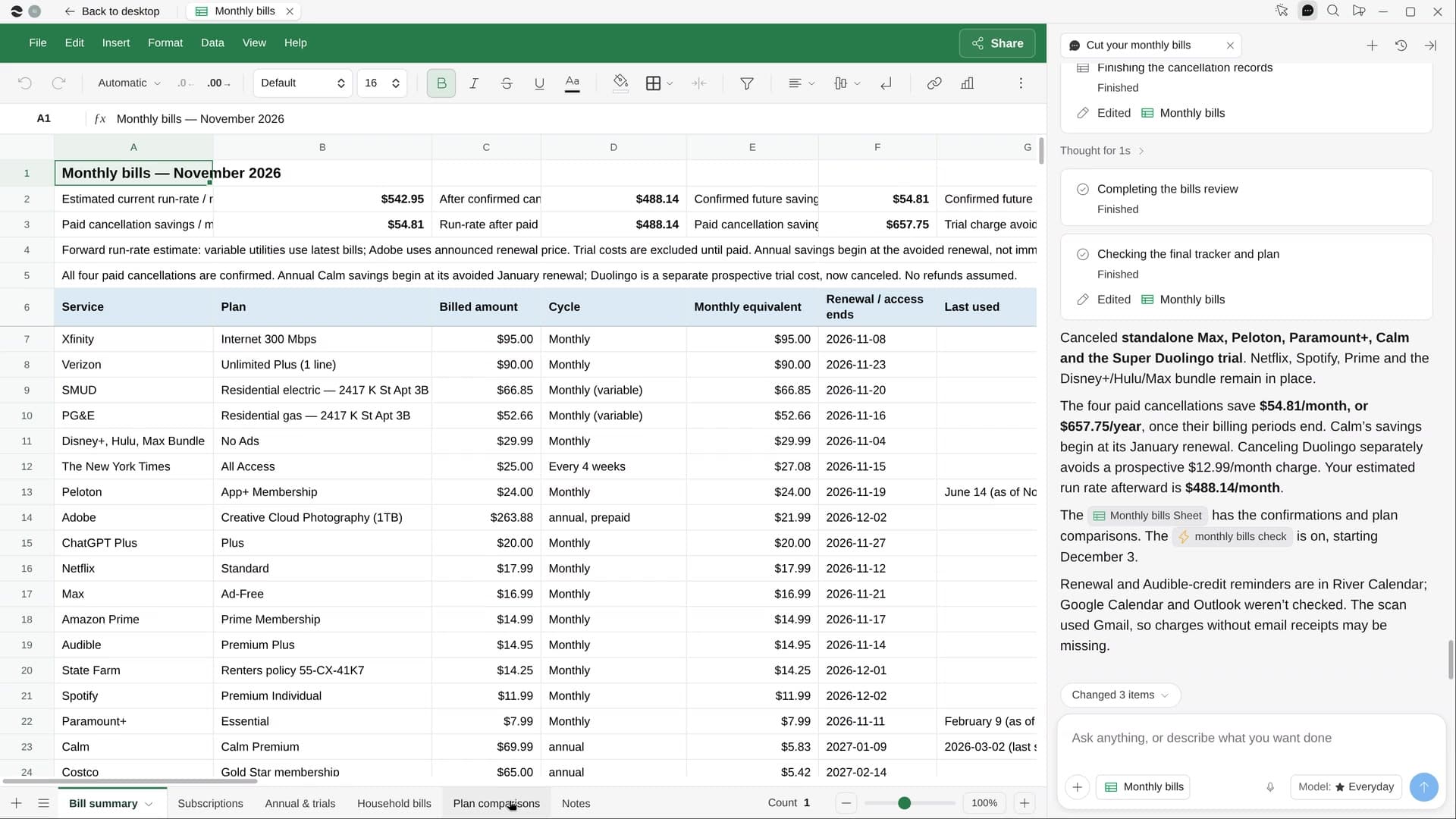
- A Monthly bills Sheet with every service, its monthly cost and a verdict, totals on top
- The cancellations you picked, done, each with its confirmation
- Calendar reminders a week before each annual renewal and trial end
Start in three steps.

Get River
Download the app for your computer.
Sign up
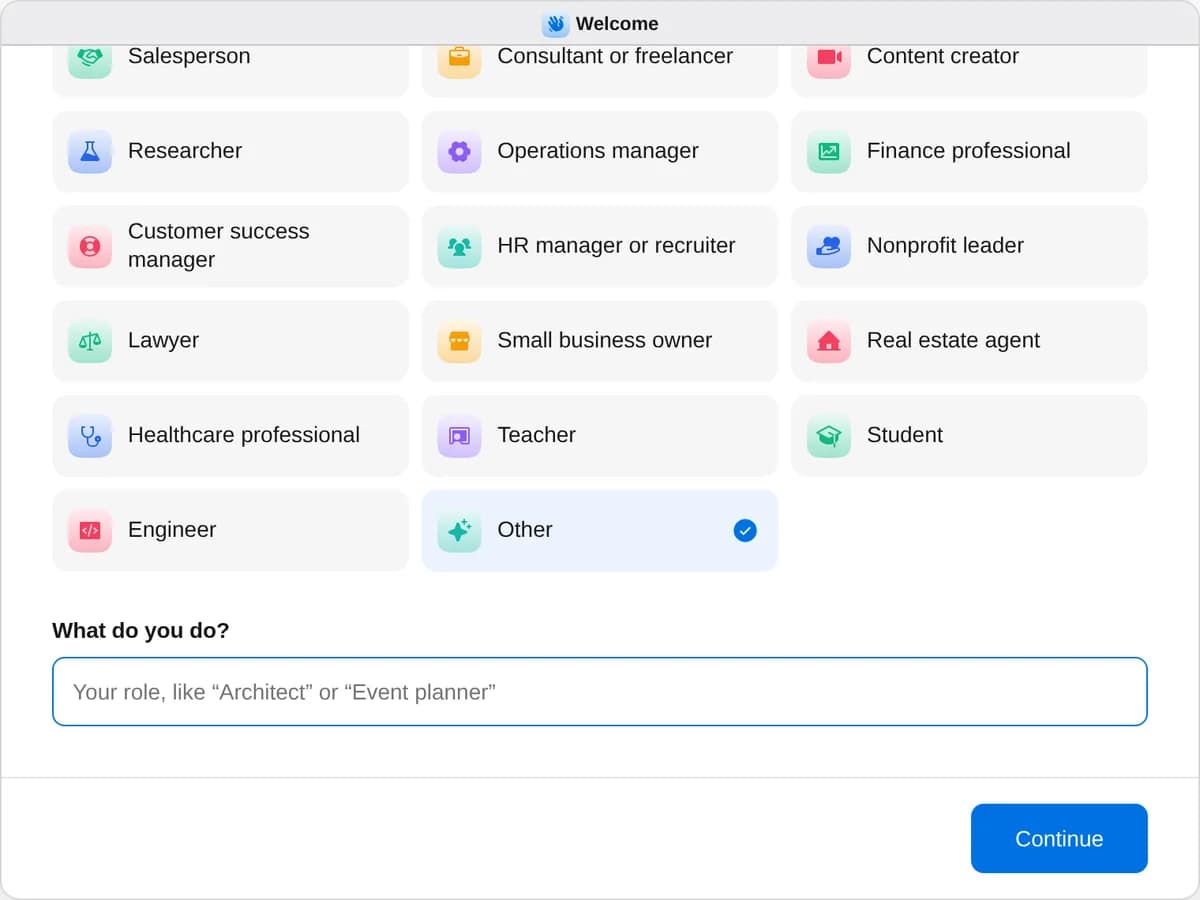
When River asks your role, choose Other.
- Playbooks
Something else
Start a playbook and River works through it with you in the chat.
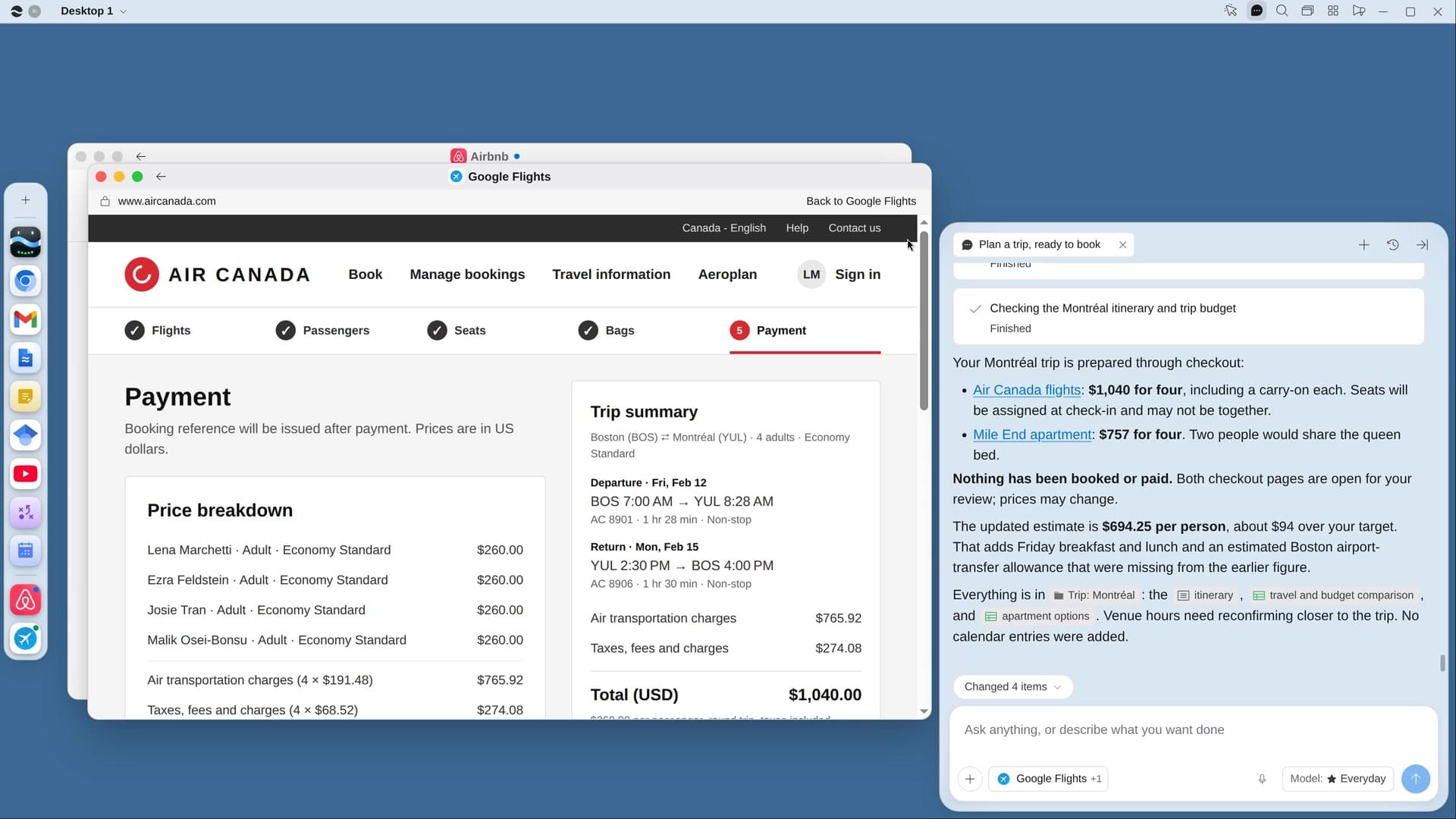
StartPlan a trip, ready to bookRiver compares flights, stays and things to do on live prices and fills in your bookings, ready to pay.StartCut your monthly billsRiver finds every subscription and bill, shows what to cut and cancels the ones you don’t use.StartPlan your moveRiver gets mover quotes, sets up utilities and address changes, and puts your moving plan on your calendar.Start “Cut your monthly bills”
Press + in your Dock, open Playbooks, and press Start. River scans your receipts first, then shows one card of what it would cancel.
A few things to know.
Will it cancel something I want to keep?
No. River only cancels what you tick on its one card, and you can name services to keep no matter what. For phone-only cancellations, you get the number and the steps.
Does it switch my internet or phone plan?
No. It compares plans at your address and shows what you’d save. The switch itself is yours to make.
What does it cost?
It uses your plan’s AI credit, like everything else in River. It works from the receipts and statements already in your inbox and Drive.
View pricing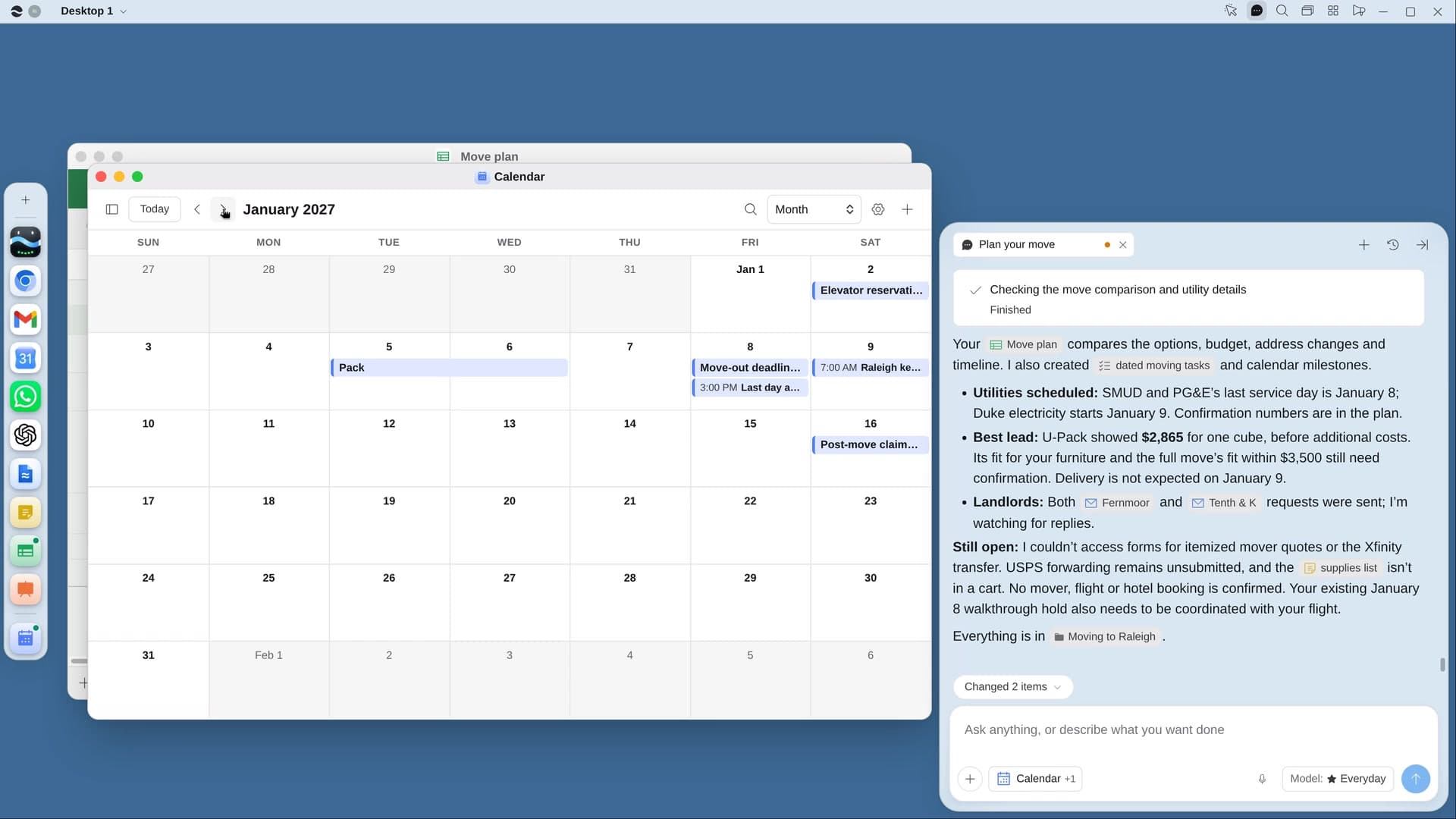
Try it on your own work.
Download River, choose Other, and press Start on “Cut your monthly bills”.