
No credential lapses by surprise.
Each license checked at the board, not just the file.
How it works.
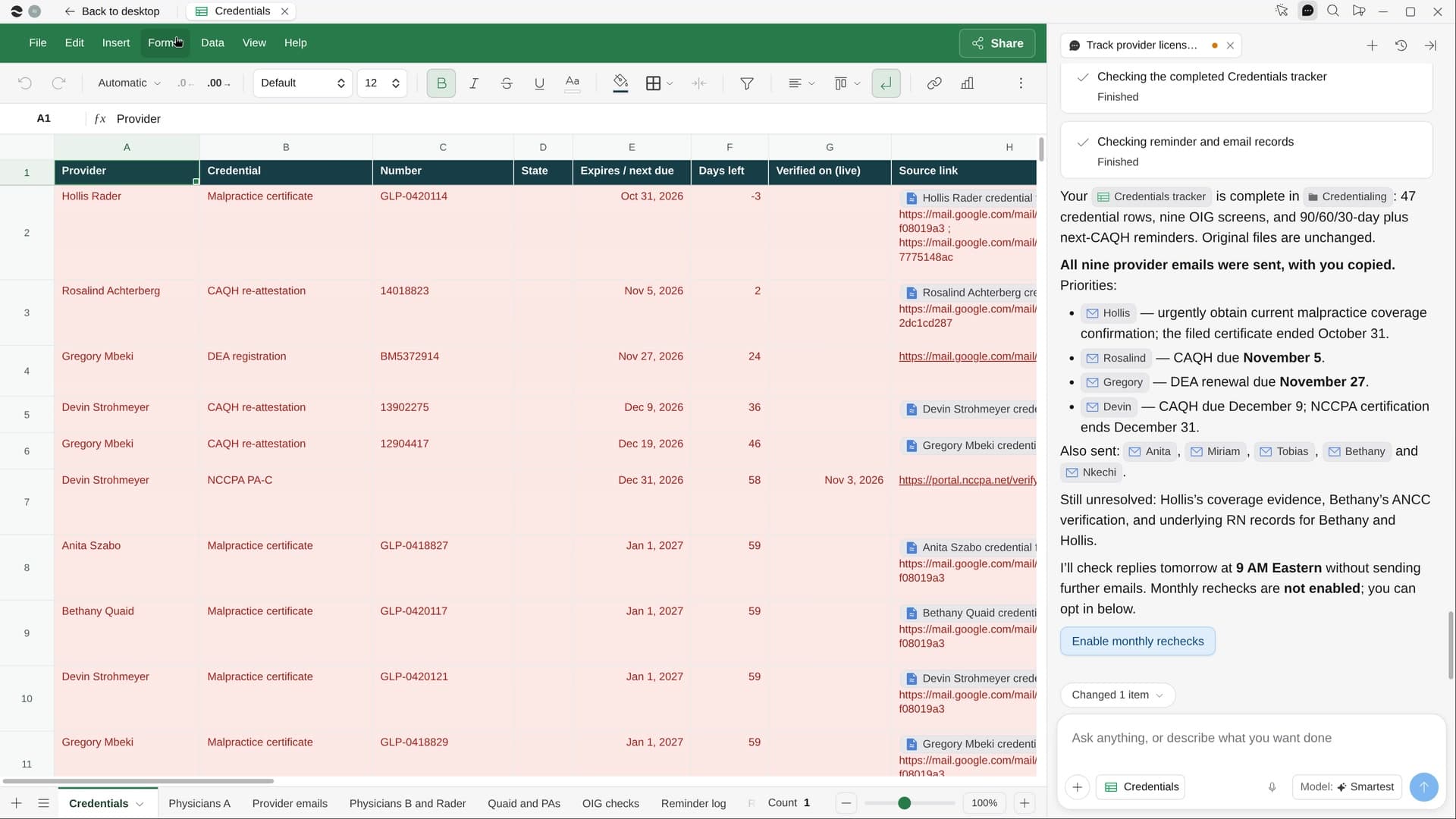
River gathers every provider’s licenses, DEA registrations, board certifications, malpractice coverage and CAQH dates into one Sheet, checks each against the public lookups and reminds people early.
Confirm the providers
River lists them from your roster and credential files. Choose who gets the reminder emails.
River checks every board
Licenses, board certifications and the OIG exclusion list, plus DEA and insurance dates from certificates.
Reminders before any lapse
Calendar reminders 90, 60 and 30 days out, and a short note to each provider with the renewal link.
What you get.
- A Credentials Sheet sorted by days left, anything under 60 days in red
- A verified date and source link on every row, anything unconfirmed labeled
- A note to each provider on one go-ahead, and a CAQH reminder every 120 days
Start in three steps.

Get River
Download the app for your computer.
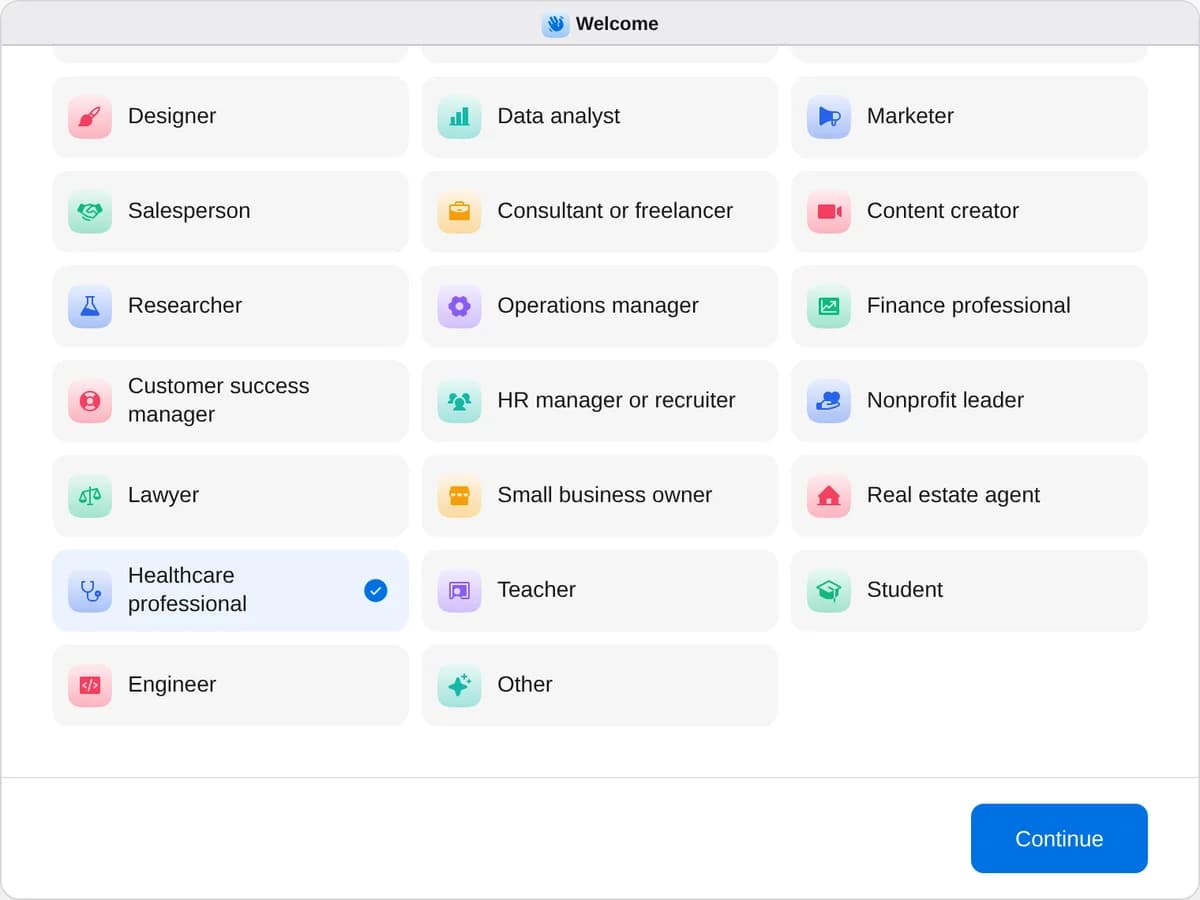
Sign up as a healthcare professional
When River asks your role, choose Healthcare professional.
- Playbooks
Healthcare professional
Start a playbook and River works through it with you in the chat.
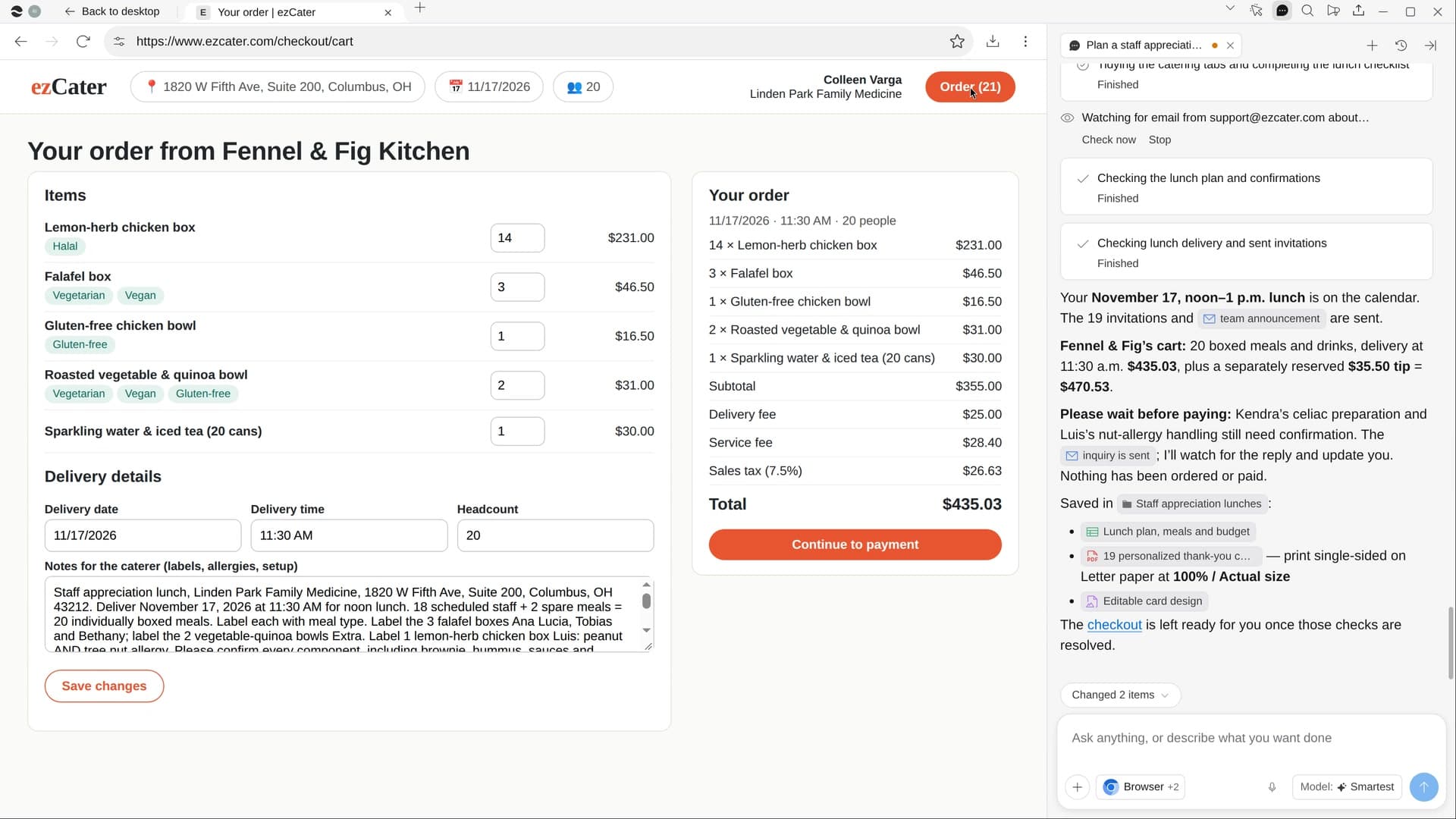
StartTrack provider licenses and credentialsRiver checks every provider’s license and certificates, tracks each expiration and sends reminders before any lapse.StartReorder clinic suppliesRiver checks counts against par levels, compares your suppliers’ prices and fills the carts for your OK.StartPlan a staff appreciation lunchRiver picks the day most of the team is in, orders catering everyone can eat and makes thank-you cards.Start “Track provider licenses and credentials”
Press + in your Dock, open Playbooks, and press Start. River lists your providers from the roster and asks who gets the reminders.
A few things to know.
Does it renew licenses for us?
No. Every lookup is read-only. River never signs in to a renewal portal, submits a renewal, pays a fee or types a password; it tells each provider what’s due and links the renewal page.
Does it touch patient information?
No. It works only with provider credentials: licenses, certificates, insurance and CAQH notices. Patient records are never part of it.
What does it cost?
It uses your plan’s AI credit, like everything else in River. Every lookup it makes is on a public board or OIG page.
View pricingMore for healthcare professionals.
All healthcare professional playbooks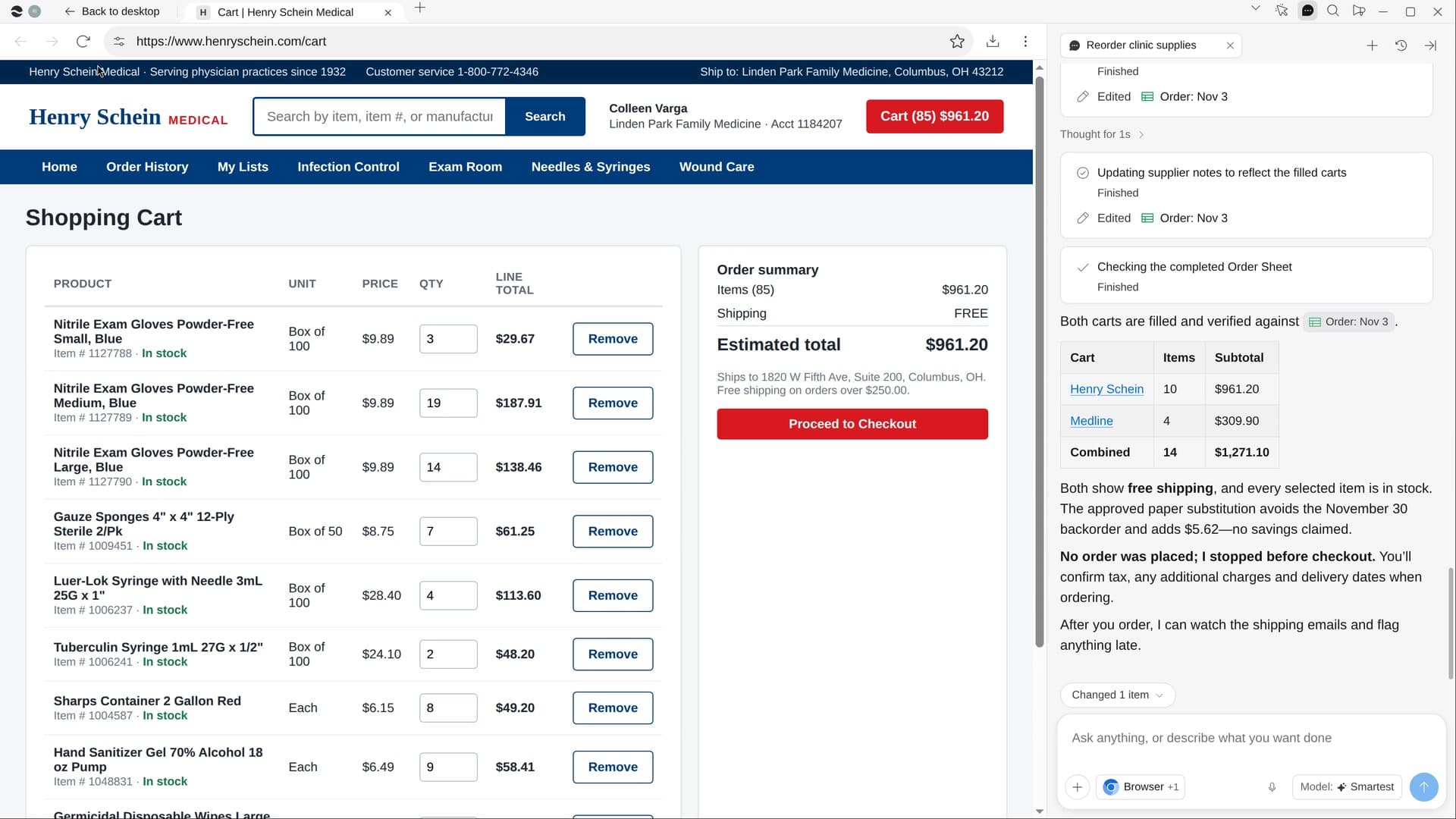
Try it on your own work.
Download River, choose Healthcare professional, and press Start on “Track provider licenses and credentials”.