
A poster that tells your finding in ten seconds.
At the conference’s exact size, from your own figures.
How it works.
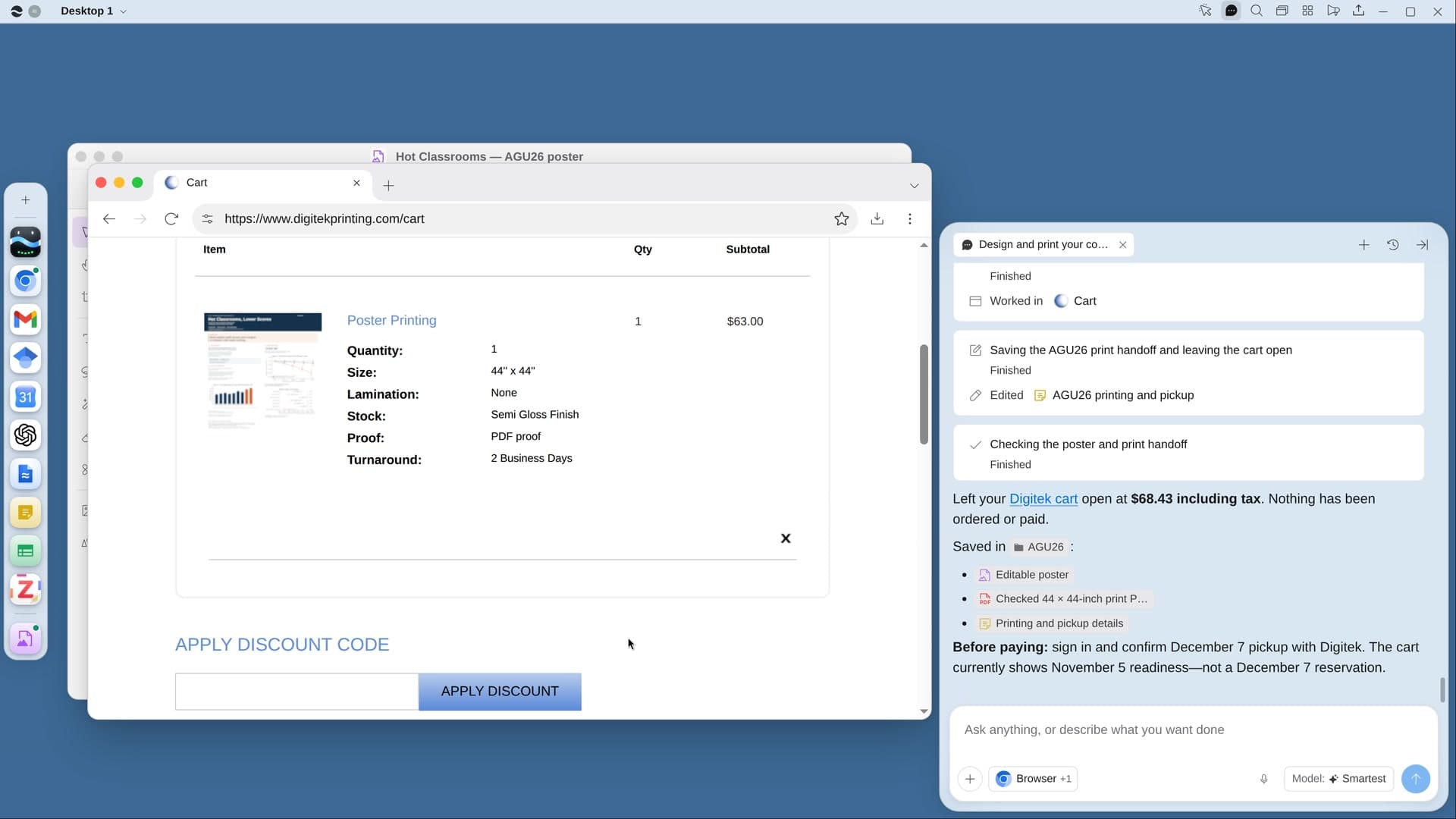
River turns your paper into a poster at the conference’s exact size, checks it with you, and puts the print order in a cart for pickup near the venue.
Say how you’ll carry it
A paper print to pick up near the venue, or fabric that folds into a suitcase.
River designs at full size
Your original figures, one plain headline, and body text readable from six feet away.
Printed near the venue
Once you okay the design, the PDF goes to a printer near the venue and waits in the cart.
What you get.
- A print-ready PDF at exactly the conference’s size and orientation
- Your own figures at full resolution, with any blurry one flagged
- The print order in a print shop’s cart near the venue, set for pickup
Start in three steps.

Get River
Download the app for your computer.
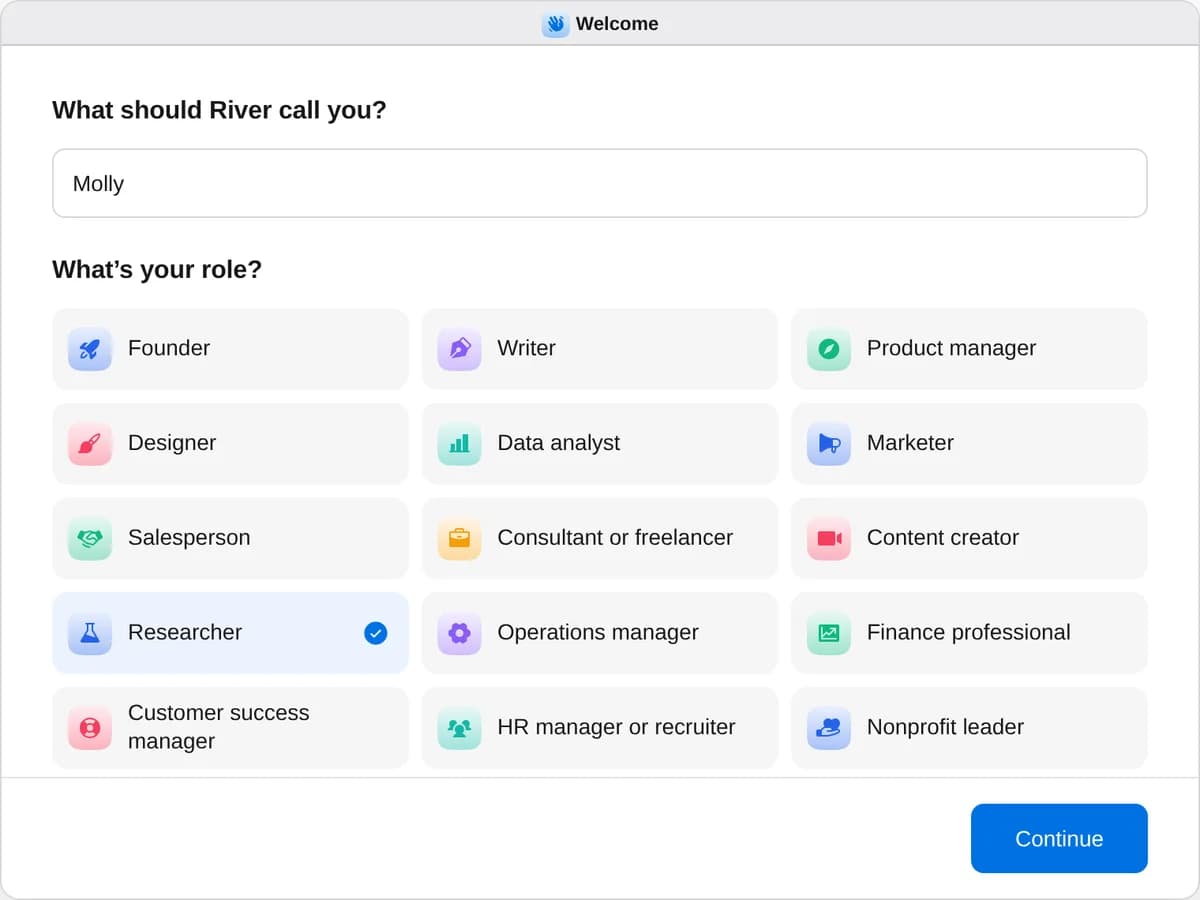
Sign up as a researcher
When River asks your role, choose Researcher.
- Playbooks
Researcher
Start a playbook and River works through it with you in the chat.
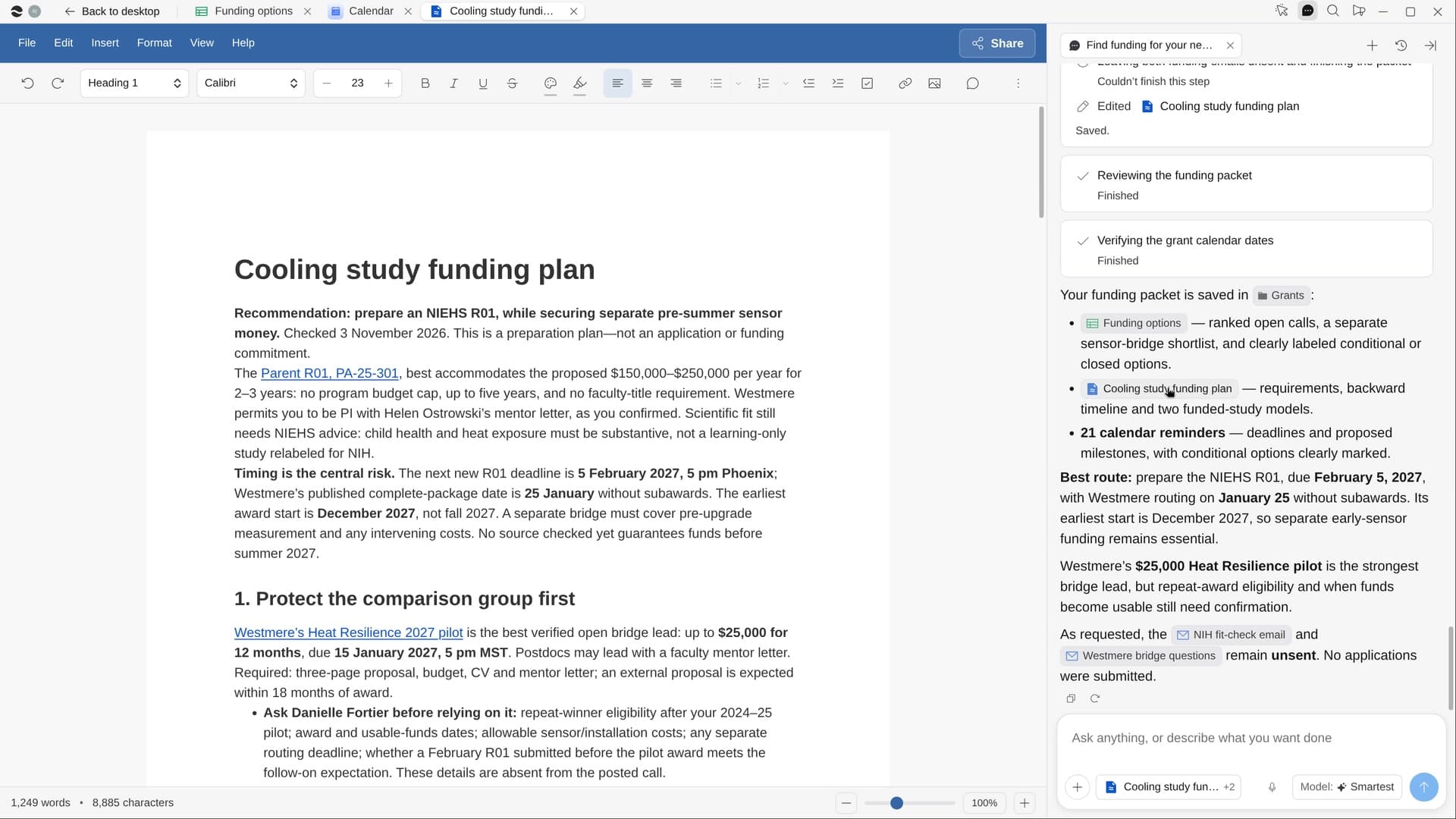
StartMap the literature on your questionRiver finds and reads the key papers on your question, compares them in a table and writes a cited summary.StartFind funding for your next studyRiver finds open grants that fit your project, puts every deadline on your calendar and preps the best fit.StartDesign and print your conference posterRiver designs your poster from your paper at the conference’s exact size and puts the print order in a cart.Start “Design and print your conference poster”
Press + in your Dock, open Playbooks, and press Start. River finds your accepted paper and the conference’s poster rules first.
A few things to know.
Will my figures print blurry?
River uses the original image files from Drive when it can. Any figure that would print blurry is flagged for you, never redrawn.
What size will the poster be?
Exactly what the conference’s poster page allows, often 48 × 36 in landscape in the US or A0 portrait in Europe, confirmed in the PDF before you see it.
What does it cost?
It uses your plan’s AI credit, like everything else in River. Printing is separate, paid at FedEx Office or the poster printer near the venue.
View pricingMore for researchers.
All researcher playbooks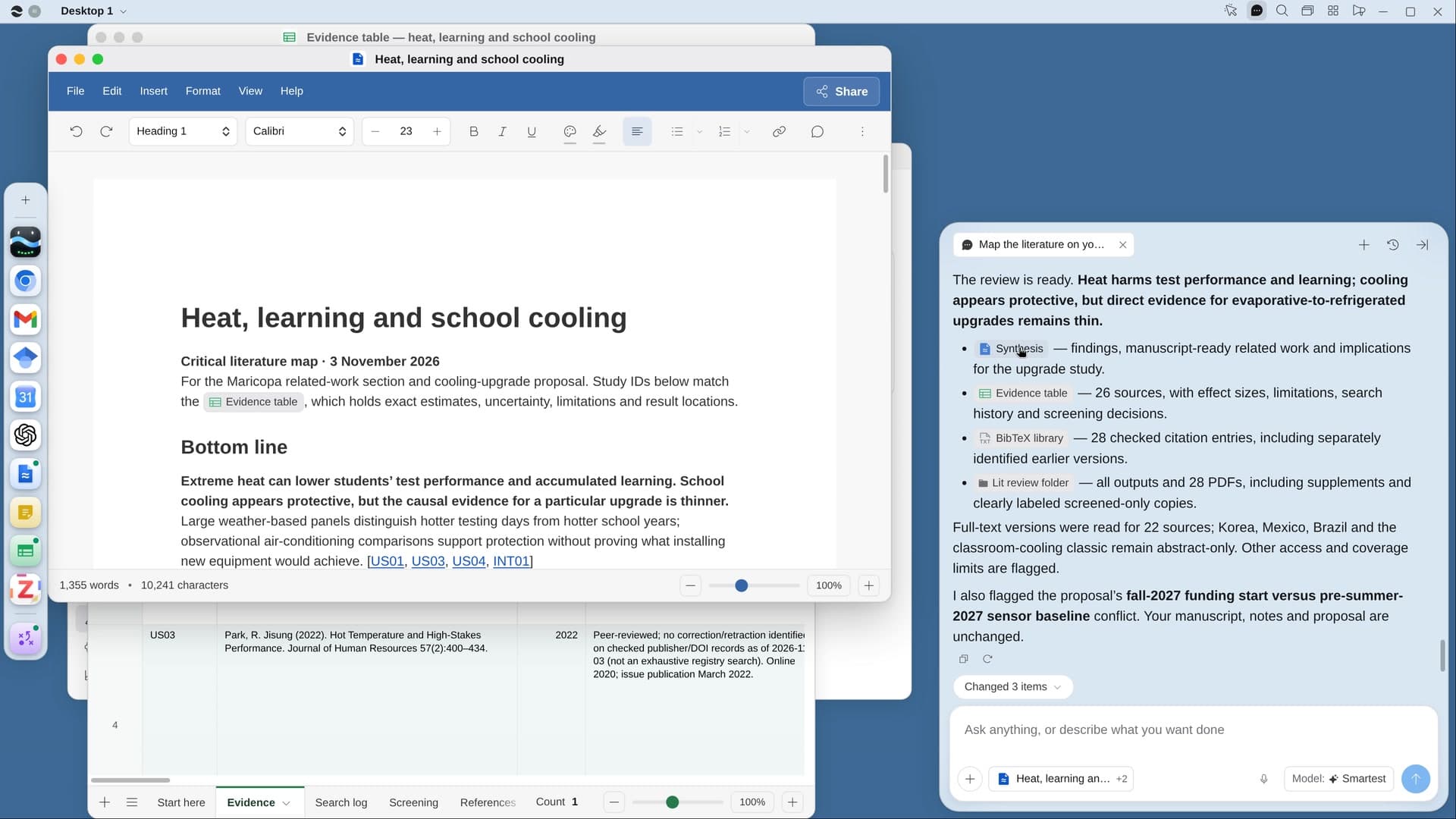
Try it on your own work.
Download River, choose Researcher, and press Start on “Design and print your conference poster”.