
Every missing receipt found, attached or asked for.
The books tidy before your accountant asks.
How it works.
River matches missing receipts from your email and attaches them in Ramp, Brex or Expensify, asks each teammate for only their own charges, and tidies categories and missing bills before close.
Pick the month to close
Last month unless you say otherwise; the card shows who River would ask, and for how many receipts.
River matches and attaches
It searches your mail by merchant, amount and date and uploads each receipt to its charge.
Ready for your accountant
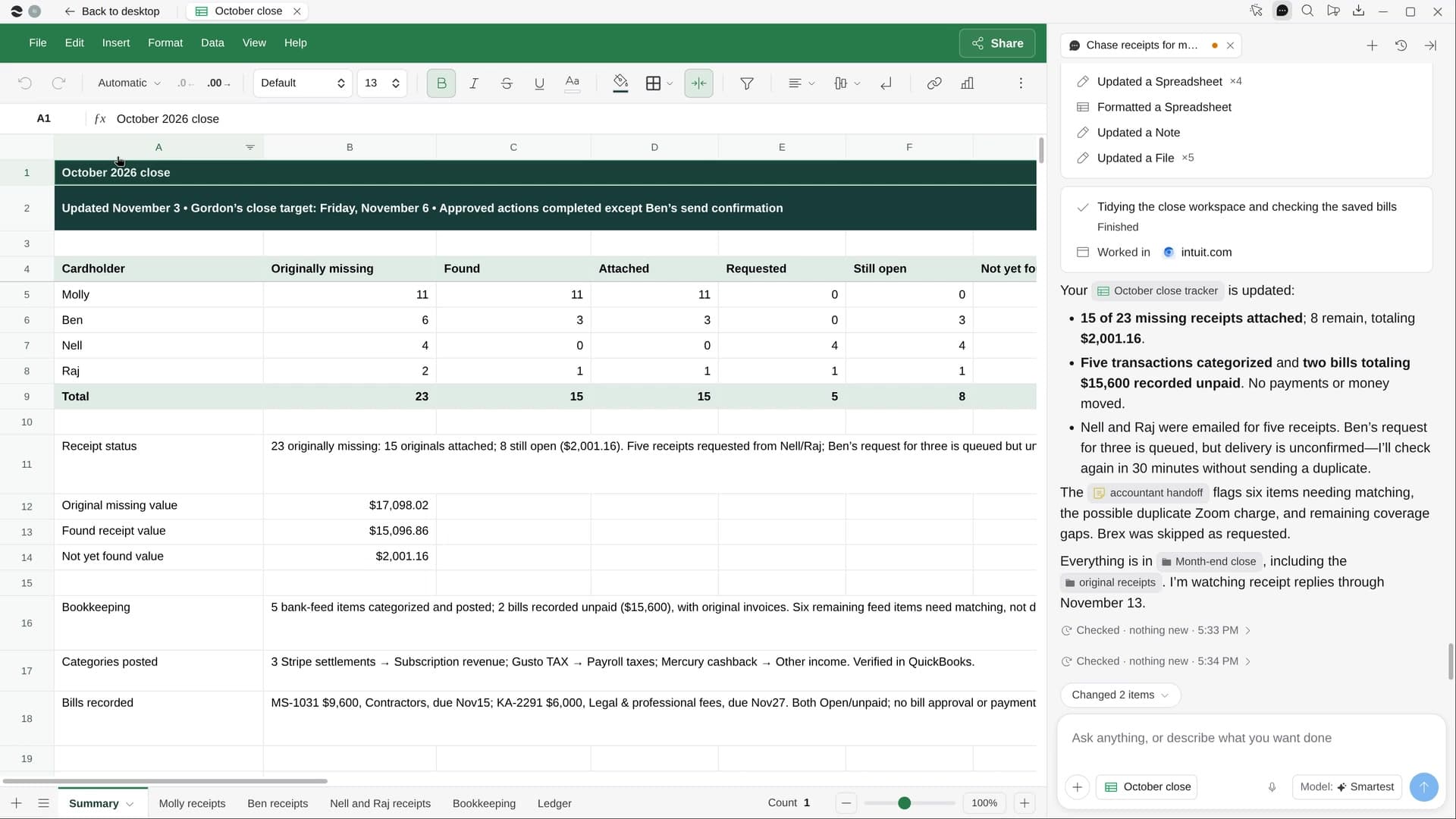
Counts on top, every gap’s status, and a short note on what’s done, what’s open and who owes it.
What you get.
- Receipts found in email and attached to their transactions
- One message per teammate listing only their charges, replies attached as they come
- A month-end Sheet of every gap and its status, plus a short accountant note
Start in three steps.

Get River
Download the app for your computer.
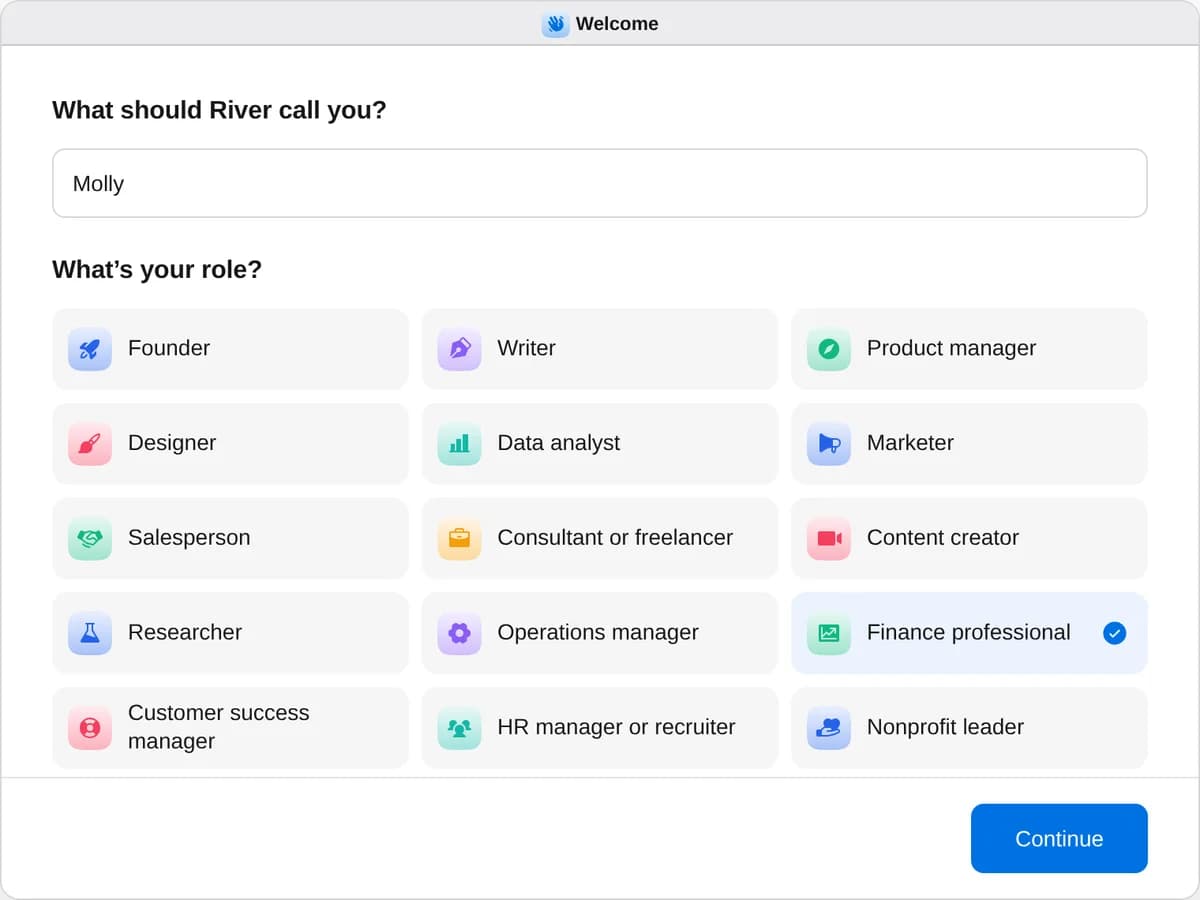
Sign up as a finance professional
When River asks your role, choose Finance professional.
- Playbooks
Finance professional
Start a playbook and River works through it with you in the chat.
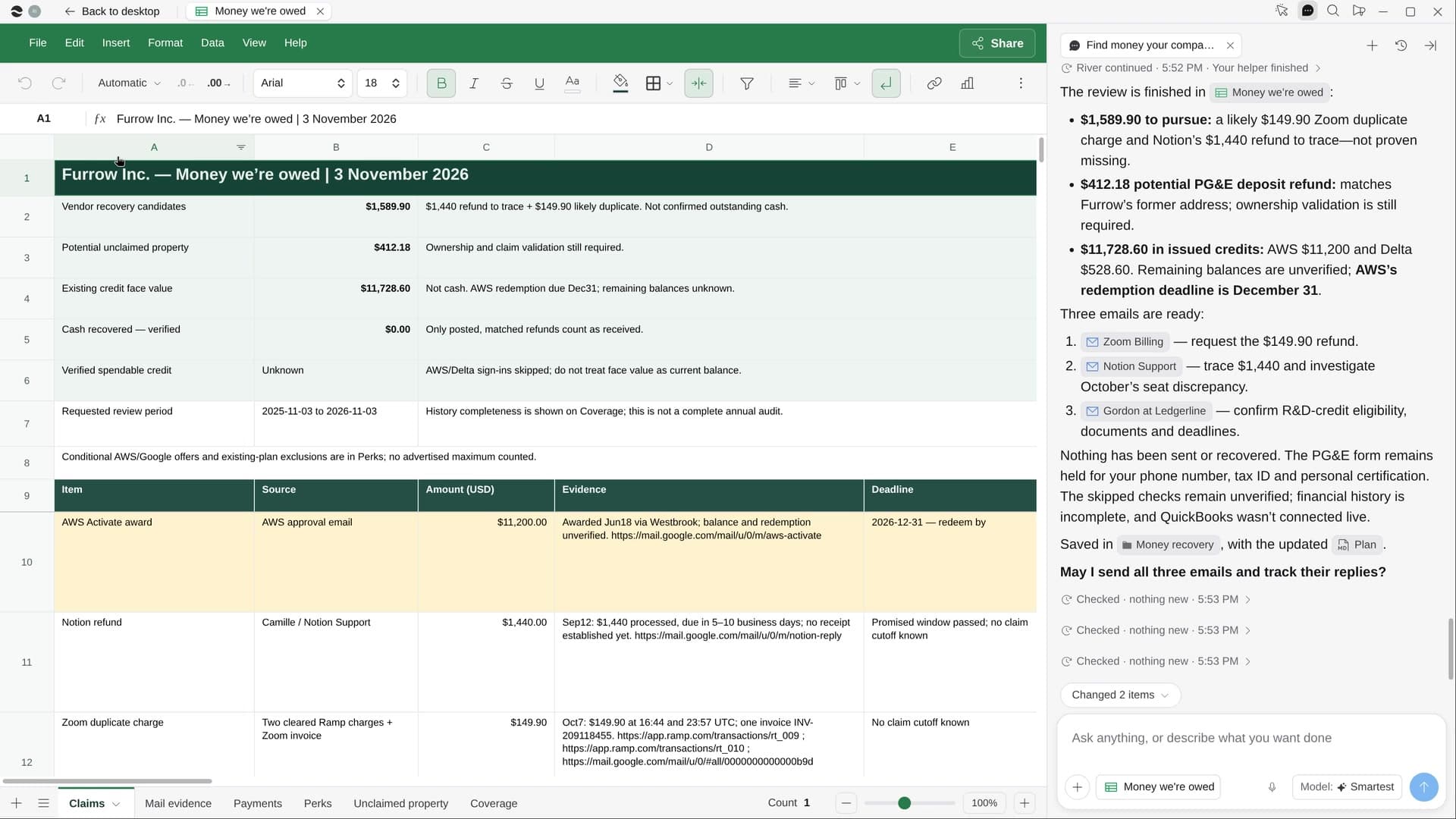
StartChase receipts for month-end closeRiver finds missing receipts in email, asks teammates for the rest and tidies the books before close.StartBuild a 13-week cash forecastRiver builds a week-by-week cash forecast from your bank, Stripe, bills and payroll, and flags the tight weeks.StartFind money your company is owedRiver hunts down unused credits, missing refunds, double charges and perks, and lines up each claim.Start “Chase receipts for month-end close”
Press + in your Dock, open Playbooks, and press Start. River pulls last month’s missing receipts from your card platform and starts matching.
A few things to know.
What will my teammates receive?
One Slack message or email each, listing only their charges with merchant, date and amount, and asking them to drop the receipt in the thread.
Does it fix uncategorized expenses too?
It suggests a category for each uncategorized line from how that merchant was categorized before, and finds vendor bills in your inbox that never made it into the books.
What does it cost?
It uses your plan’s AI credit, like everything else in River. It works with the Ramp, Brex or Expensify account your team already uses.
View pricingMore for finance professionals.
All finance professional playbooks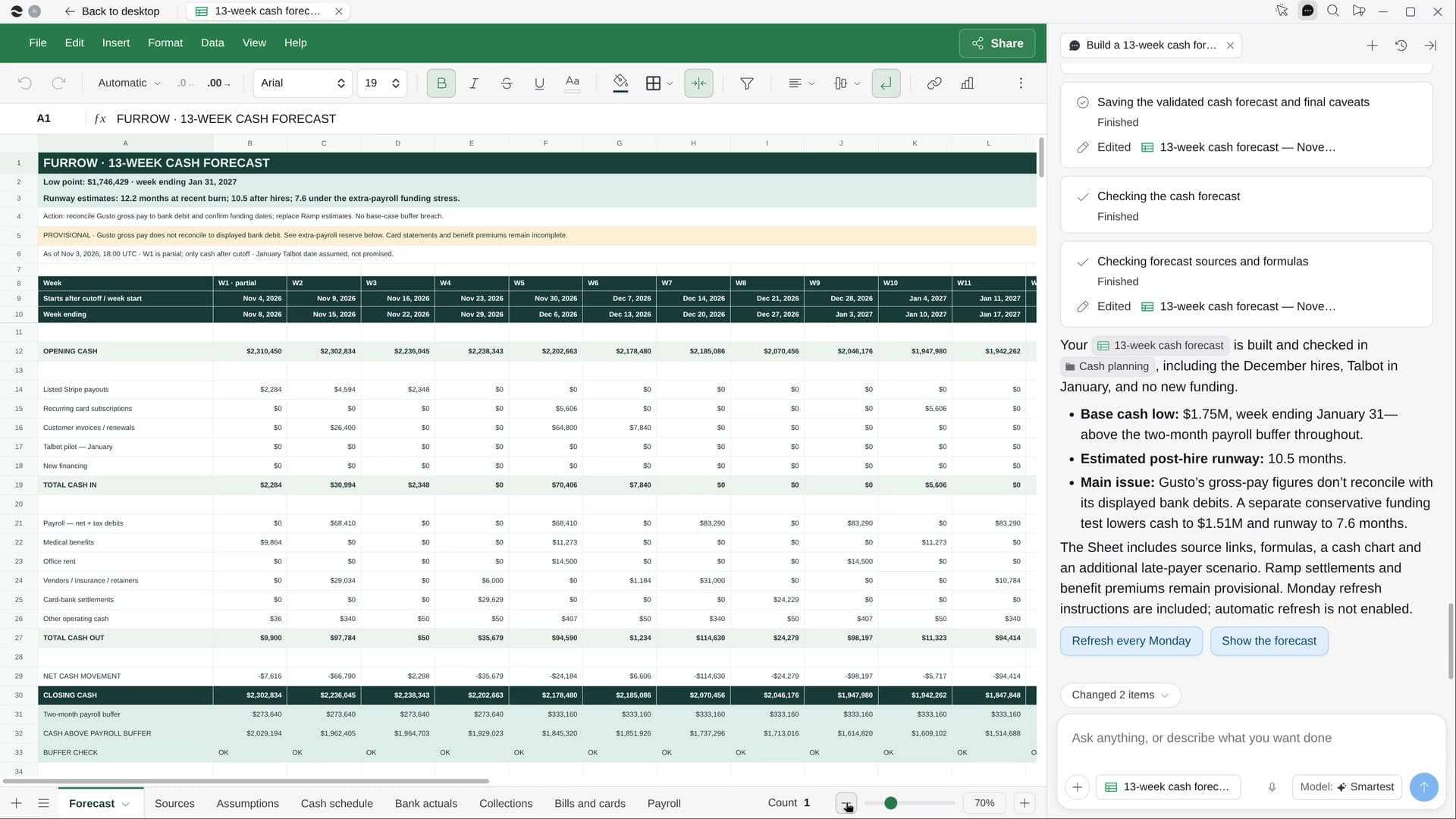
Try it on your own work.
Download River, choose Finance professional, and press Start on “Chase receipts for month-end close”.